To login to CRM, you can use the R2 Employee login credentials itself.
-
Open the CRM application.
-
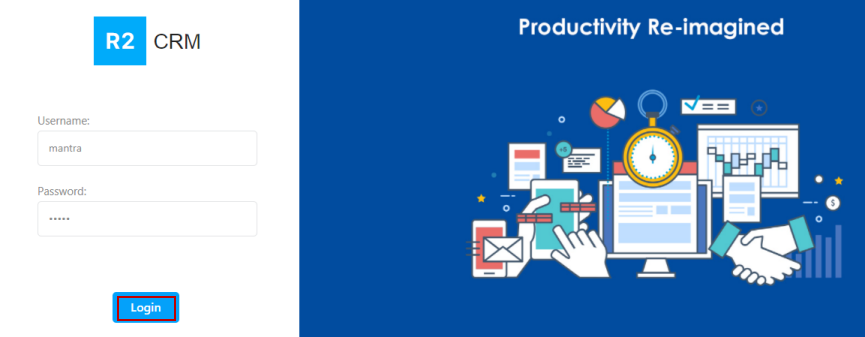
Provide the username and password in the respective fields.
-
Click the Login button.
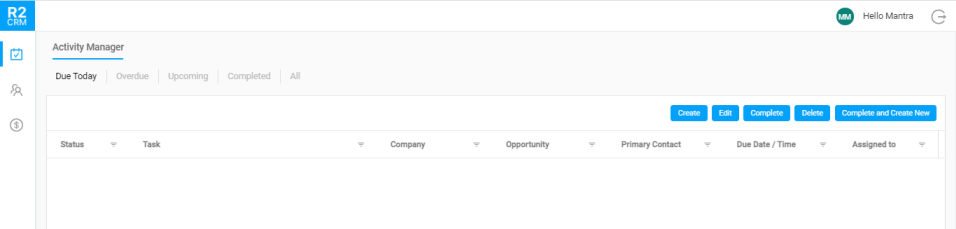
After successful login, you will see 'Activity Manager' window as a start-up page as shown below.
Click here to know more about Activity Manager.
Logout
-
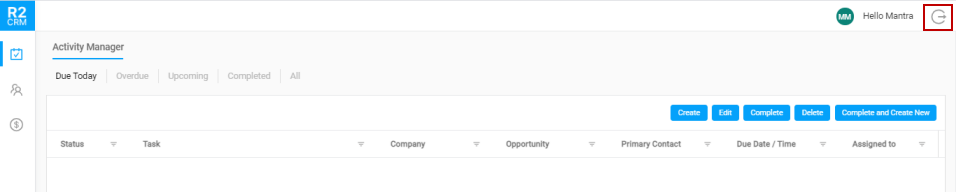
Click Logout icon which is at the top-right corner.
-
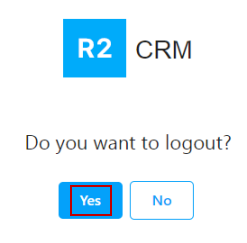
Click Yes in the confirmation pop-up to logout.