
Editing refers to altering or modifying an existing record/information of the company. During editing, all the fields of the company are available for modification.
-
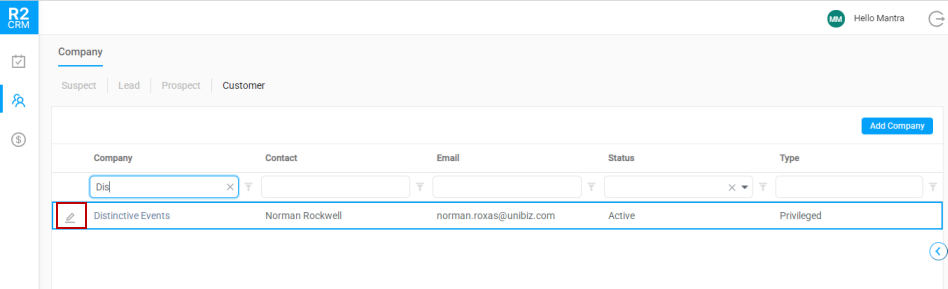
Search for the company and click the Edit icon.
-
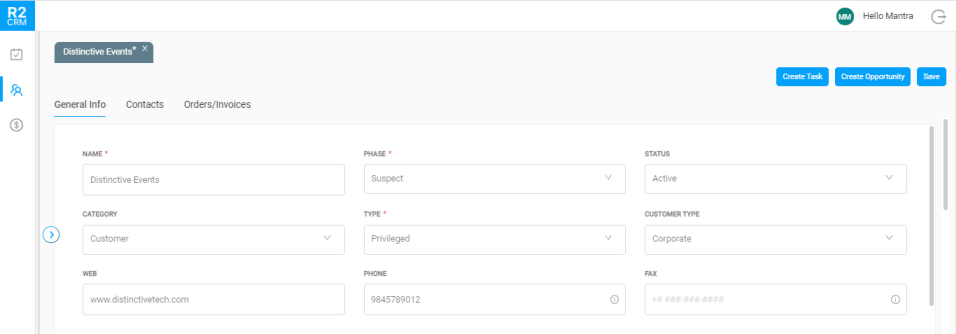
The edit window displays.
-
Modify the data as required and click the Save button.
A confirmation message displays once the changes have been saved.