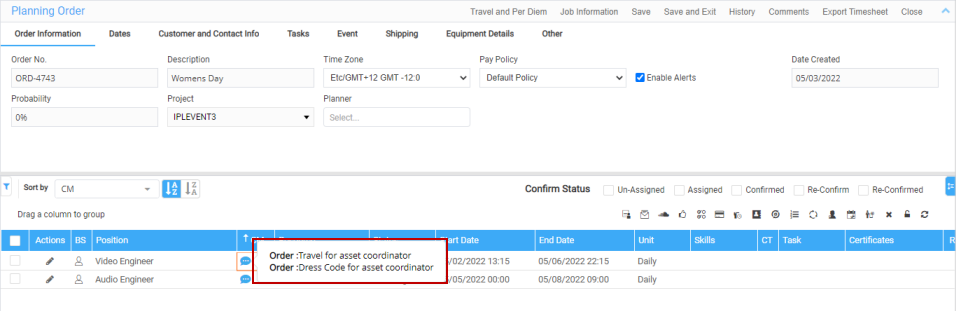
The comments column help you by indicating Labor Position comments exists in R2.
Sample Workflow
-
Create an Order in R2, add Labor positions, and assign EWT to the positions.
-
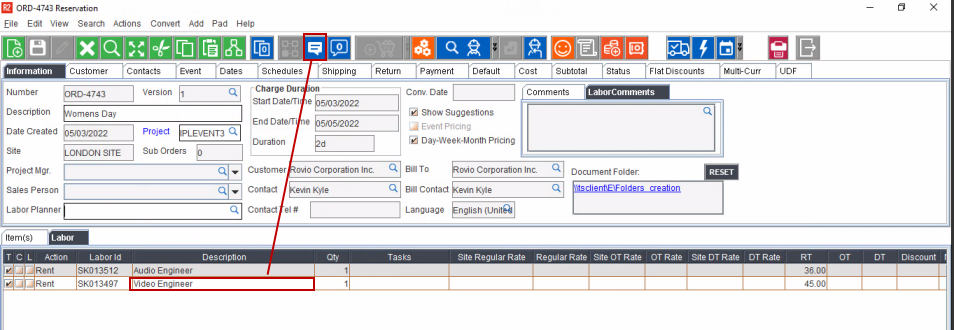
Select the Labor position and Click Comments icon.
-
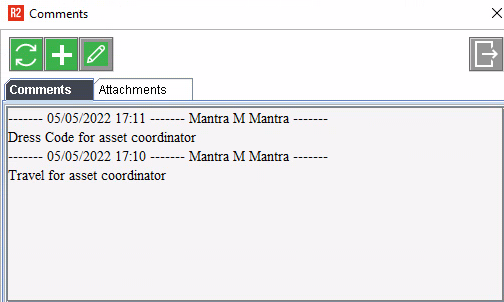
Enter labor position comments. Save the Order.
-
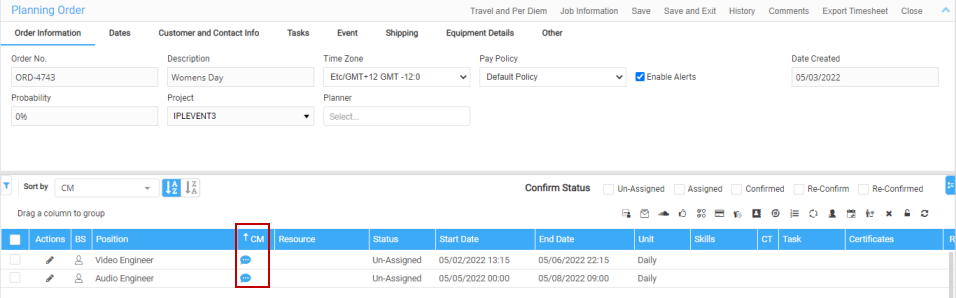
In Labor application, open the order in planning order.
The Comment icon shows in blue to indicate comments are present.
-
Mouse hover on the comment icon, tooltip displays the comments from R2 Labor Lines.
Figure 3.0: Tooltip Displays The Comments