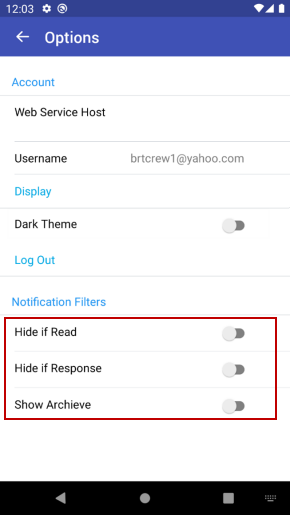
Crew Portal Mobile Application to provides option in the settings page inside app to define three notification filters..
-
Hide if Read: If this filter selected, then notifications gets hidden once they are read.
-
Hide is Responded: If this filter selected, then notifications gets hidden once they are responded to.
-
Show Archives: If this filter selected, the app maintains an archive of read, responded, and deleted notifications and messages..