You can search for particular order in warehouse tasks/schedules by various parameters such as Order ID, Customer, Description, Event, Project.
Workflow
-
Go to Any operation Prep, Fill, Ship or Return.
-
Click on Search Icon
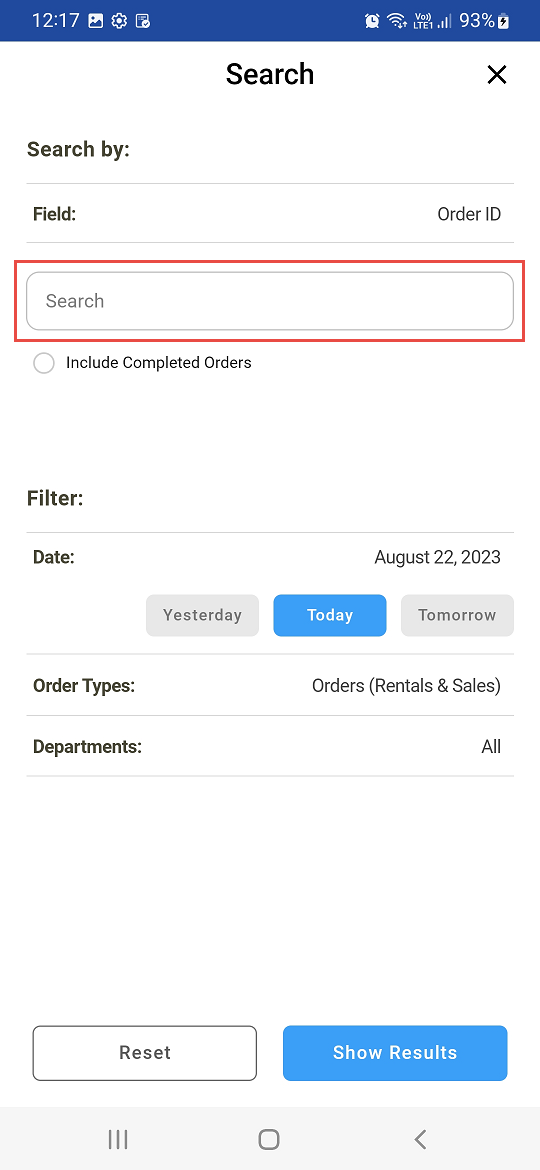
Search Screen is displayed
-
Search with complete or partial search string in Search field
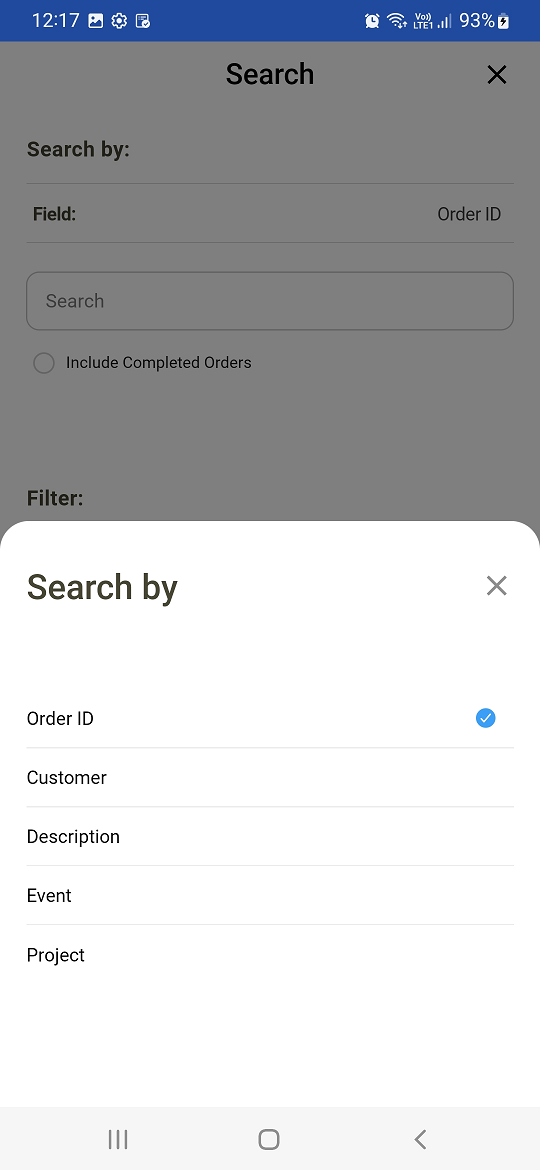
Search criteria options
-
Search a schedule by
|
Search Fields |
Field description |
|---|---|
|
Order ID |
You can search schedule by selecting Order Id |
|
Customer |
Search schedule by Customer associated with the order |
|
Description |
Search schedule by Description of the order |
|
Event Name |
Search schedule by Event name. |
|
Project Name |
Search schedule by Project name |
-
Schedule search gives the list based upon default inputs from Settings screen.
-
PackNShip App lists the tasks/schedules matching the search criteria according to the following filters
-
Date Filter
-
Yesterday - Schedule Date equals yesterday’s date
-
Today - Schedule Date less than or equal to today’s date
-
Tomorrow - Schedule Date equals tomorrow’s date
-
-
Order Type filter - like Sale, Rental, Transfer order
-
Departments filter - Departments such as Audio, Video, All.
-
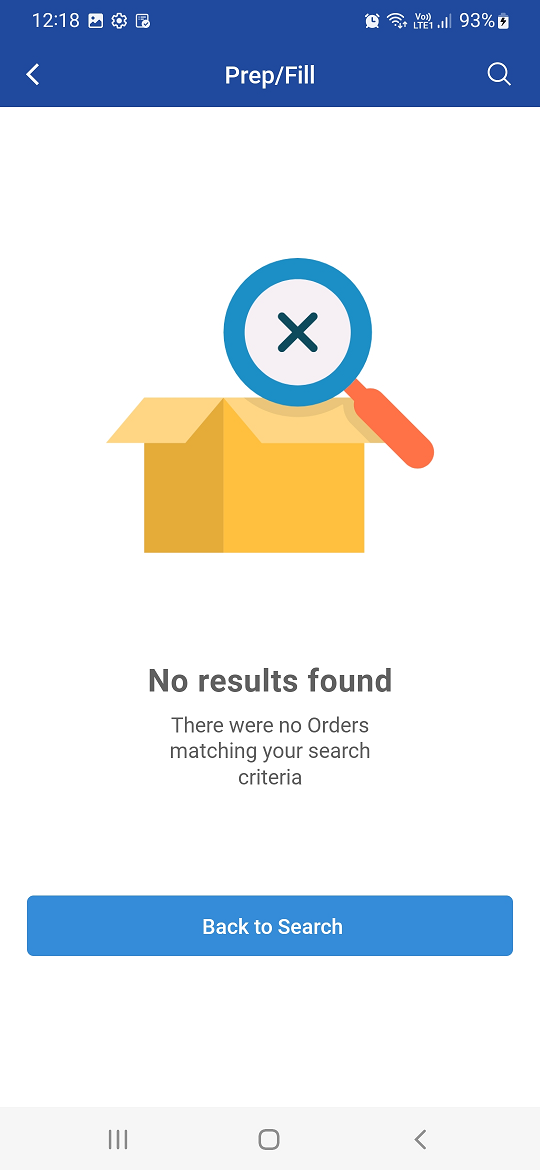
If Orders are not found for the given criteria it shows appropriate error message.
Item searched by Order ID
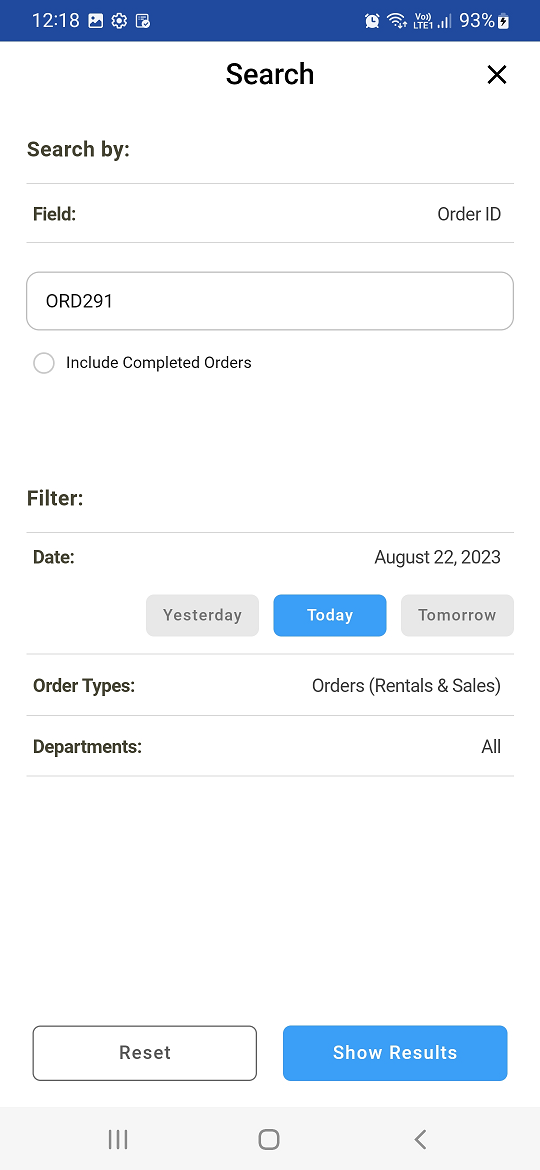
An error message is displayed when Order Id is not found or wrongly entered or Order Id doesn't exist