
Search in the R2 EquipFinder appears in two places
-
A Search bar on the Equipment Request workflow screens
-
A Search from the bottom Navbar which can be accessed at anytime
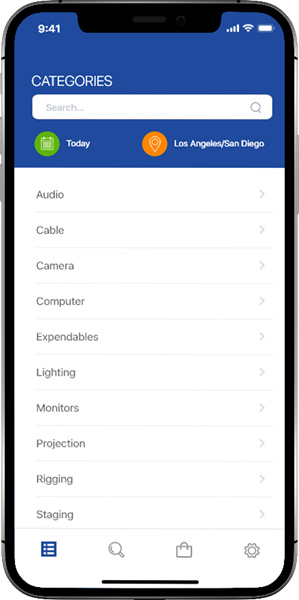
1. Search on the Equipment Request workflow screen
The Search bar at the top of the Category, Sub-Category, and Item screens:
2. From the Navbar
The Task Statuses are color coded for easy and quick recognition.

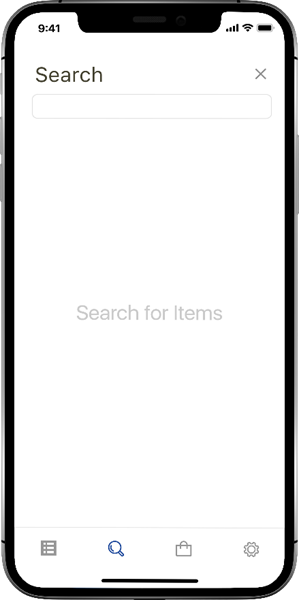
The Standalone Search screen
-
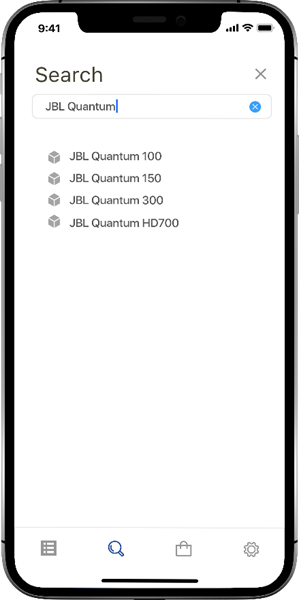
Type in an item description into the search bar. Items matching the search term appear
-
Clicking on an item takes you directly to the item details screen
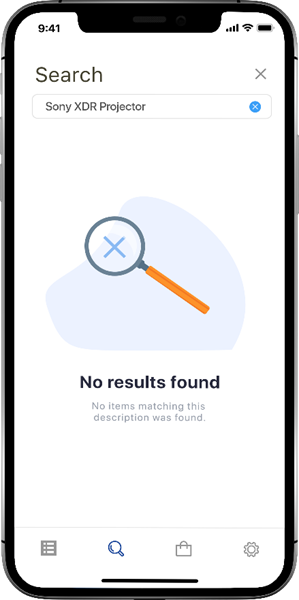
If no matching items are found, a message appears.
-
Use the clear search icon in the search bar to clear and type in another search term
