
-
From the Sign-in screen, click the “Forgot Password” link
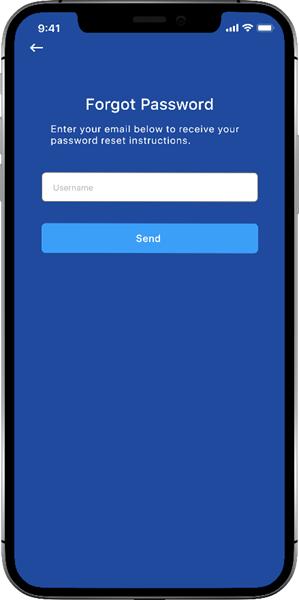
The Forgot Password screen appears
-
Enter your email address and click the Send button
A confirmation message appears
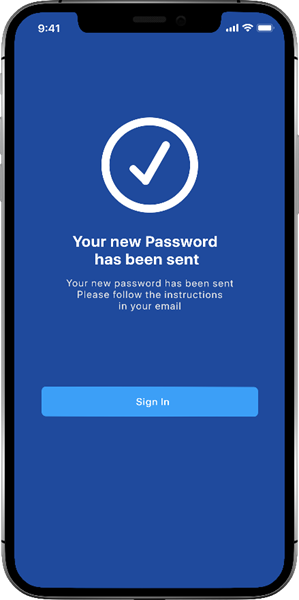
Instructions for resetting the password is sent to the specified mail address
-
Click on the Sign-In button to return to the sign-in screen