
-
Begin at the Account screen. Click on View → Transfer Orders.
-
Search for the transfer in order (T-IN) and double-click on it to open.
-
Click on the Receive

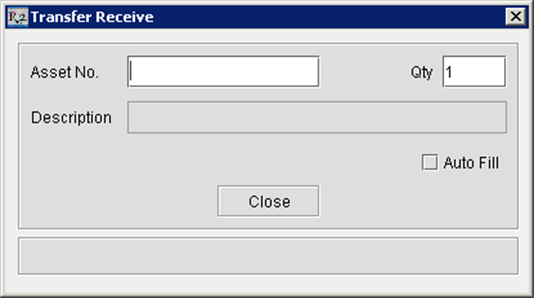
The inventory is now available in your local site and has been reduced from the shipping site.