
To access the Transportation Module, open the R2 Launch Pad and click on WAREHOUSE. Begin by clicking on the Transportation icon.

Upon opening the Transportation Module, the following window will appear:
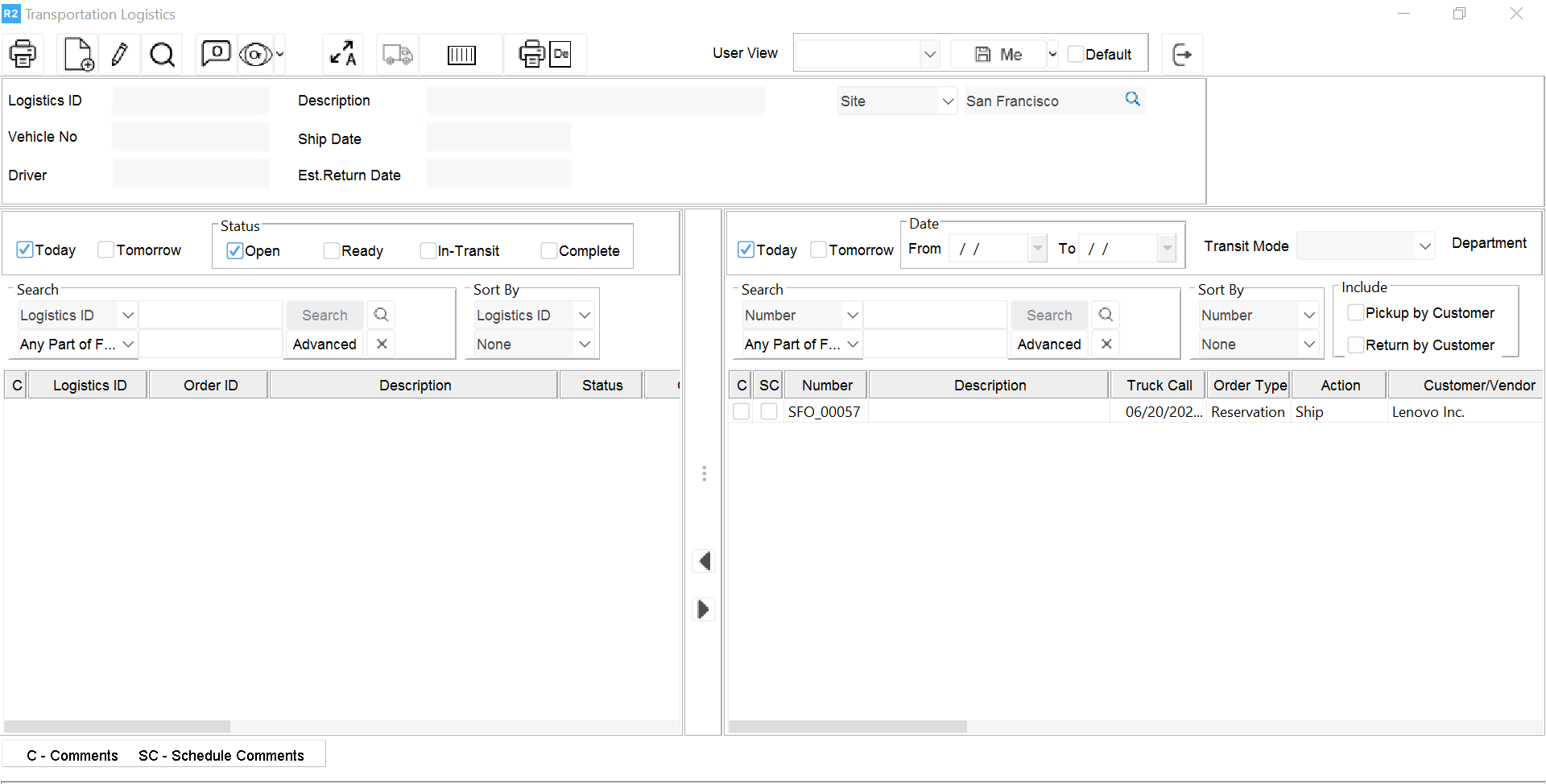
Click on the New icon 
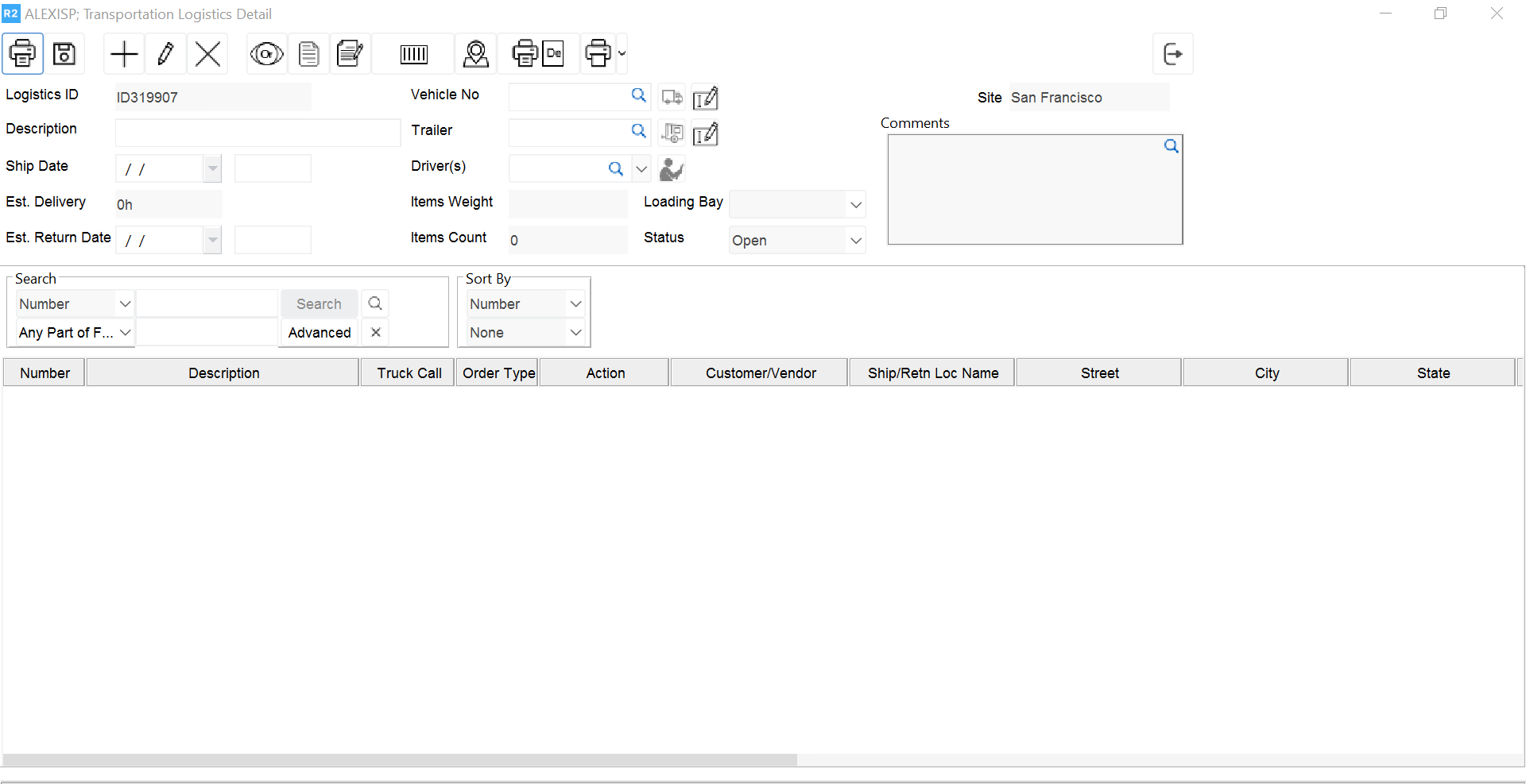
Description: Description of the transportation task. Dispatch Date Enter the dispatch date and time.
Est. Return Date: Enter the date you estimate the order will be returned. Comments Enter shipping comments that can be printed optionally.
Truck Number: Select the truck number this order will be dispatched on (see the Trucks & Drivers section for details.)
Driver Name: Select the driver’s name (see the Trucks & Drivers section for details.)
Order: Assign the order or orders that are assigned to this specific truck.
Note: it is possible to generate transportation details that will include more than a single order.