A Part is created with the purpose of being consumed during the repair or service of an Item or Asset which has been rented out and requires scheduled maintenance or is currently damaged. For that reason, the first step in creating a Service Package (Which will be linked to a Service Group) would be to create a Part that will be used for the repair. To create a Part:
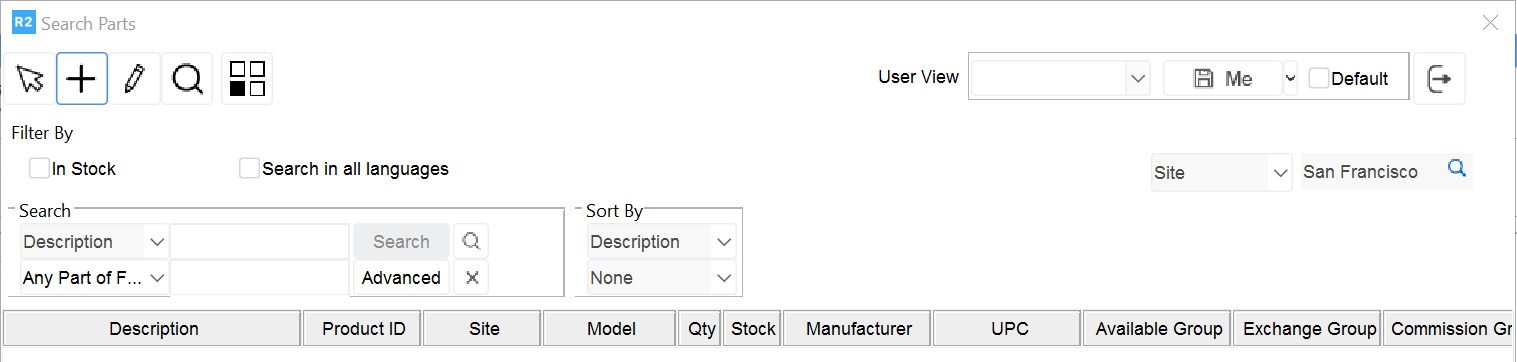
From the Service module, Click on Search>Parts>Parts
.png?cb=57bcf935092c936d4252cb2ca50db44c)
From the Search Parts screen, Search for the required part, Then click the Ok icon