Service Groups composed of Service Packages and Parts may be linked to a maintenance schedule from the Schedule Edit screen and will now become part of the Schedules List. To create a Service Group:
Click on the Service Group Icon.

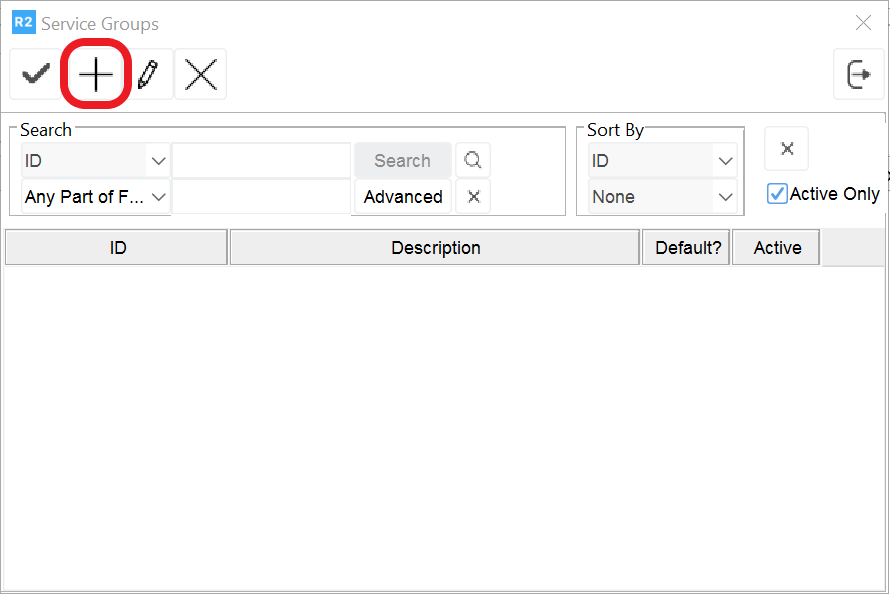
From the Service Group screen, Click on the Add Icon. Enter the Group Id and Description.
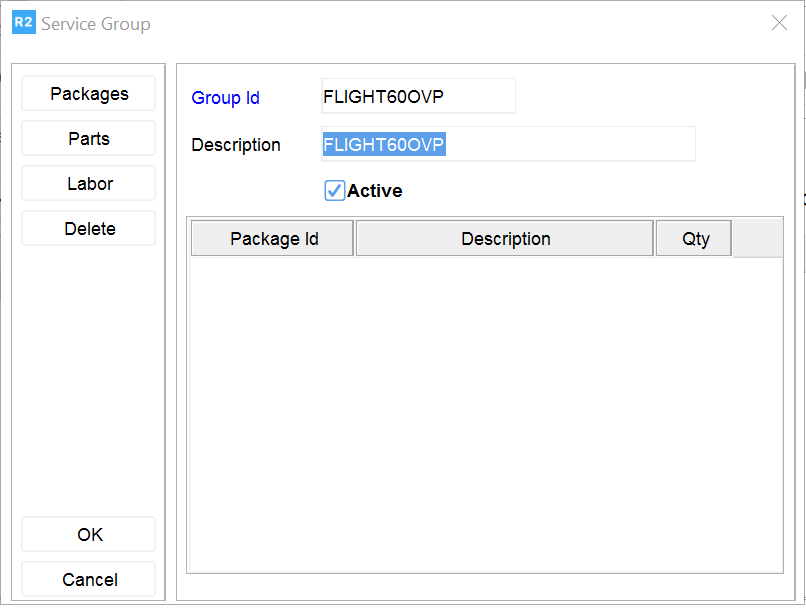
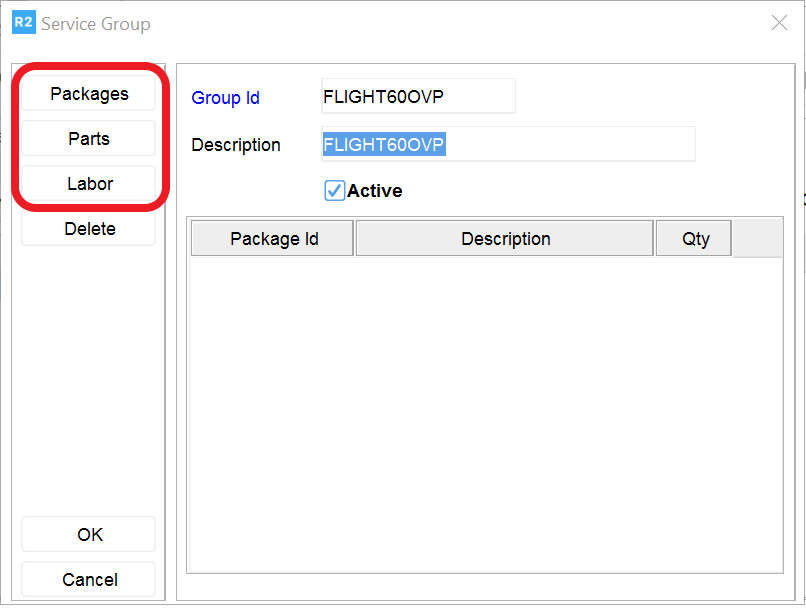
If you need to add packages, parts, or labor click on the appropriate buttons and add as needed: