To view overdue items click the Overdue 

The overdue screen will be displayed. Enter the wild character “%” to search for all overdue items. Click the Search button to execute the search.
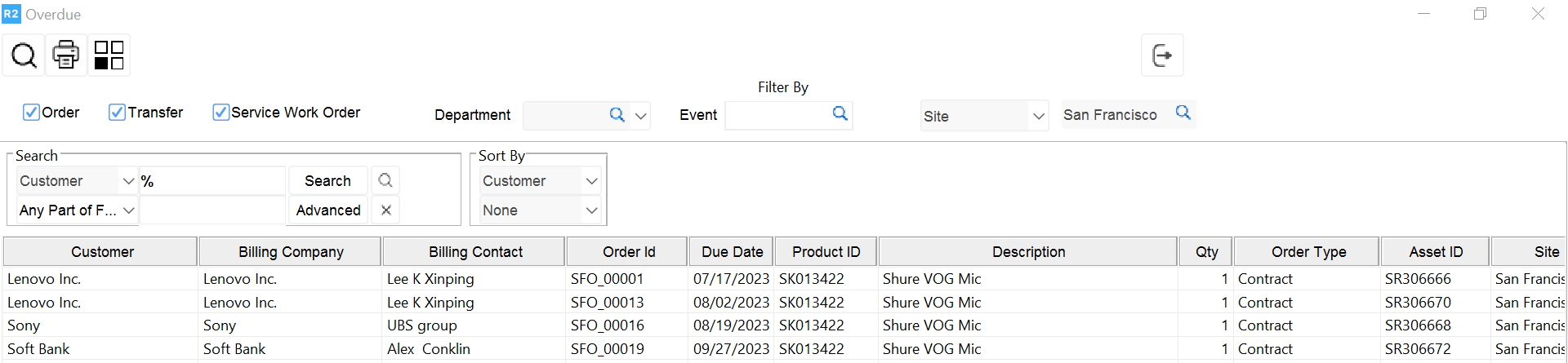
Overdue items will be searched in the current site. To view overdue items by sub-region or region select the desired option from the dropdown list.
.png?cb=5c576ce7cd9e0a4b52611f9ec6ee8b70)
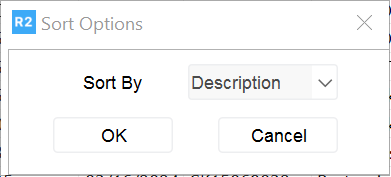
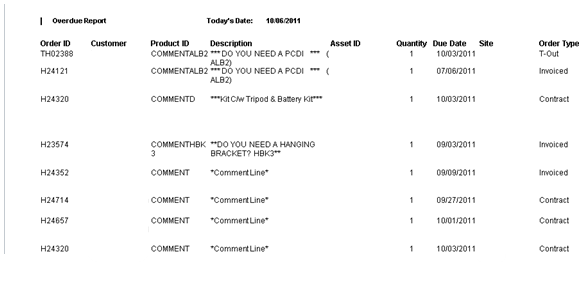
To print the report click the Print