
If you’ve mistakenly scanned an item into the wrong container, or later find that an item must move to another container, simply open the PREP task from the Warehouse again.

Right-click on the item and click on Add Container:
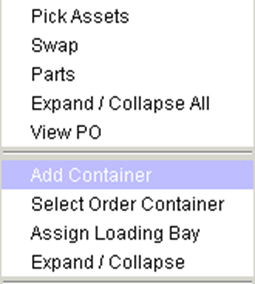
Double-click on another Container to switch the container that item is assigned to.