
Content was last updated in 06.22.08-00
Revision History
Version No.
|
Reference No.
|
Changes
|
|
06.22.08-00 |
Not Applicable |
Content for entire Security Module was refurbished. |
From the Security Menu bar, security policies can be set for various windows of R2.

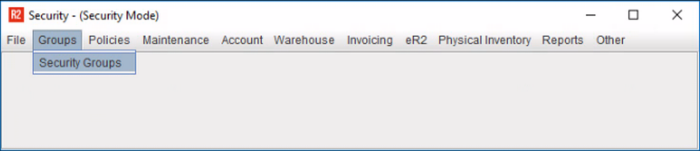
Security Group Menu
This is the nerve center of Security Settings. Click on 'Security Groups' menu button, to configure the Group Settings.
Security Policy Menu
This is the nerve center of Security Settings. Click on 'Security Groups' menu button, to configure the Group Settings.
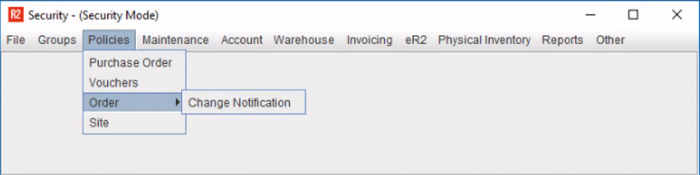
For the rest 8 options…

Security can be applied either at Screen Level, Item Level. Each of these menu have several sub menus re-directing you to the window security setting can be applied. Shown below are the screenshots of menu/sub menu provided in the Security module.