You can capture the notes related to the opportunity. Follow the below steps to do the same.
-
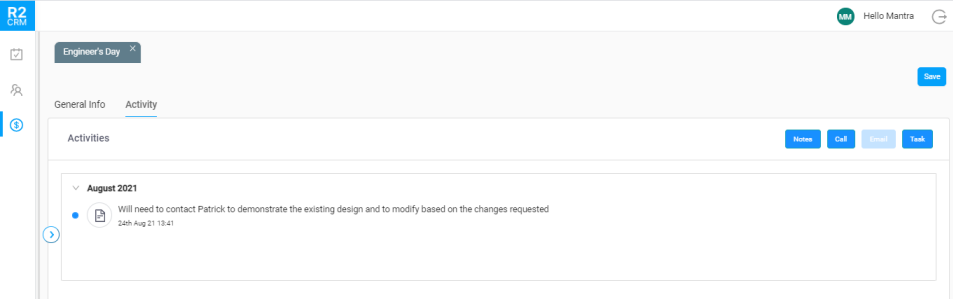
Click Notes button.
-
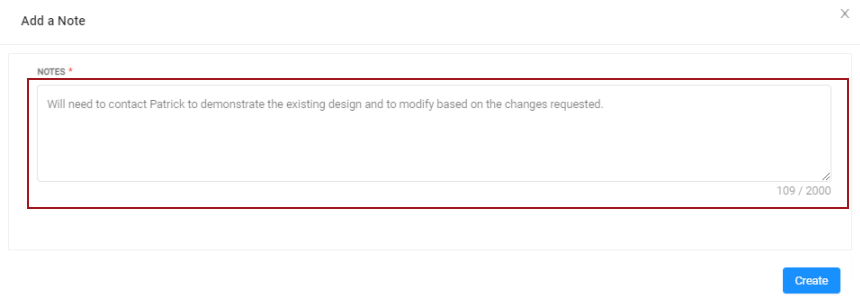
Enter the notes related to the opportunity in the textbox. This is a mandatory field to fill.
-
Click the Create button. The created note displays in the timeline view.
-
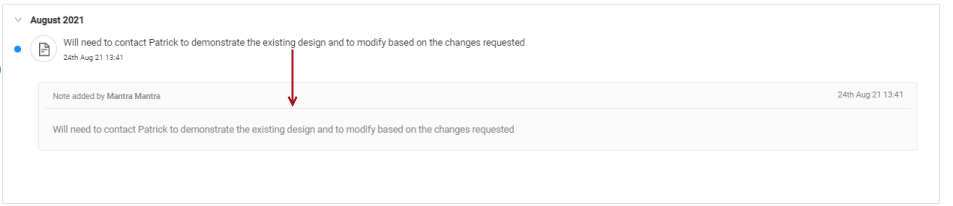
To see the details who captured the notes, you can either click the note icon/message line itself. The window expands to show the details.