Once a company transits to 'Customer' phase in CRM, it can be viewed from within R2.
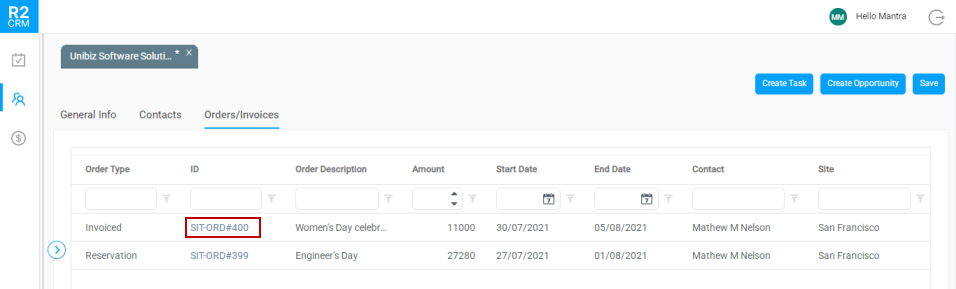
A summarized version of quotes/reservations or invoices generated in R2 against the company is visible in 'Orders/Invoices' tab. These Invoices/Orders are however visible only in read-only mode. Also, you can filter the data in this tab.
To view the Order/Invoice details,
-
Click the Orders/Invoices tab.
-
Click ID link as shown below.
-
A summarized view of an invoice/order displays and it consists of the following three tabs.
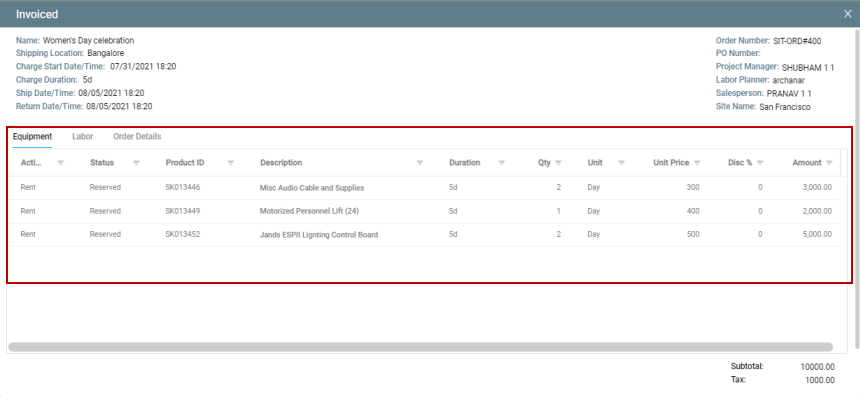
Equipment: Displays the Item related details.
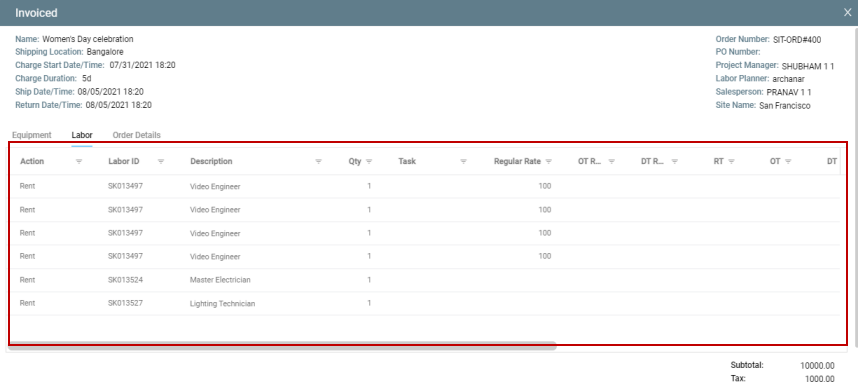
Labor: Displays the Labor position details
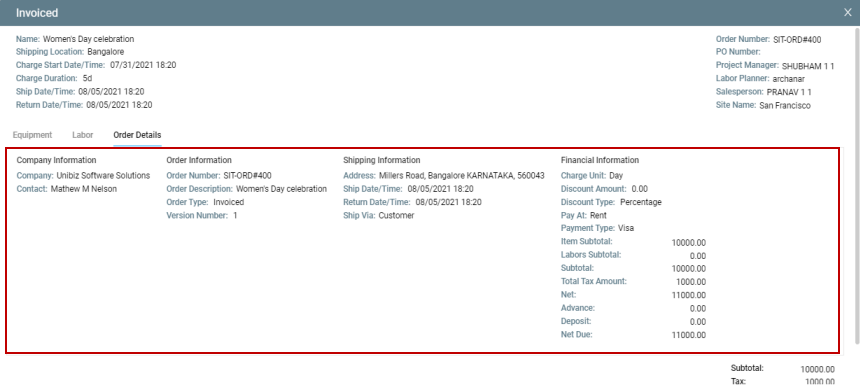
Order Details: Displays the quote/reservation details.