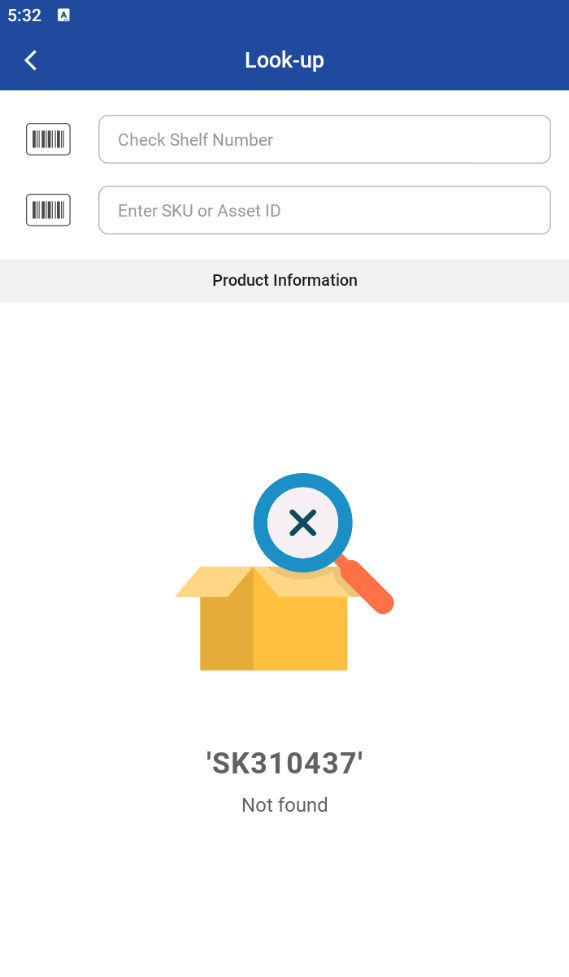
In Product Lookup screen you can scan quickly and see information about any product in order to inspect and return the product to the proper shelf.
-
Click on Item look-up
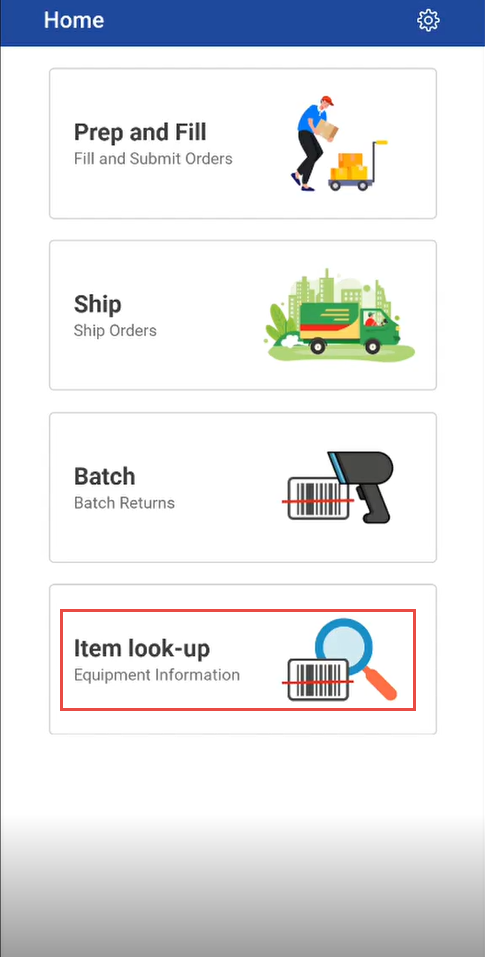
-
Scan or enter the Asset ID or Product ID and it displays the following information about the product.
|
Field name |
Description |
|---|---|
|
SKU |
Stock Keeping Unit number using which the identity or reference of the Item is maintained in R2. |
|
Asset ID |
Asset ID of an the specific Item. Every Serial Item has its own unique ID, called Asset ID, using which that specific piece is referred. |
|
Bin |
Box/Tray in which the item is kept on a the shelf referred below. |
|
Shelf |
Shelf of an asset belongs to |
|
Manufacturer |
Manufacturer of an Item |
|
Asset Status |
Asset status of an order like reserved, returned, not available |
|
Current Site |
Current site of an Item order belongs to |
-
Scan or enter the Shelf number.
-
If it does not match the Shelf number of the product/item, the app gives error message.