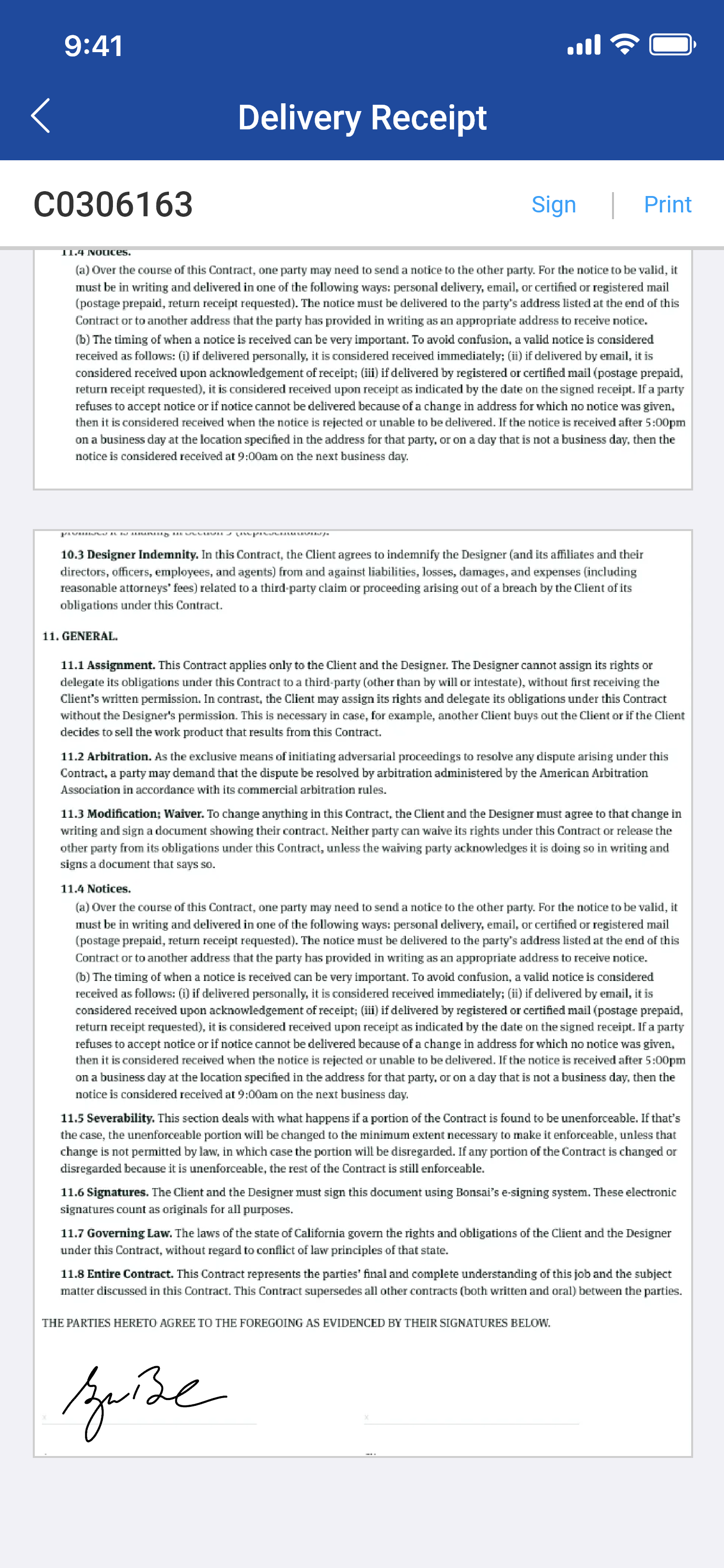
You have an option to add your signature to the delivery receipt generated for Orders.
Workflow
-
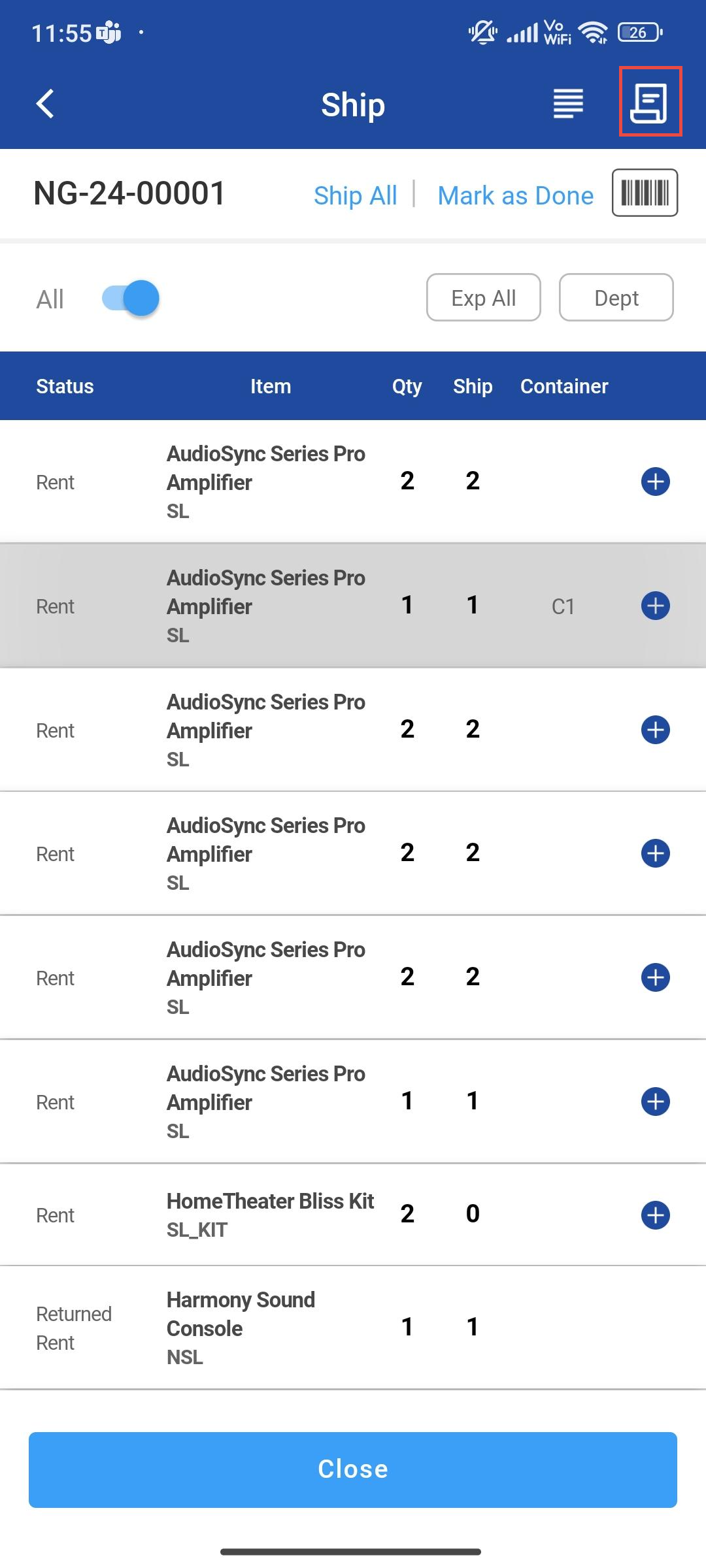
Tap on Delivery Receipt icon
-
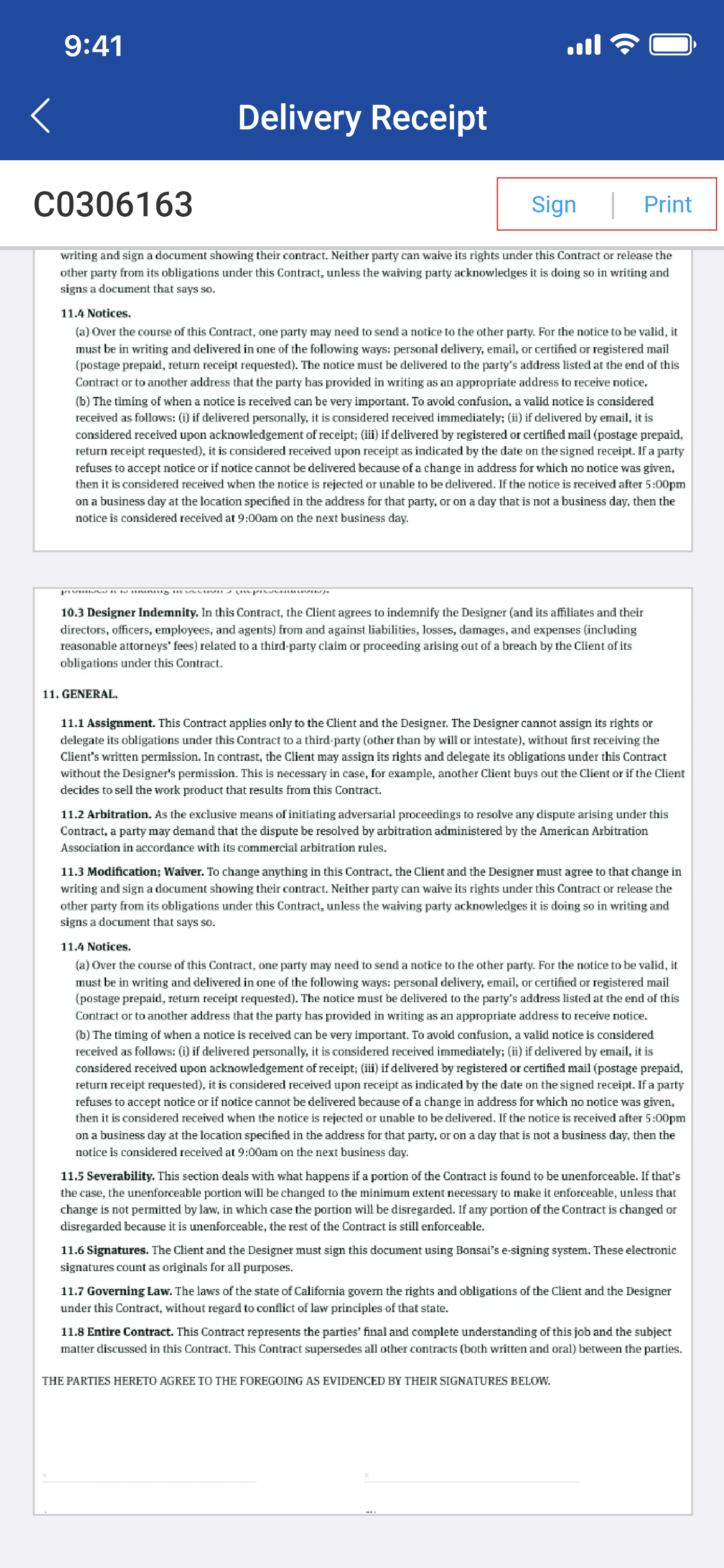
Delivery Receipt PDF View is displayed
-
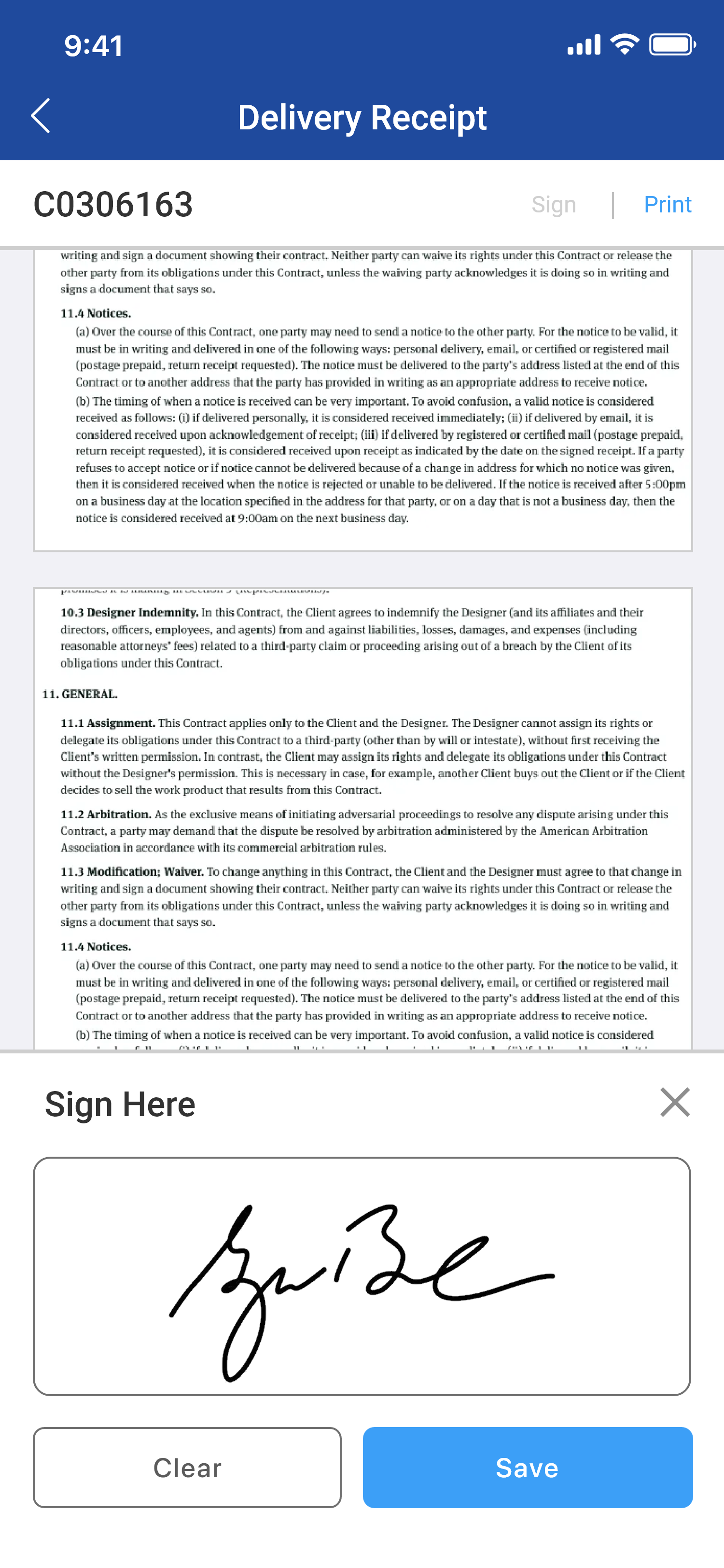
Click on Sign to open sign panel or you can click on Print to print without signature
-
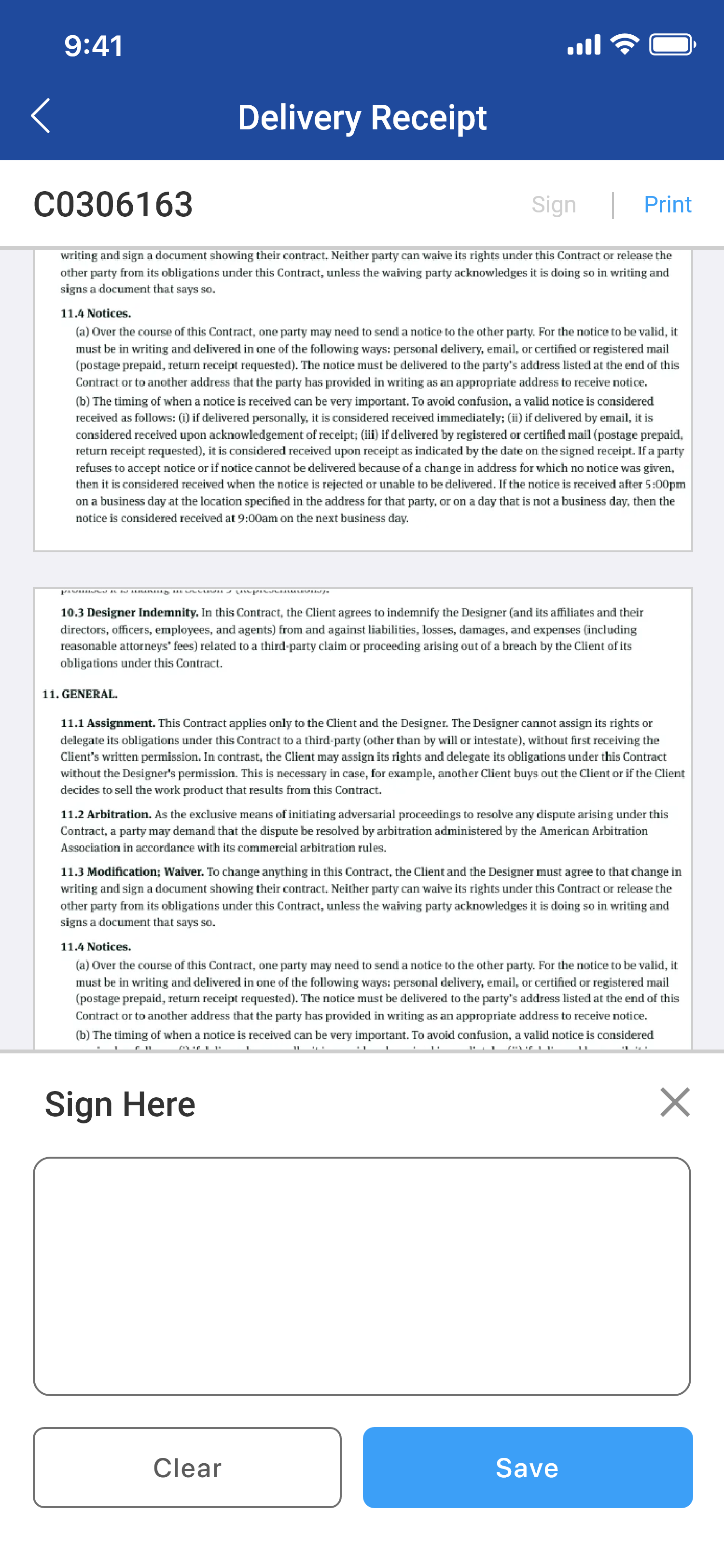
Sign panel is displayed below
-
Sign within the Panel
-
Click Save to save the signature to the PDF.