
Once the Planner or Project Manager creates a timesheet, you can easily track the time spent on each job and monitor the status of the timesheet. You will be able to see the day-wise timesheet, allowing you to see the exact amount paid for each day worked.
To view your timesheets:
-
Login to app.
-
Go to Timesheet though navigation bar at the bottom of the screen.
-
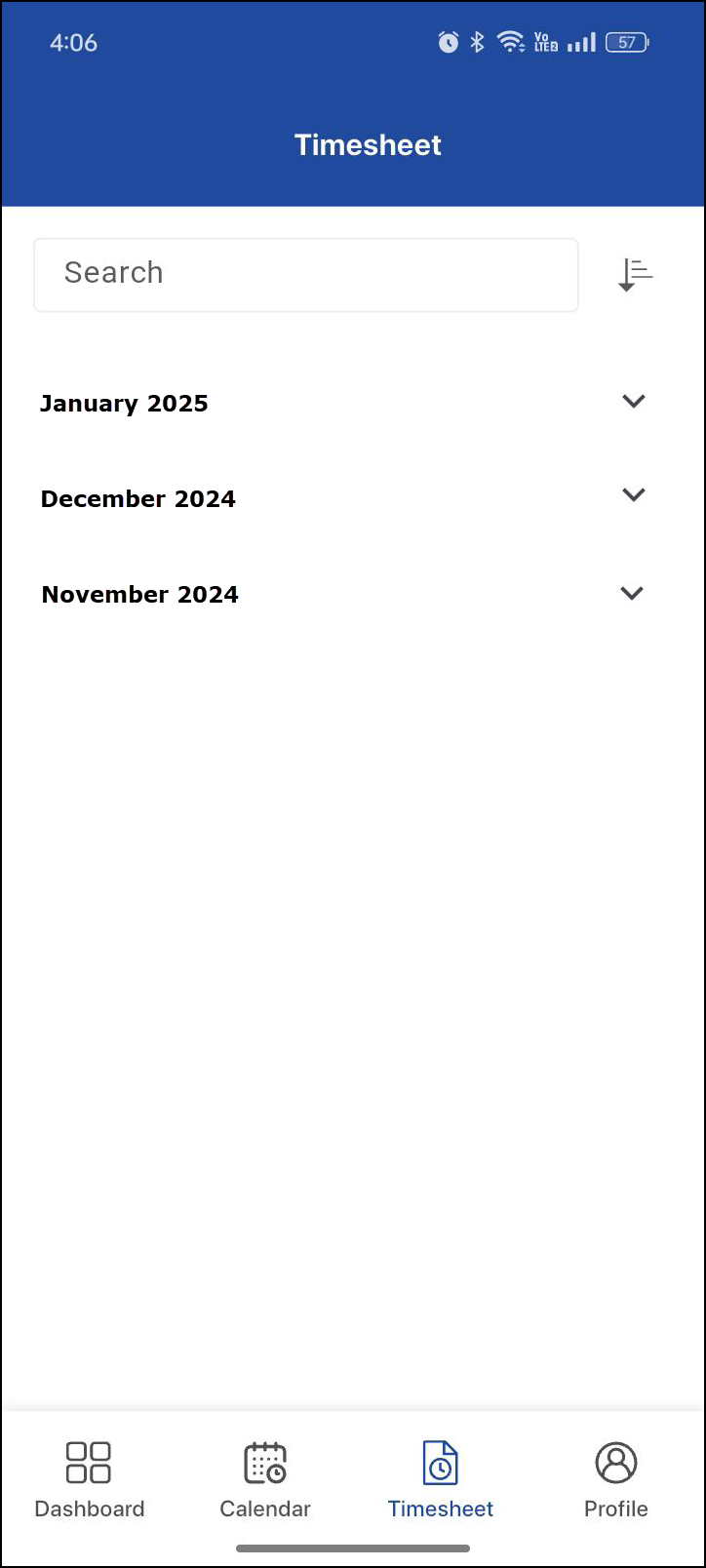
You’ll see timesheet records from the last 3 months. Use the search and filter options to view results. Know more..
-
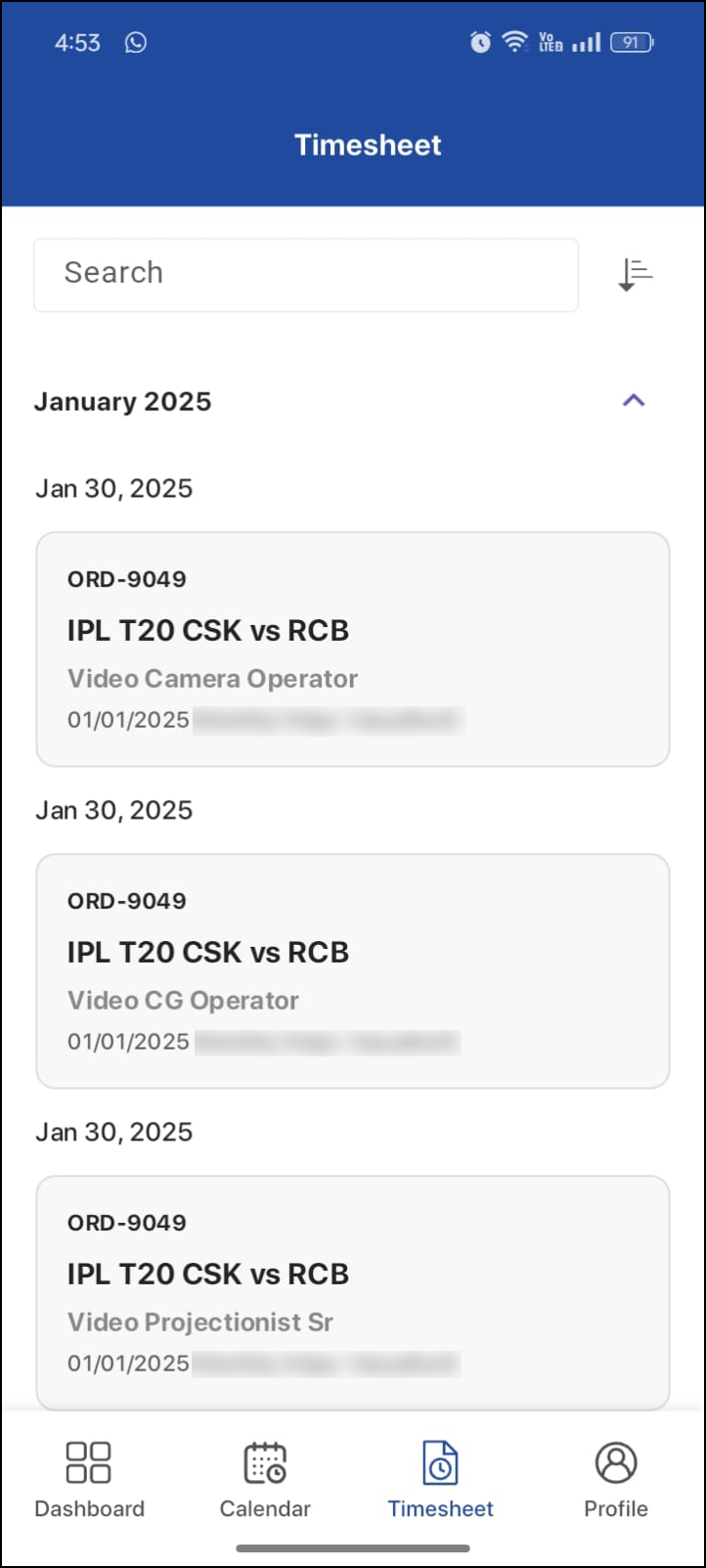
Select the desired month to view the jobs worked on that month.
-
Tap on a specific job to view daily timesheet details, including:
-
Time Logs: Clock-in and clock-out details with duration.
-
Break Hours: Time taken for breaks during the job.
-
Total Hours: Total hours worked on that day.
-
Amount: Total amount for the timesheet entry.
-
Status: The current status of your timesheet:
-
New: Created by Labor Planner or Project Manager.
-
Pending: Awaiting approval.
-
Approved: Approved and ready for payment
-
-
.png?cb=6774438c21b1ae89ca994561cc9e9f4f)
Search & Filter Timesheets
You can type in the search bar or filter timesheets based on specific time ranges. The available filters are:
-
Current Month: View timesheets of the current month.
-
Current & Previous Month: View timesheets from the current month and the previous month.
-
Past 3 Months: View all timesheets from the last three months.
.png?cb=d51a34d95414a87f9e47ed26cc827ff8)