To check equipment availability, dates are required. However, if you wish to simply search for equipment without entering dates, the system defaults to today’s date and allows you to proceed.
Dates and sites can be modified at any stage of the equipment request process prior to adding items to the cart.
-
To set dates click on the Dates Icon

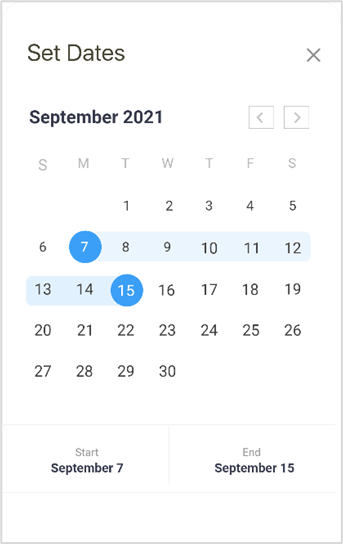
The Set Dates calendar appears
-
Specify a month and start and end dates.
-
Click the X (top right) to close the Calendar Overlay
The Dates appear on the request screen