To R2 EquipFinder allows you to search for equipment across your sites.
Your home site, as assigned by your administrator is your default selected site
-
Click on the Sites Icon

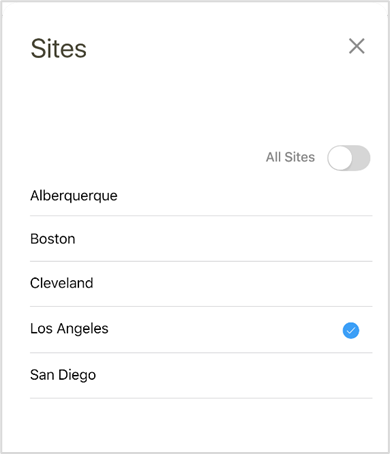
The Set Sites screen appears
-
Click on individual site(s) to select multiple sites or use the All Sites switch to select all
-
Click the X to close this overlay
The selected Site(s) appear on the request screen