
Work Orders or Service Work Orders help keep track of service/repairs done on items.
A service/repair can be requested by a customer/company or initiated by Warehouse Managers during a Physical Inventory audit.
The Work Order Tab in the Accounts Module > Order Window displays the list of all the Servce Work Orders created for a company.
You can directly open any Work Order by double-clicking on it.
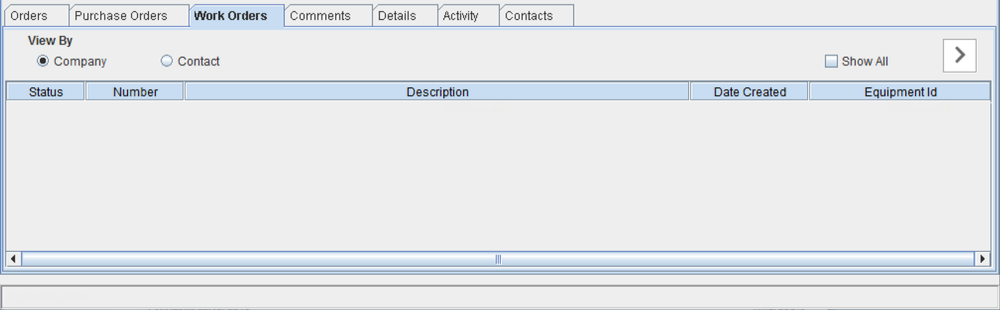
The SWO grid has the following fields. The window allows you to sort the grid on any of the 5 listed fields.
Field
|
Description
|
|
Status |
Displays the status of the Service Work Order. |
|
Number |
Displays the Service Work Order Number |
|
Description |
Displays the Description entered for the Service Work Order. |
|
Date Created |
Displays the date on which the service work order is created. |
|
Equipment ID |
Displays the ID of the asset that is used in repair |