
Upon creating a transfer order, the shipping warehouse will have tasks created for it so that it can fill and ship the items requested on the transfer.
-
Begin in the Account module of the shipping site.
-
Click on View → Transfer Orders.
-
Search for the transfer out order (T-OUT):
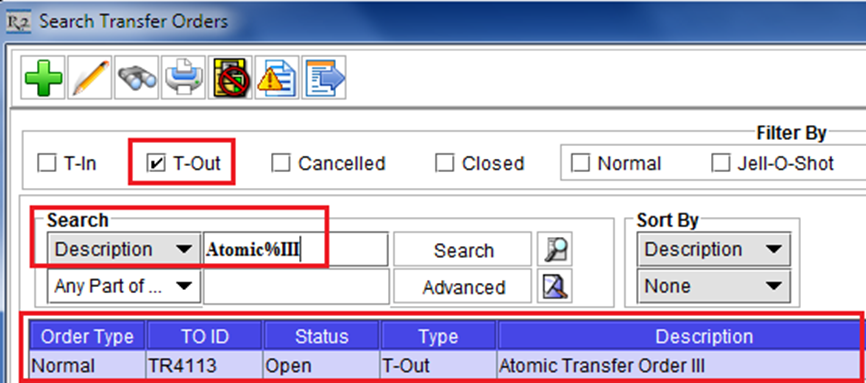
-
Double-click on the order to open it.
-
Click on the printer
