Items/Serial Kits Grouped by Container ID in Warehouse Schedules Accessed through Transportation Logistics
Details
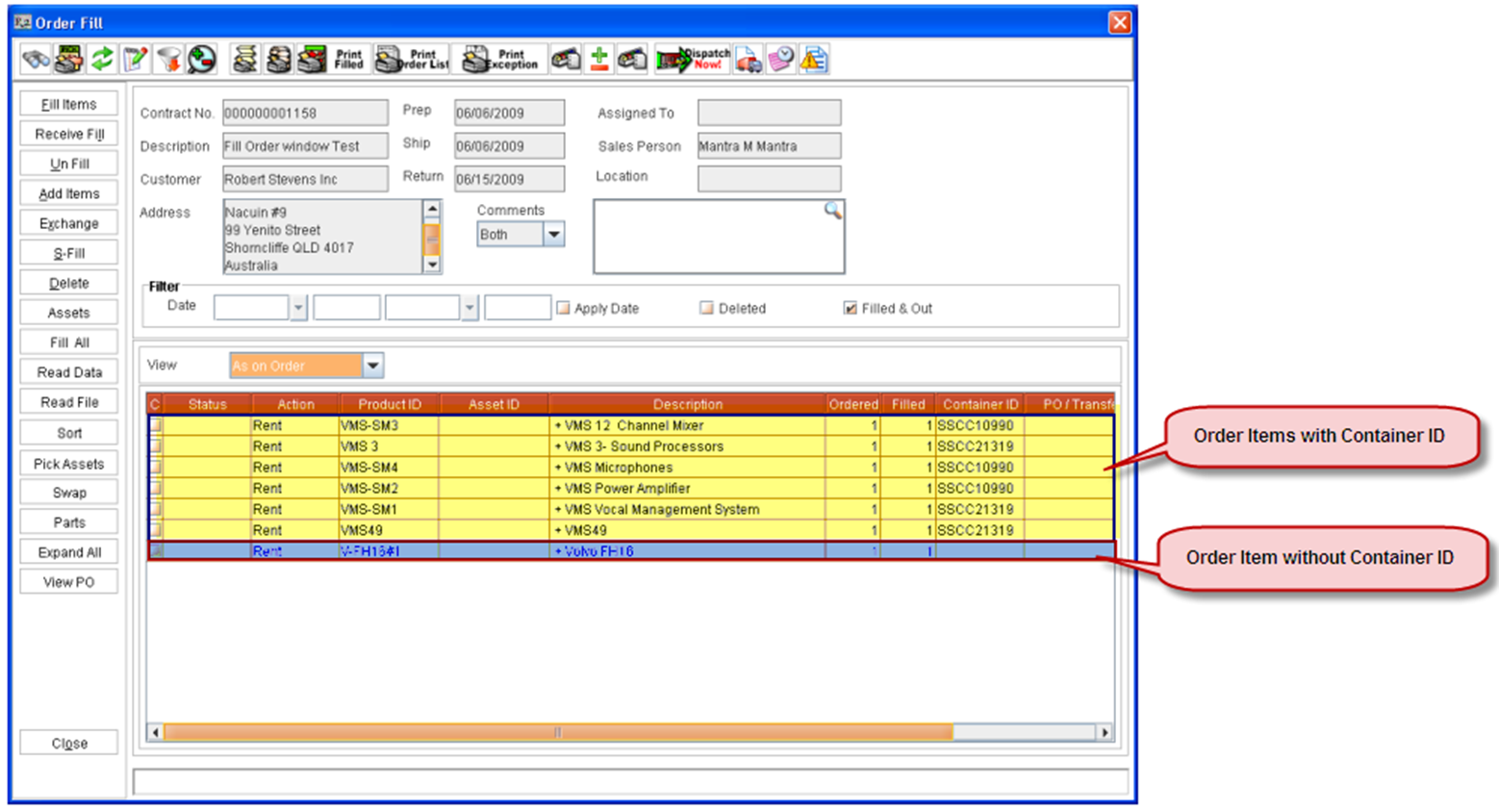
On opening a Warehouse Schedule via Transportation Module, by default the item view will be set to Group by Container. If the Warehouse task is open from any other Location from within R2, then the default view will be set to As on Order.
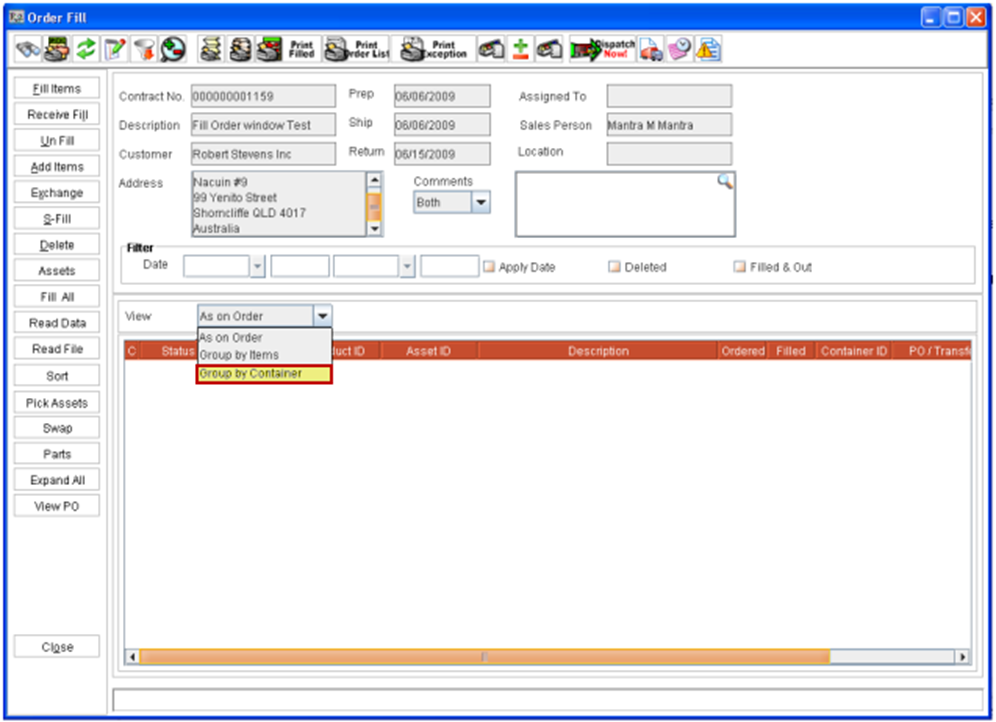
-
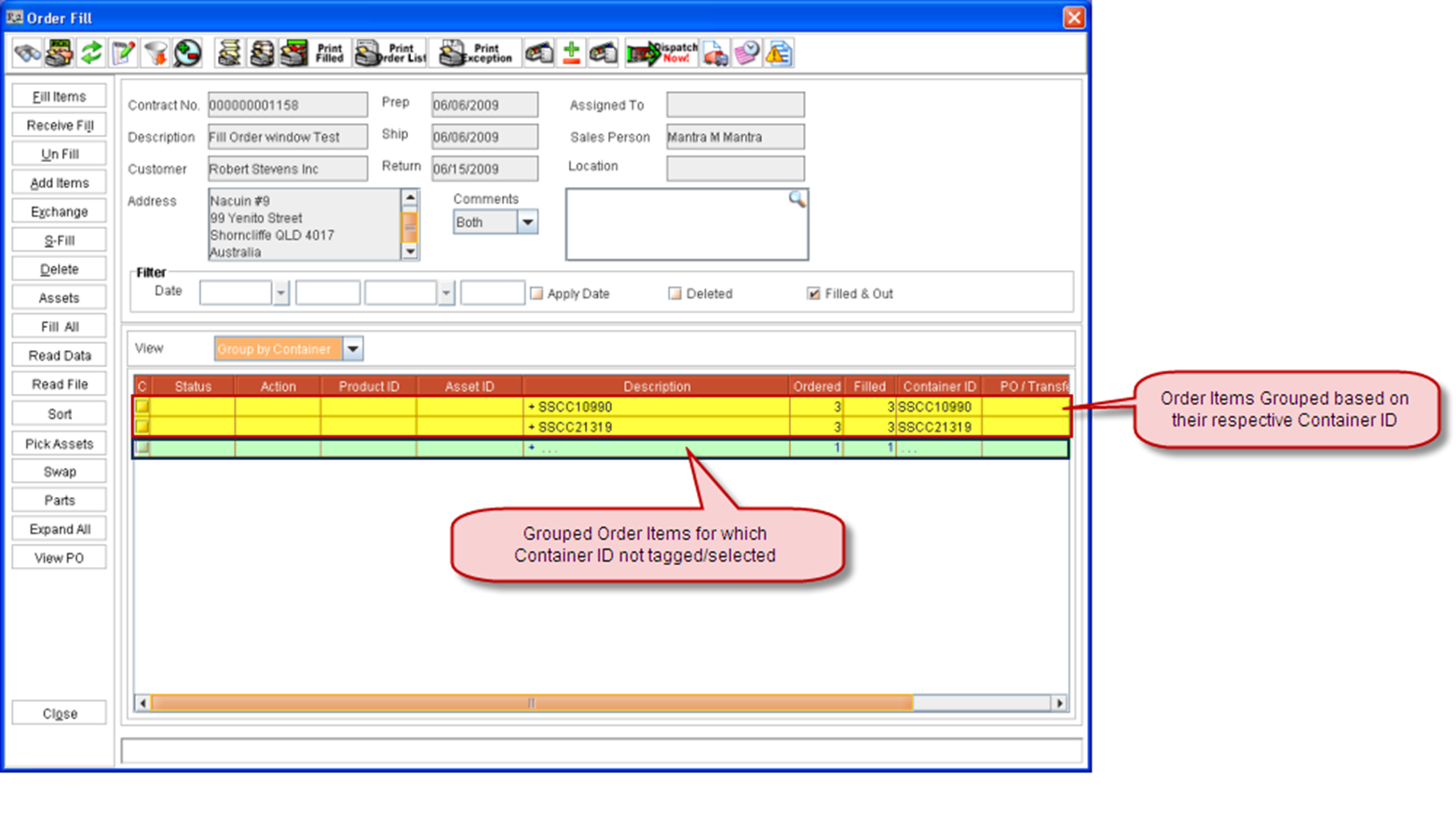
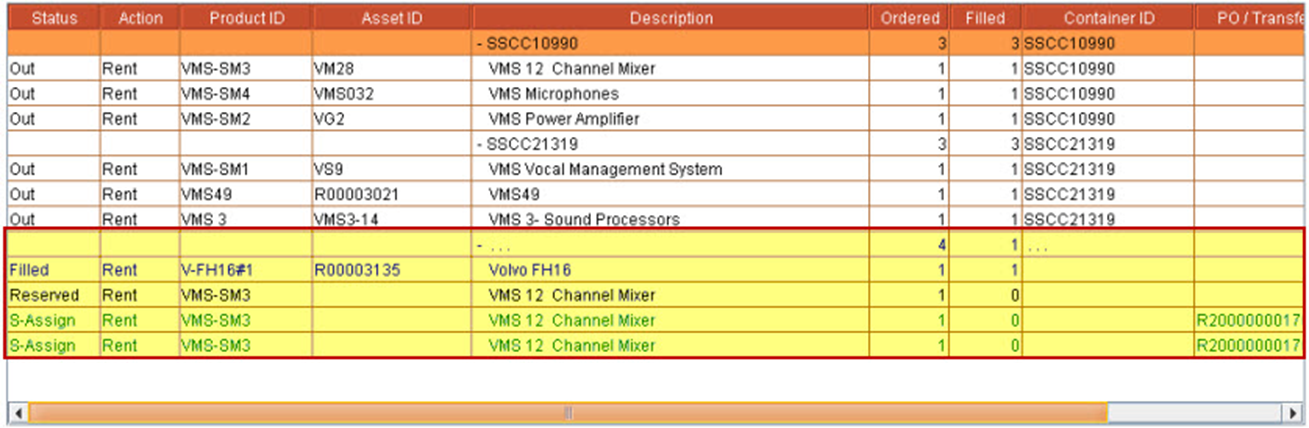
When the view is grouped by container, then all items having the same container assigned will be grouped.
-
When Containers are not assigned to the items, then if the view is selected as Group By Container all the items will be grouped below the line + ... and the Container ID of this line will be ...,on expanding this line all the items can be viewed.