
Summary invoices are used to connect several invoices into a single invoice. An example of its use would be to take all of the invoices generated from several event orders and join them together into a single invoice for your customer.
-
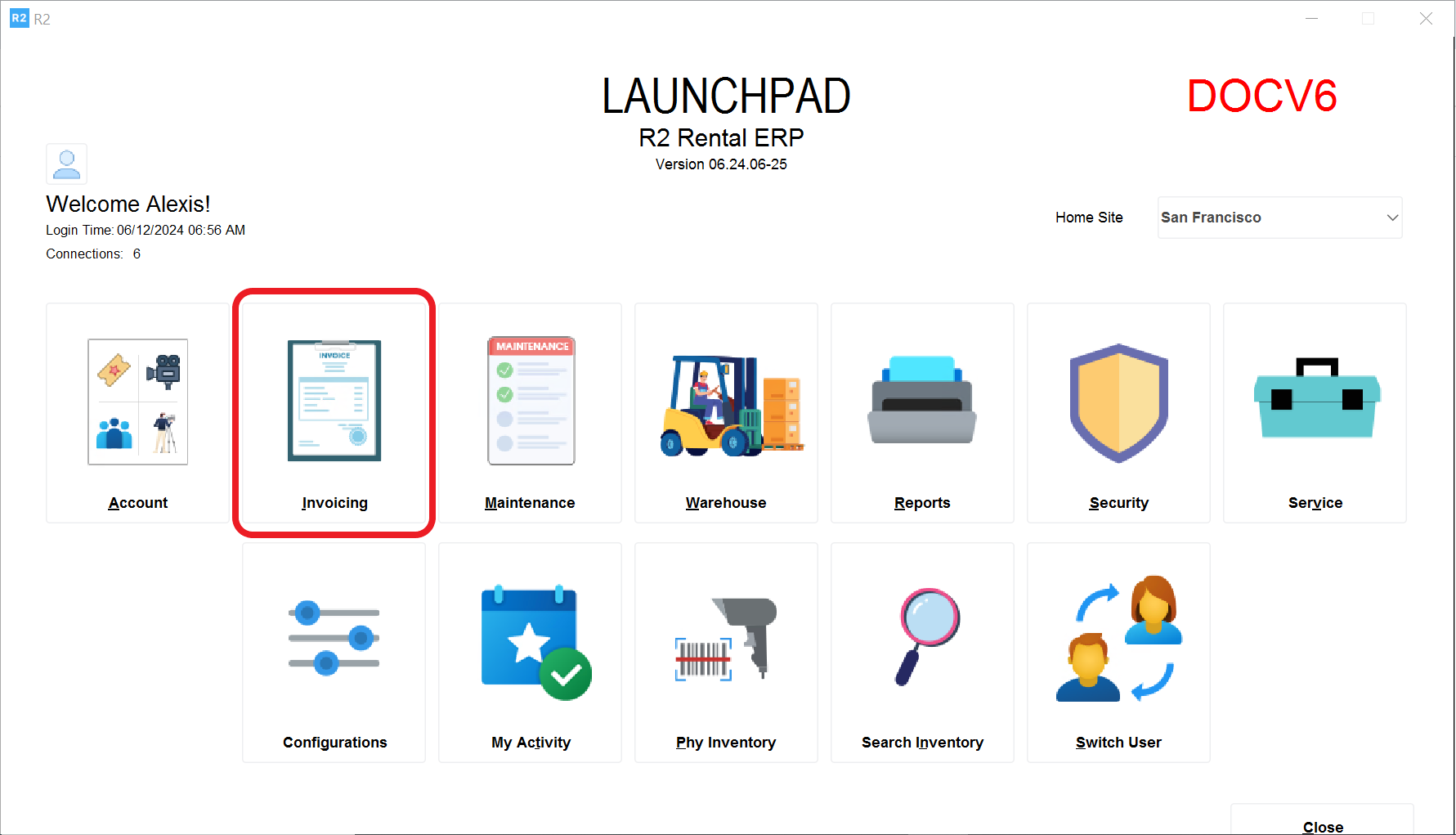
From the R2 Launch Pad, click on the Invoicing button
-
View → Summary Invoices
.png?cb=6b8681fb652aea04103f2785a393482a)
-
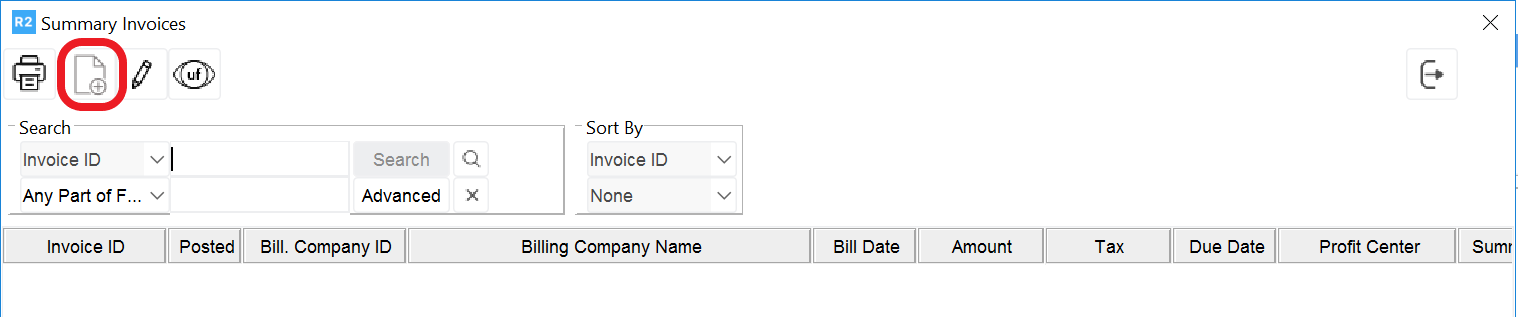
Click on New Summary Invoice icon
-
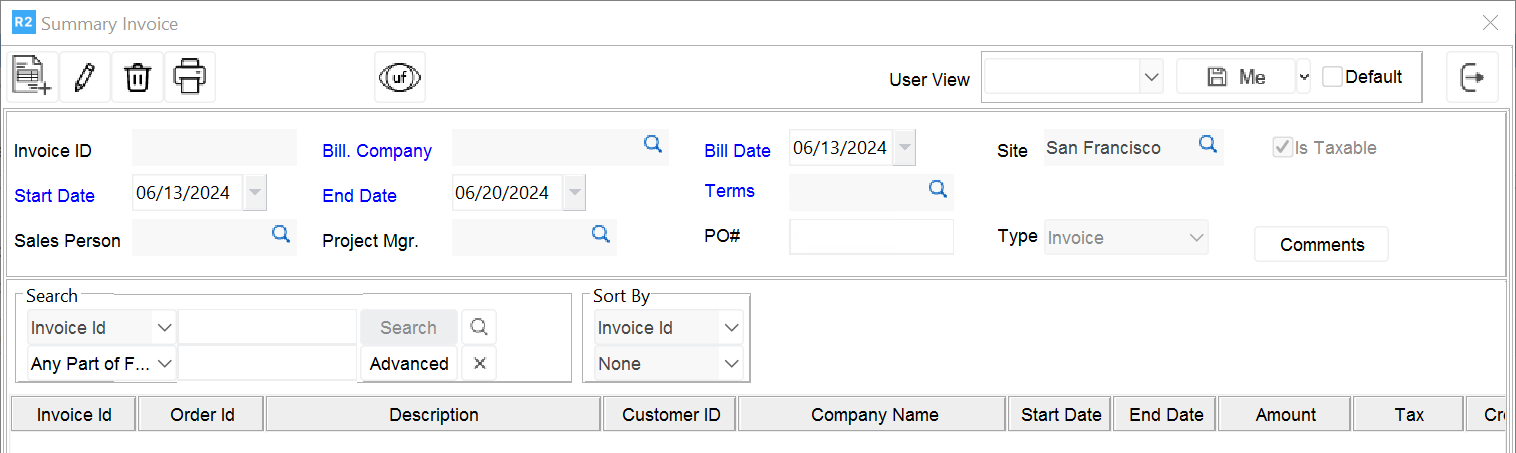
From the Summary Invoice screen, select start date, end date, company, bill dates and terms:
-
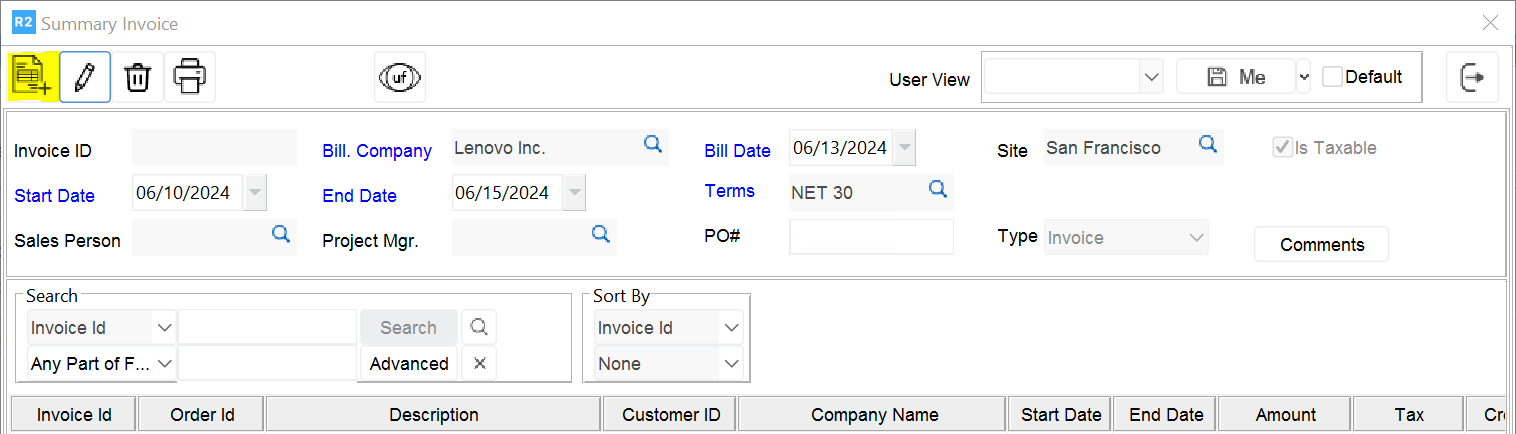
Then, click on the Add button to select the invoices to add.
-
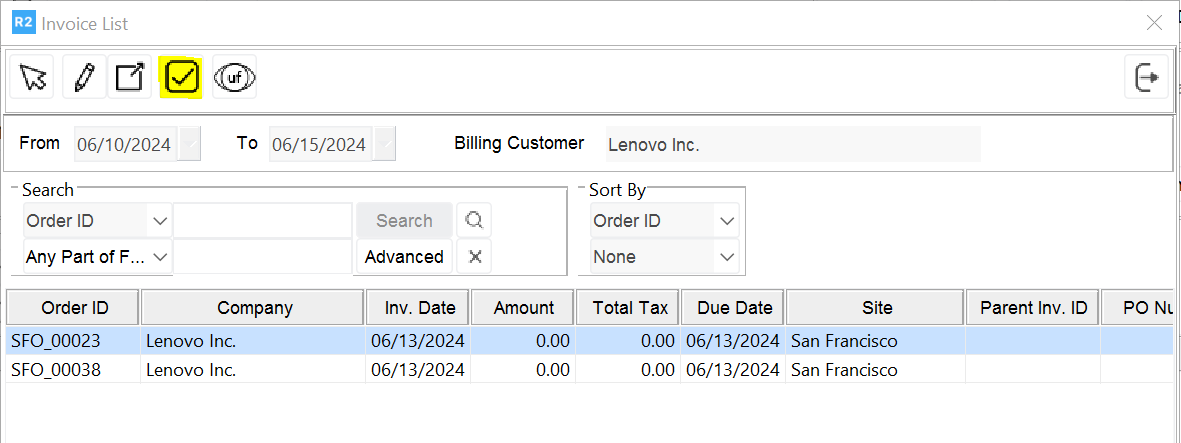
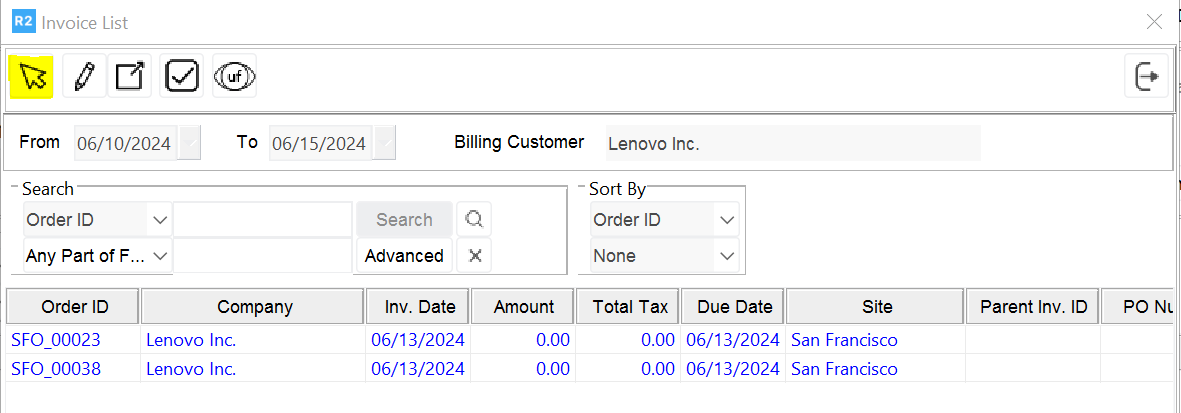
Either click on the Tag all icon or double click on each invoice to select (if successful, the font will turn blue) and click on the OK button:
-
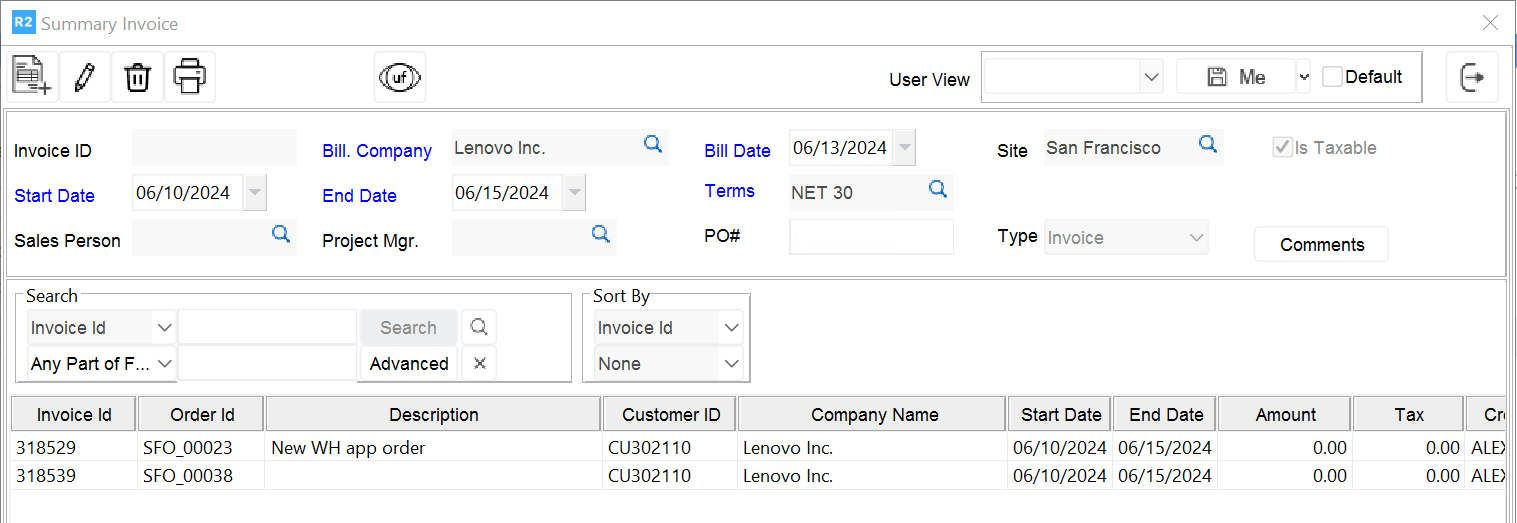
All selected invoices will appear in the Summary Invoice
-
Click Exit to finish