
This feature allows Warehouse Coordinators to track and view the history of assets associated with non-searchable items in specific areas of the Warehouse module.
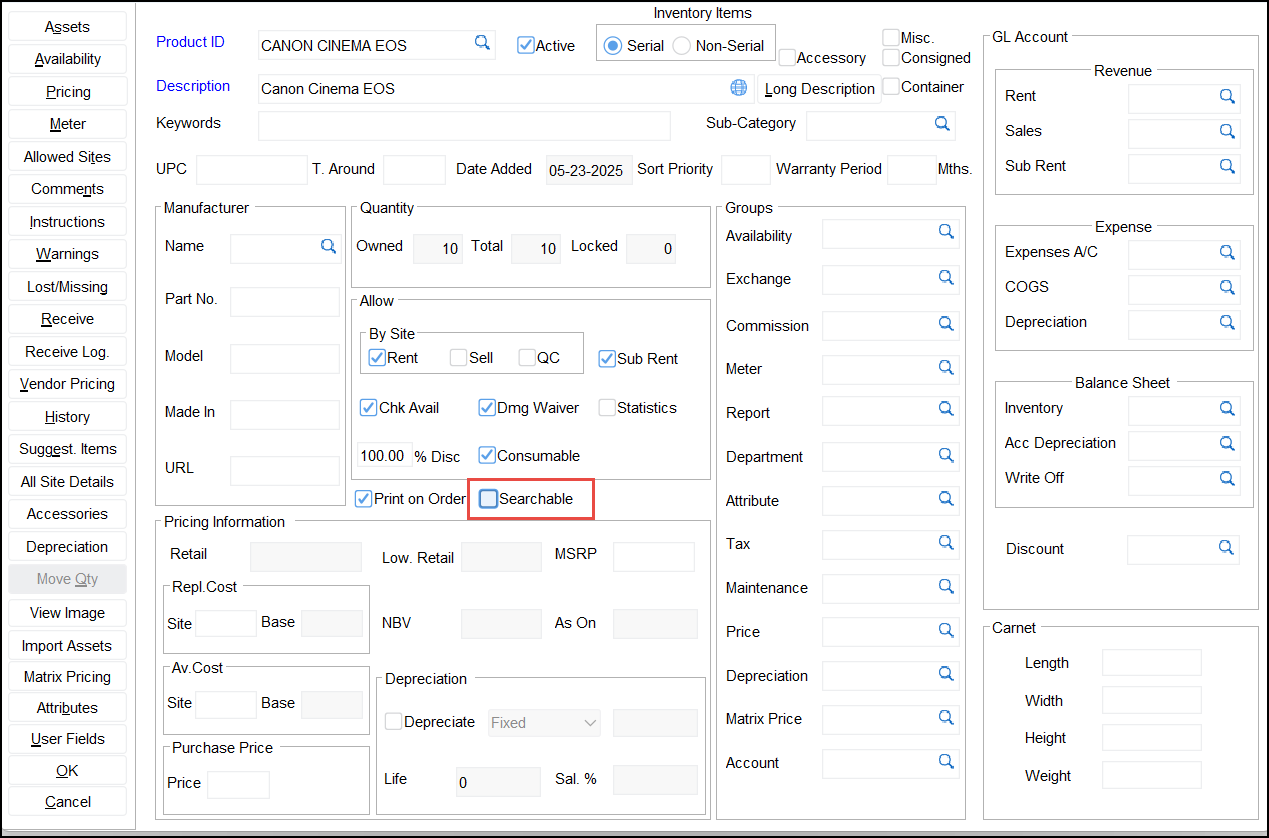
Consider an item is set as false for ‘searchable’ in Maintenance > Item > Edit > Searchable - ‘False’
Non-searchable item assets are now visible in the following locations:
-
Warehouse > Search menu > Assets
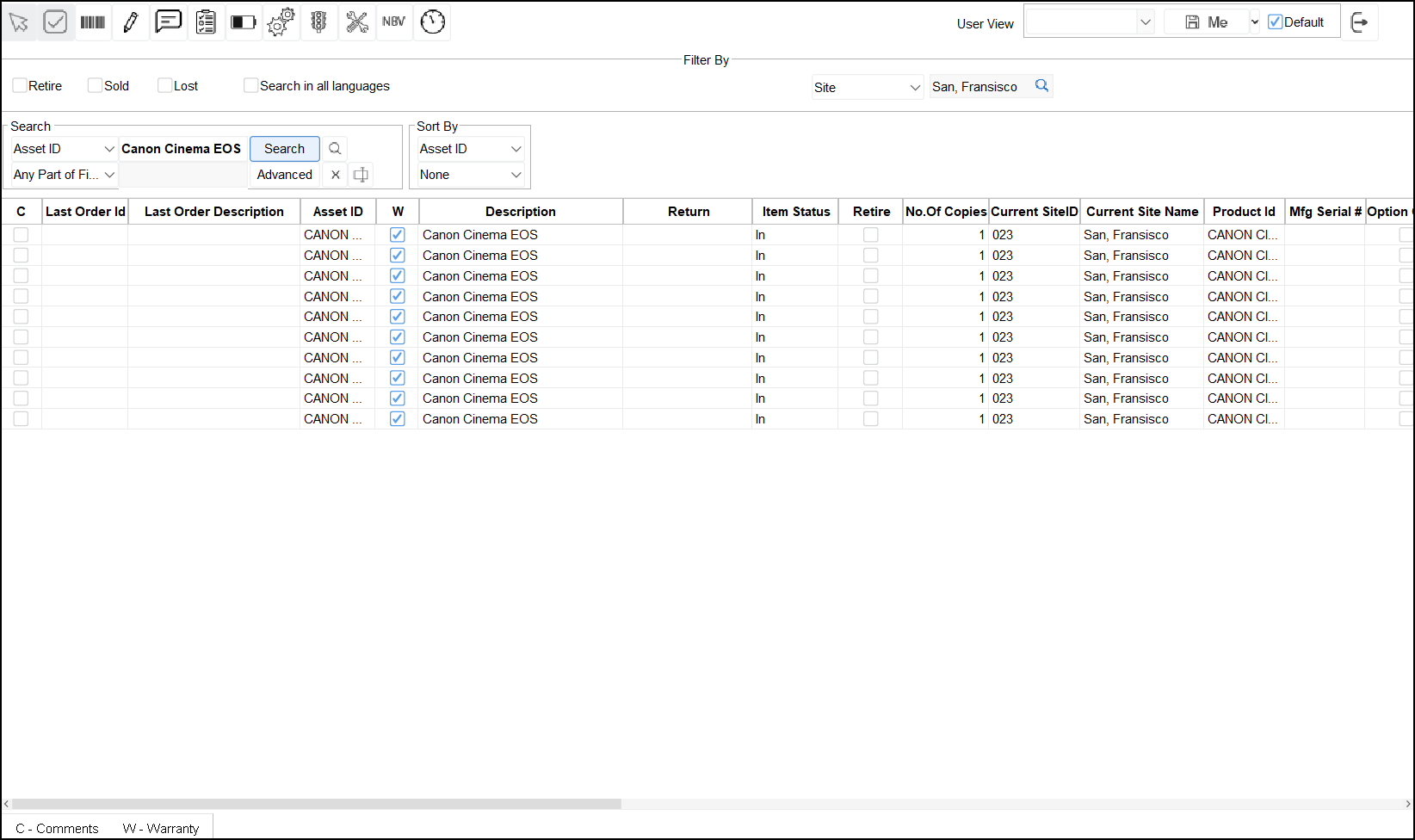
-
Warehouse > Rental/Sale Order > Prep Task > Serial Item child line > Assets button
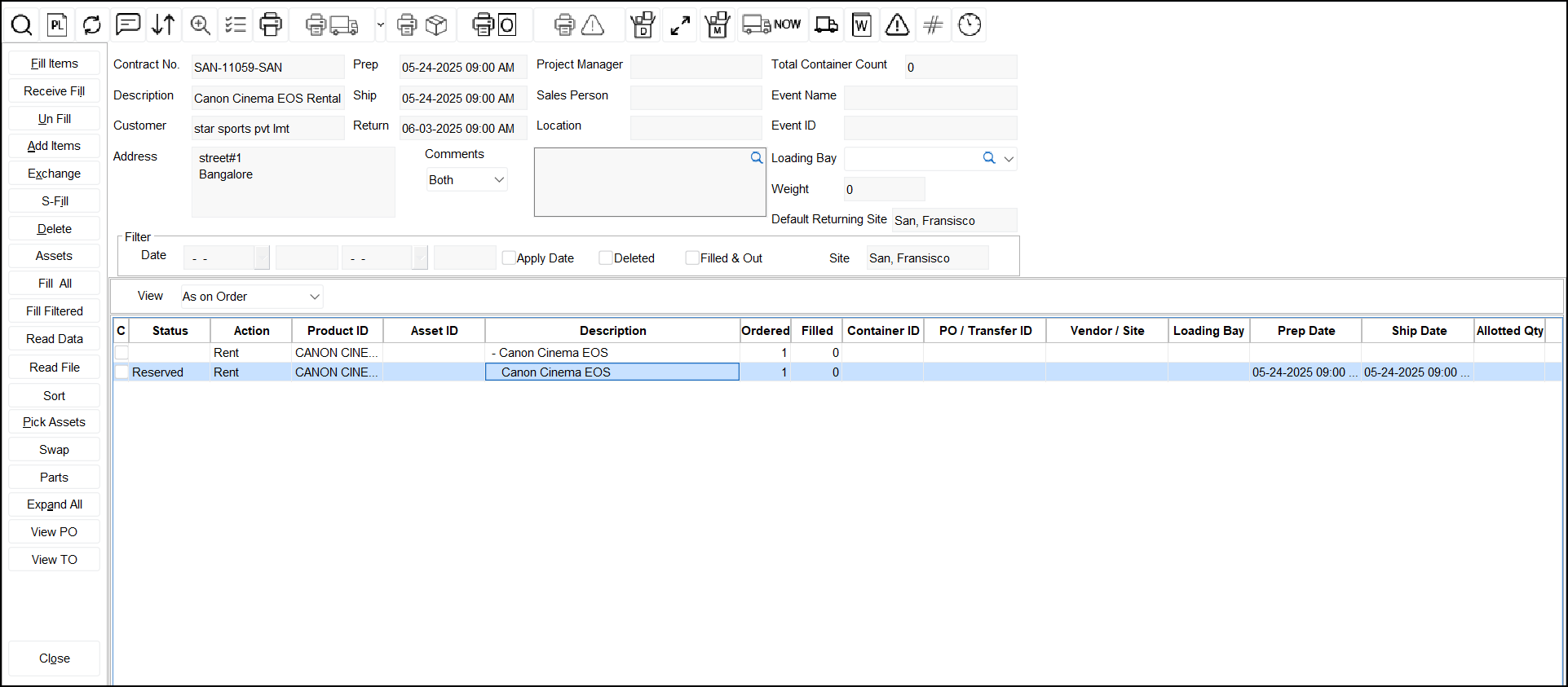
-
Warehouse > Transfer Order > Prep Task > Serial Item child line > Asset Search button
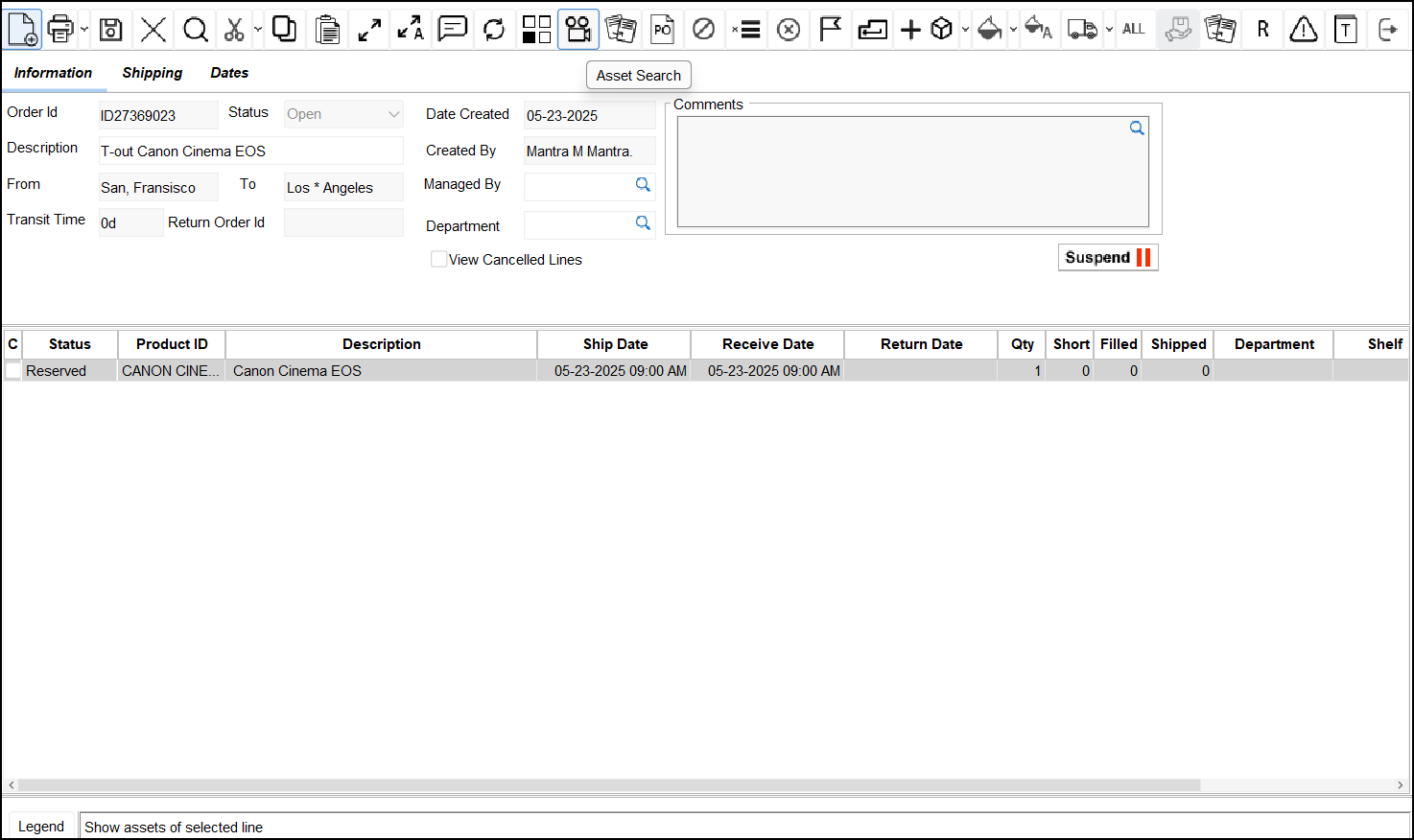
The behavior of non-searchable items and their associated assets remains unchanged in all other areas of the application.