
The R2 Reports module provides role-based access control (RBAC) to manage user permissions effectively. The available roles — Report Admin, Designer, and Viewer — each have specific sets of permissions tailored to their roles. This page provides a comprehensive overview of the access permissions associated with each role, enabling administrators to manage and customize user capabilities within the R2 Reports environment.
Report Admin Access Permissions
|
Section |
Permissions |
|---|---|
|
Groups 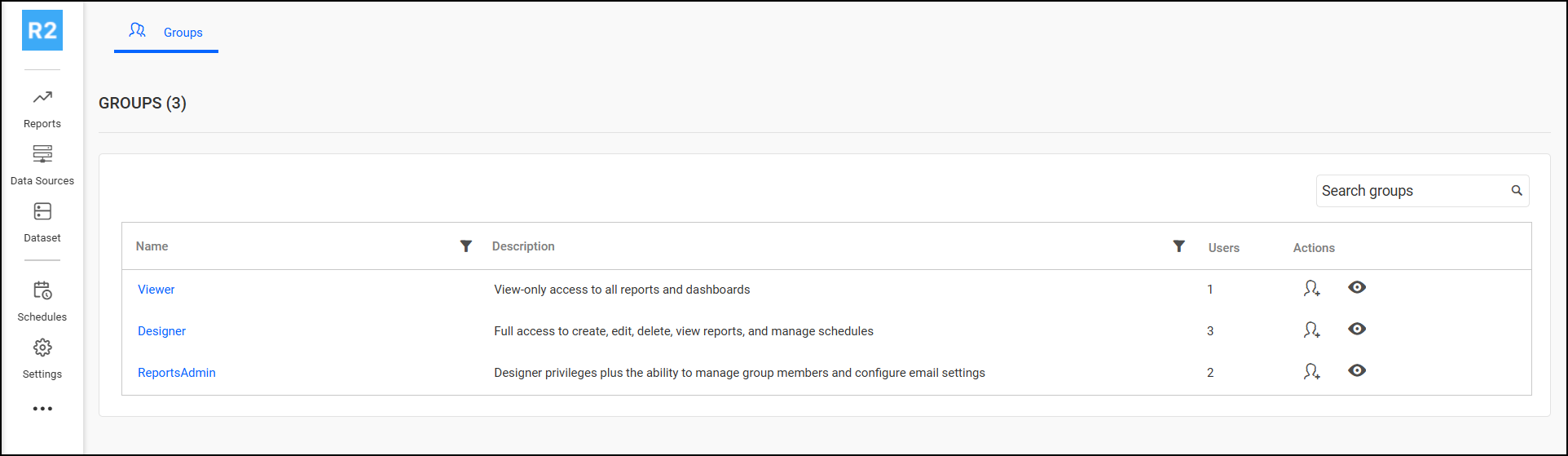
|
|
|
Reports 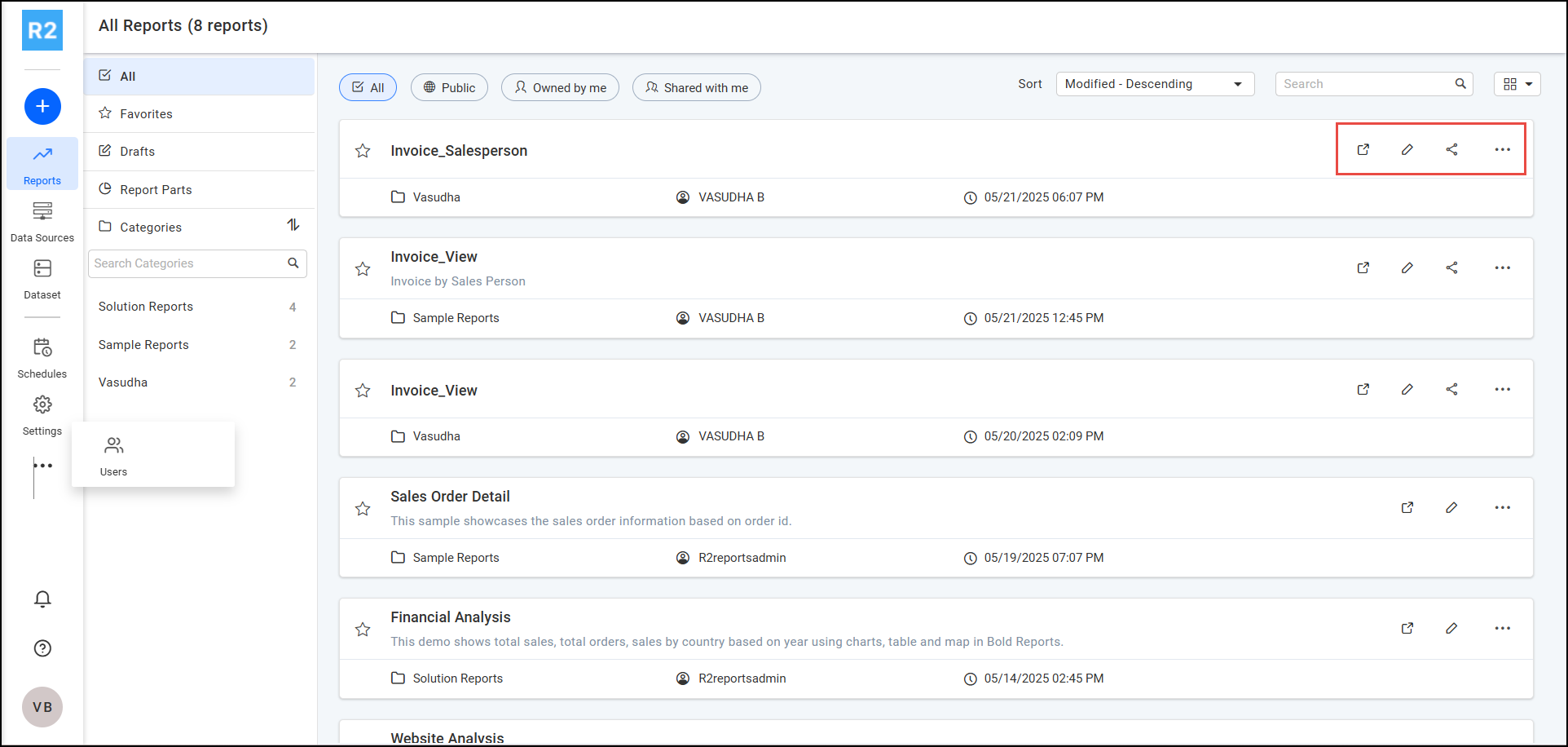
|
|
|
Data Source 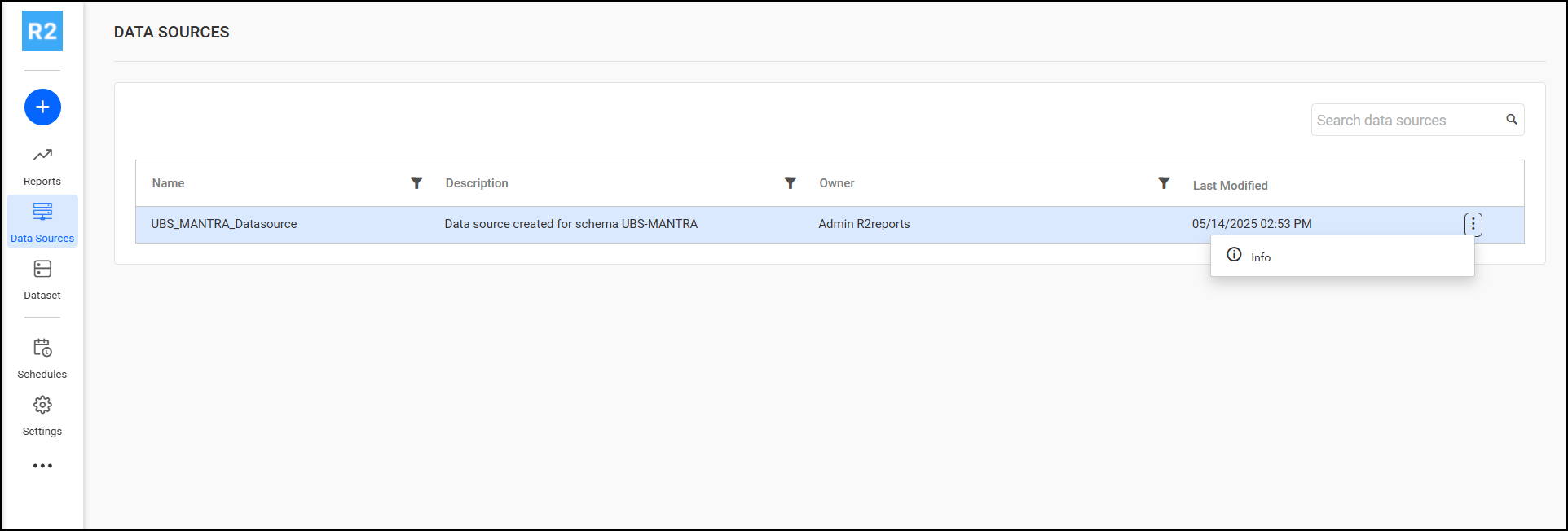
|
|
|
Dataset 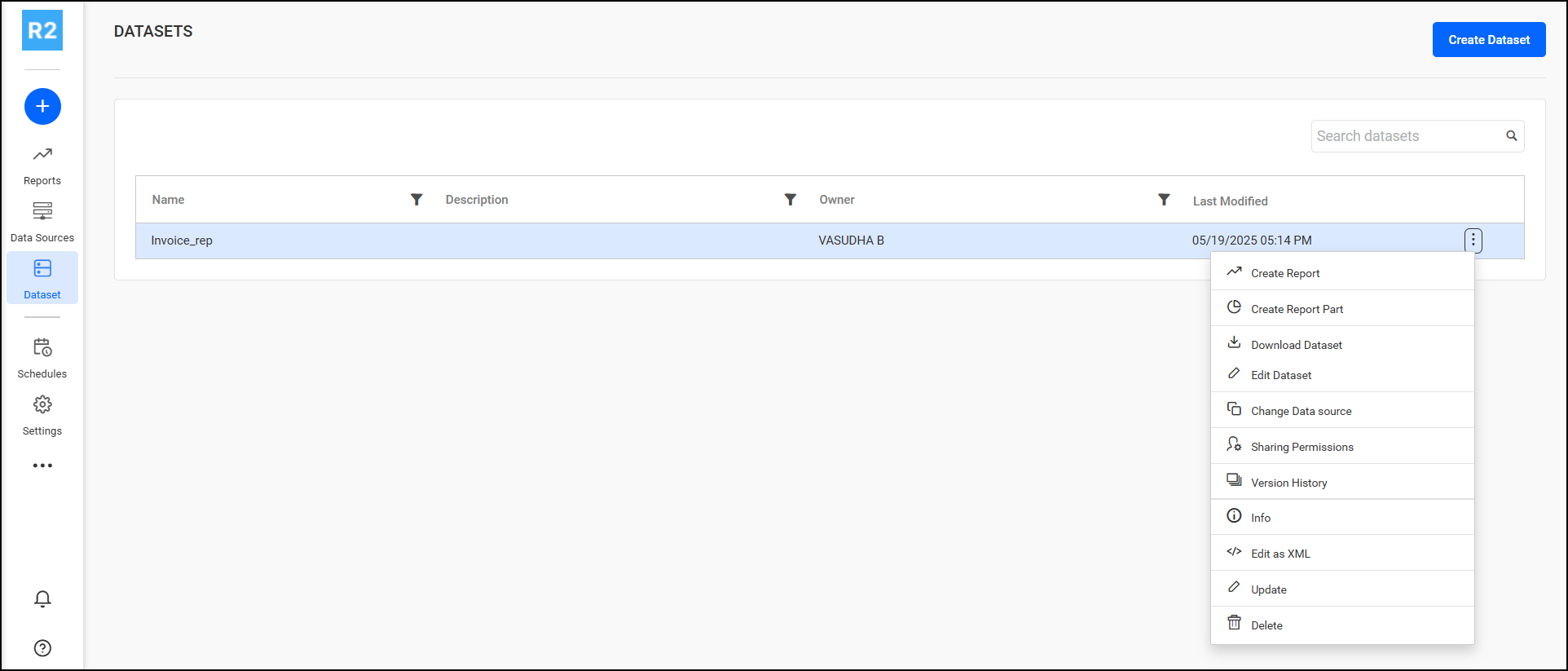
|
|
|
Schedules 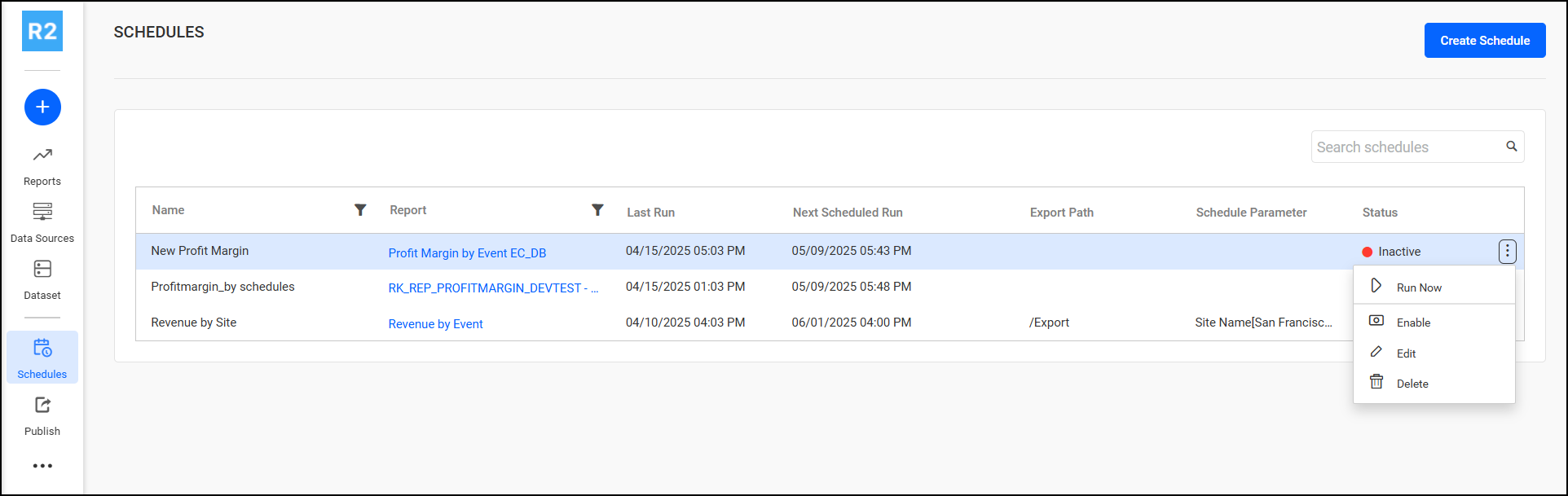
|
|
|
Settings 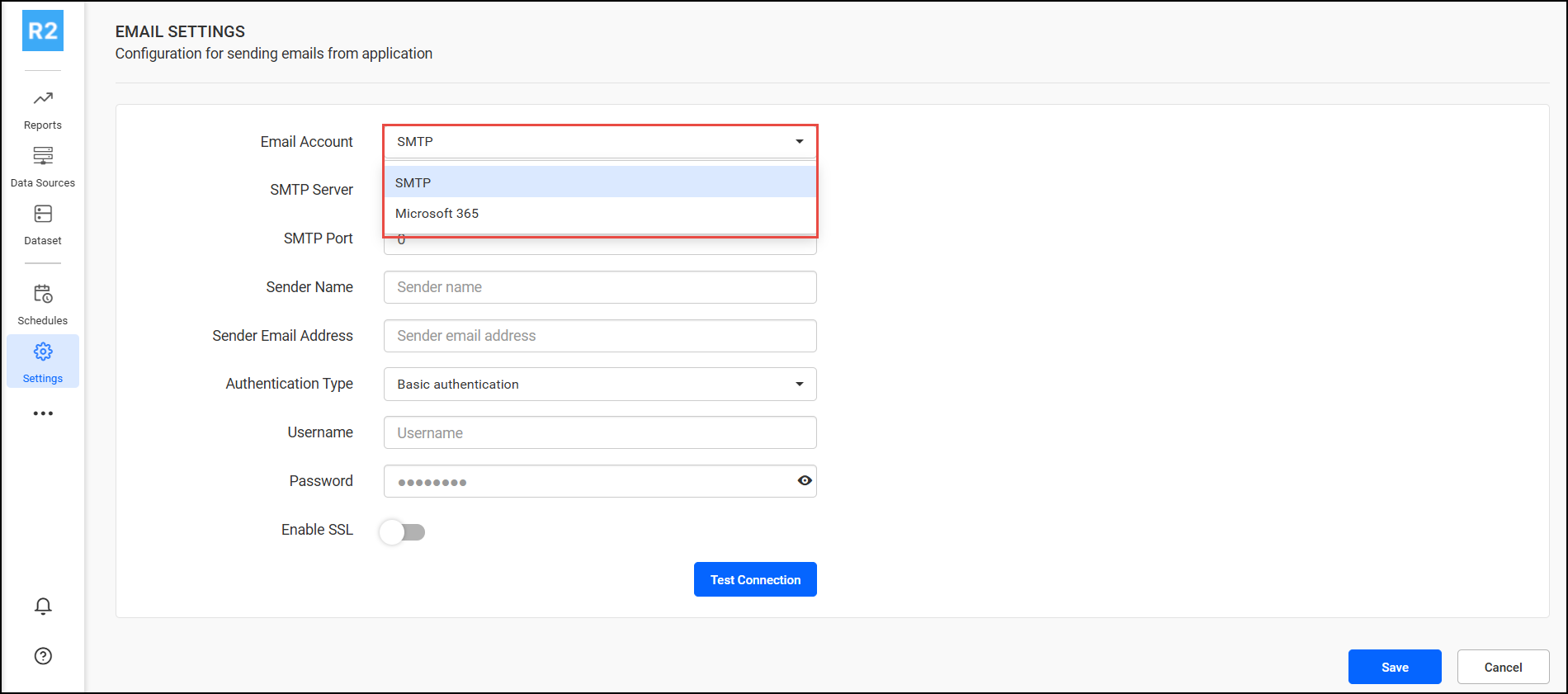
|
Email Authentication mechanism for sending mail notification.
For more information contact UBS support. |
Designer Access Permissions
|
Section |
Permissions |
|
Reports 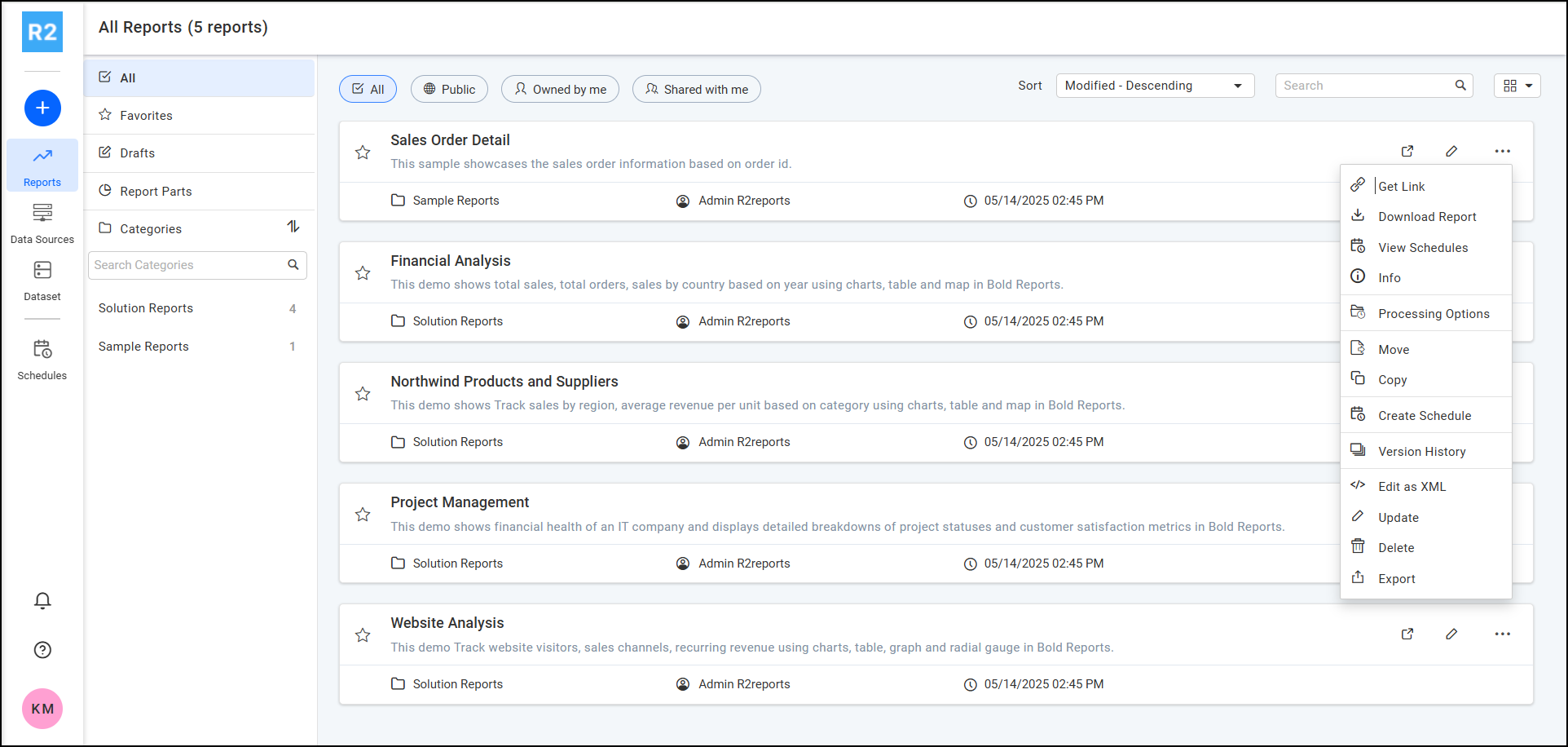
|
|
|
Data Source 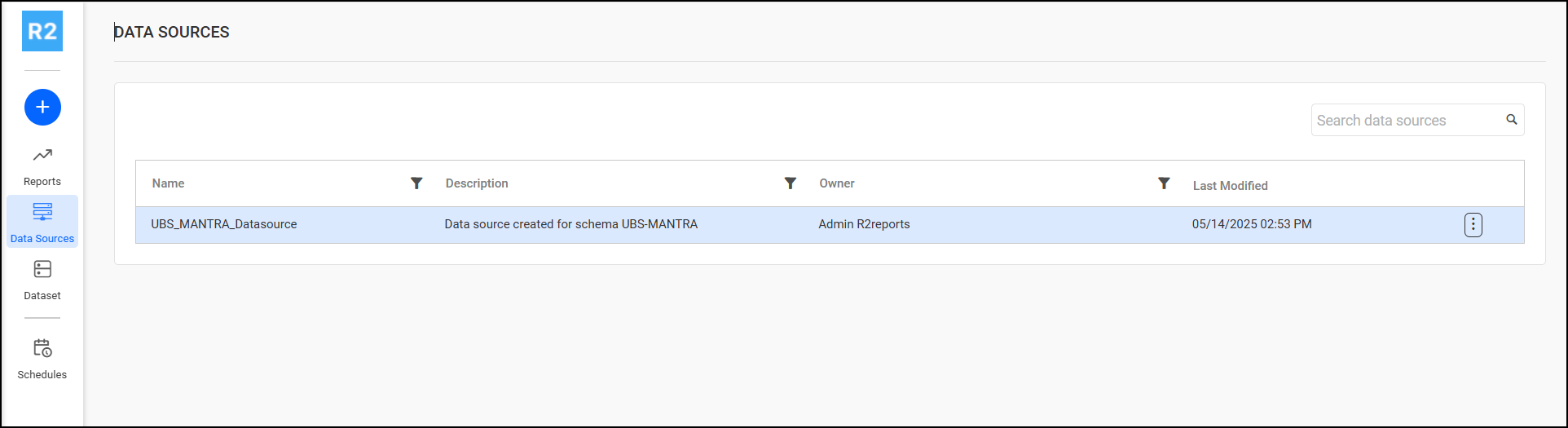
|
|
|
Datasets 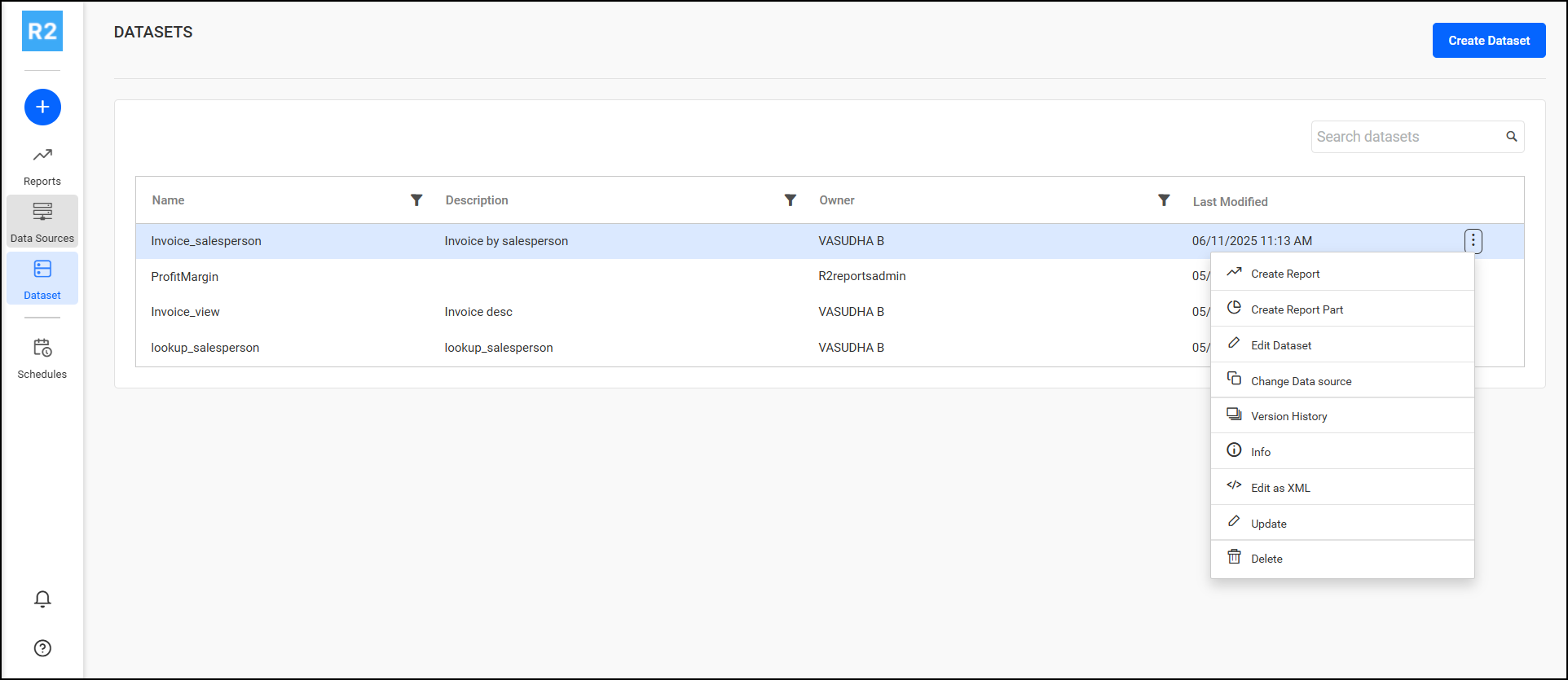
|
|
|
Schedules 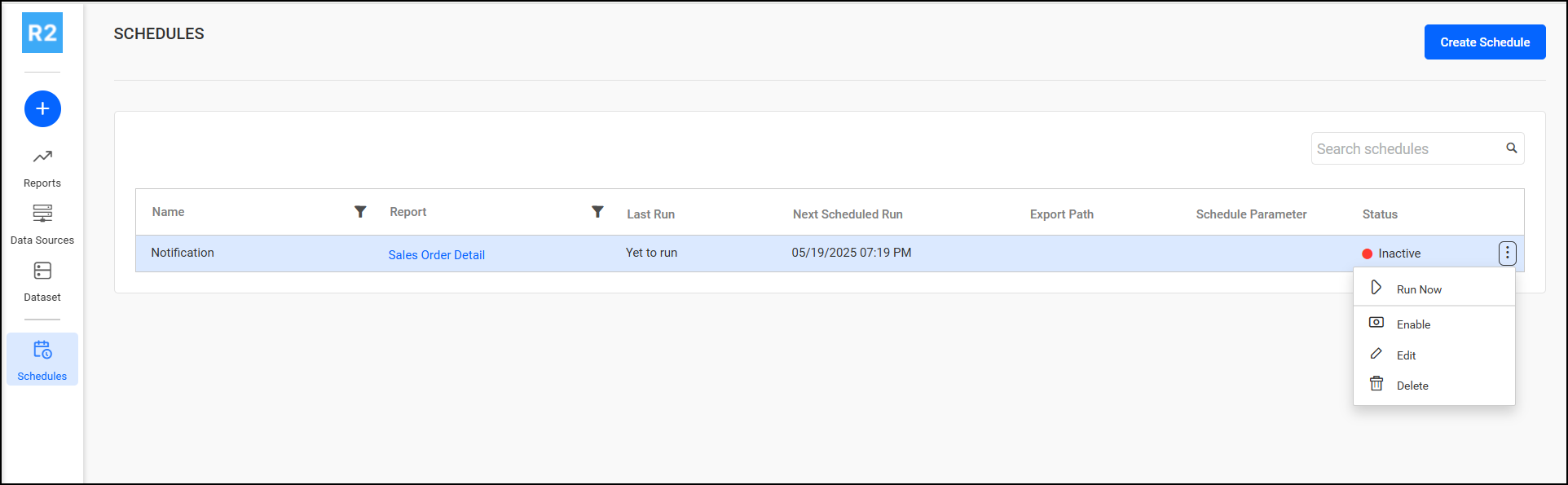
|
|
Viewer Access Permissions
|
Section |
Permissions |
|
Reports 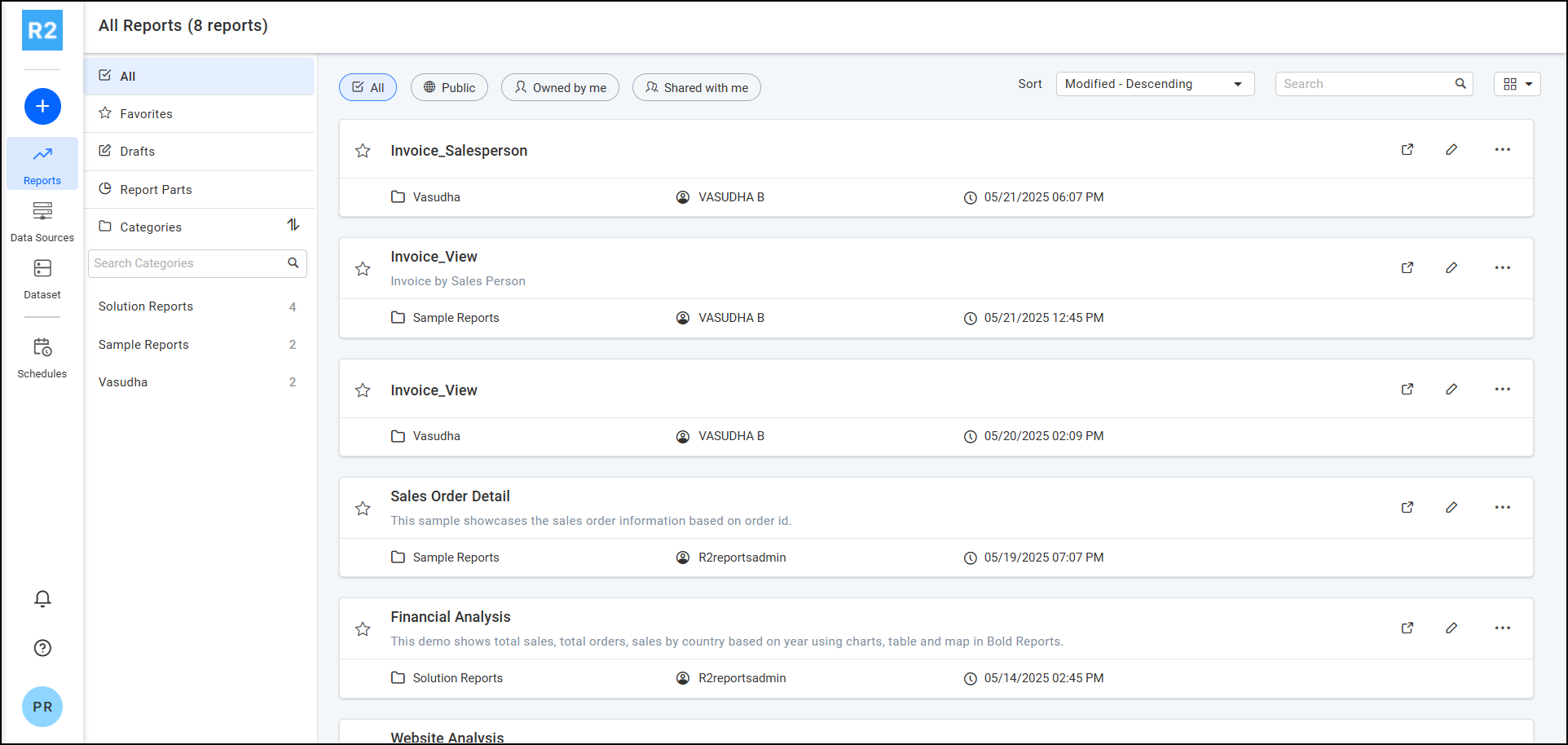
|
Viewer can view reports. (No permission to Create/Edit/Delete Report, Data Source, Datasets, Schedules) |