The current feature has been converted into a custom enhancement for a specific business requirement.
Content was last updated in 06.22.02-00
Accounts Receivable (AR) refers to the outstanding invoices a company has or the money clients owe the company. The phrase refers to accounts a business has the right to receive because it has delivered a product or service. So, an AR Invoice refers to a consolidated list of all inwards (expected) transactions from a specific client (source) to the company.
When financial accounting is being done through a 3rd party tool, the invoice need to be generated in a compatible format.
Thus, we are extended our support to post the invoice in SAP-F2 format where it generates the CSV file.
CSV file displays the following details
Table 1.0: CSV file column details
CSV file data
|
Description
|
|
Region |
Displays the site region |
|
GL code |
Displays the GL code |
|
Document Date |
|
|
Booking Date |
|
|
Invoice number |
Displays the Invoice ID |
|
Transaction currency |
Displays the transaction currency |
|
Exchange Rate |
Displays the exchange rate |
|
Invoice type |
Displays the type of the invoice |
|
Customer number |
Displays the customer ID |
|
Amount |
|
|
Cash discount name |
|
|
Project description |
Displays the project description |
|
Account |
|
|
Tax code |
|
|
Cash discount |
|
|
Cash discount deadline |
|
|
Invoice deadline |
|
|
Internal Order |
|
How to post the invoice in SAP-F2 format?
-
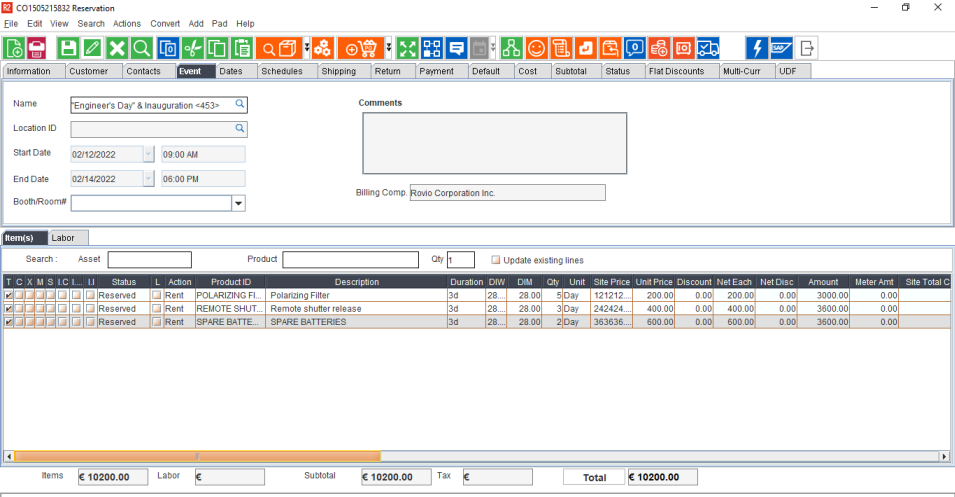
Create an order in R2.
-
Add the items.
-
Fill and ship all the items.
-
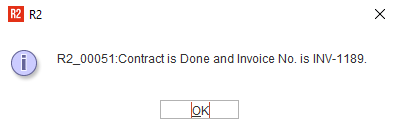
Generate the Invoice.
-
Close the Order.
-
Open Invoicing module.
-
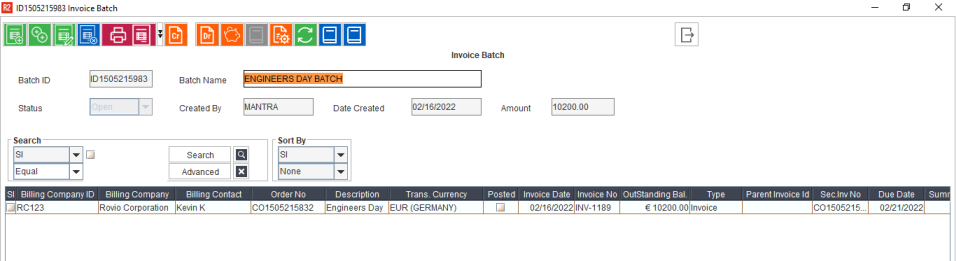
Create a batch and add the generated invoice.
-
Exit the Invoice batch window.
-
Select the batch and click Actions > Post.
-
Post Batch window displays as shown below. For Invoice format, Select SAP F2 from dropdown.
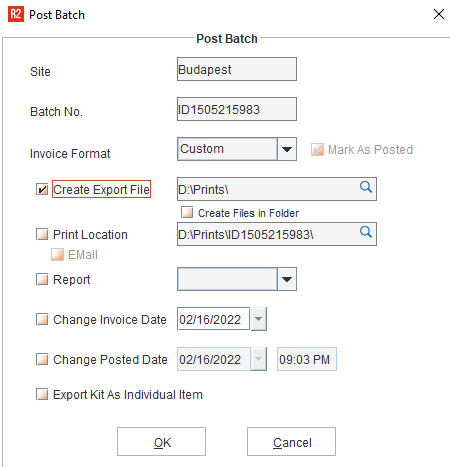
-
Click OK.
-
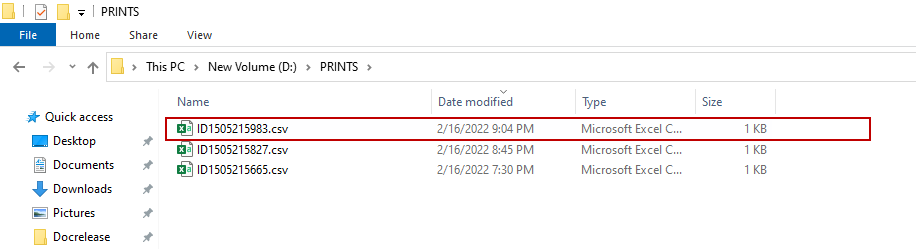
Now, go to export file path. and you can see the csv file generated with the following naming convention.
-
CSV file: <BatchID>.csv — Contains SAP-F2 integration file.