
Editing refers to altering or modifying an existing record/information of the company. During editing, all the fields of the company are available for modification.
-
Search for the company and click the Edit icon.

-
The edit window displays.
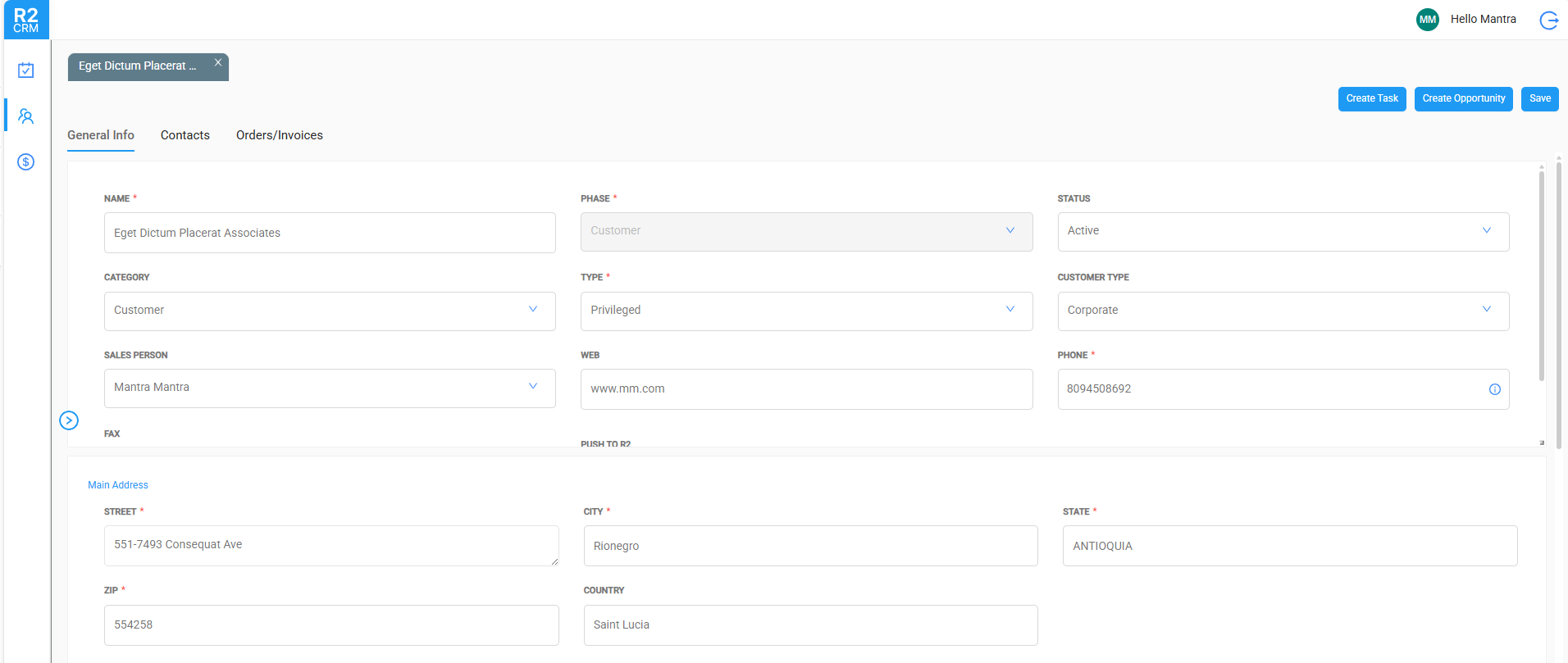
-
Modify the data as required and click the Save button.
A confirmation message displays once the changes have been saved.