You can capture the notes related to the opportunity. Follow the below steps to do the same.
-
Click Notes button.
-
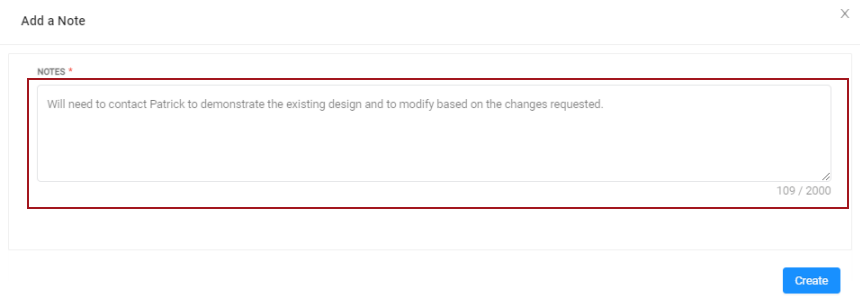
Enter the notes related to the opportunity in the textbox. This is a mandatory field to fill.
-
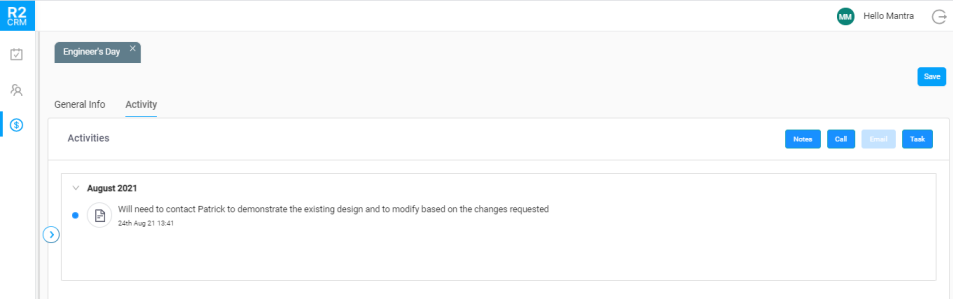
Click the Create button. The created note displays in the timeline view.
-
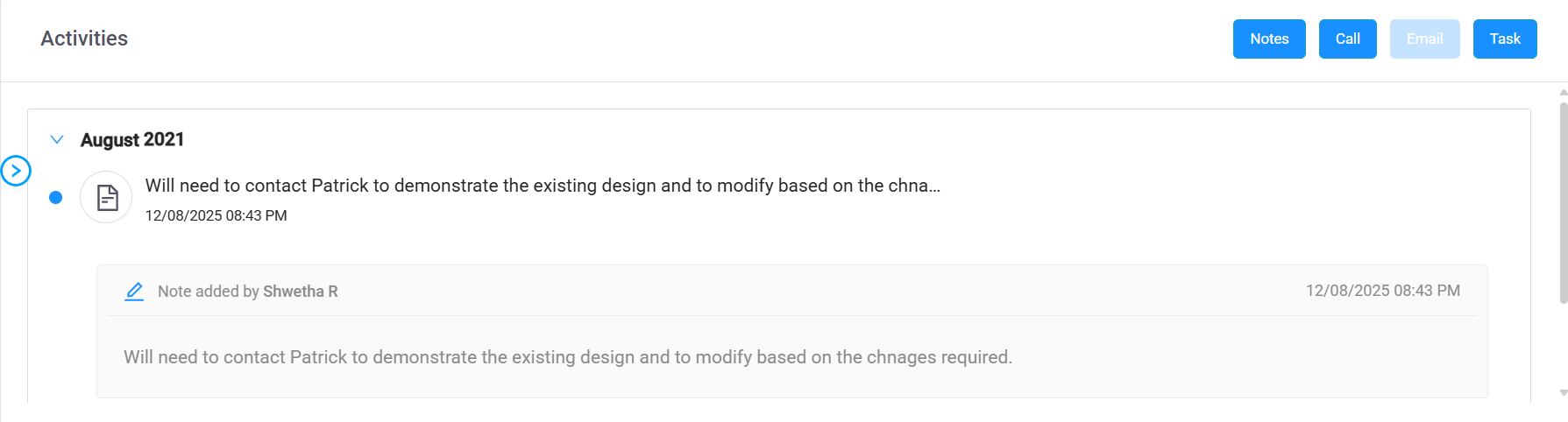
To view who captured the notes, click the Note icon or the message line. The window will expand to display the details. Tap the edit icon to update the notes — only the person who created a note can edit it.