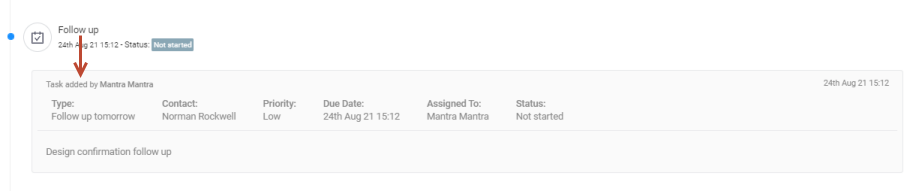
You can create task against the opportunity from here as well. This is same as you create a task from activity manager window.
-
The 'Task' field is mandatory to create a task. Click here to know more about 'Task Create/Edit window'.
-
The 'Company', 'Opportunity' fields are auto-populated and you cannot modify these fields as you are creating a task against the same opportunity and for the same company.
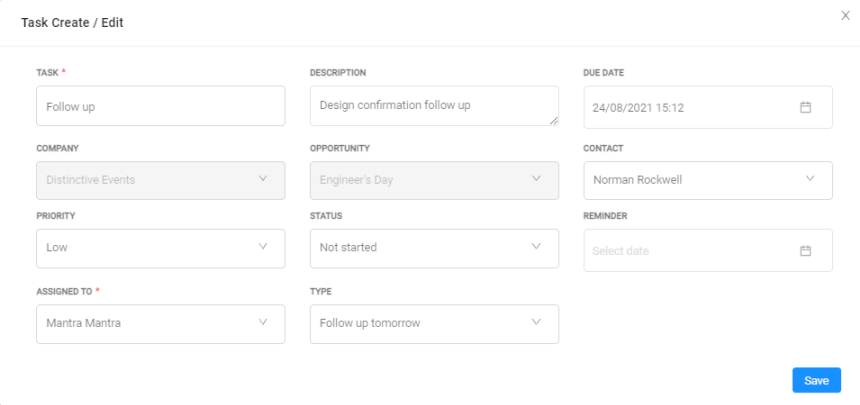
-
After adding the details, click Save button.
-
The created task displays in the timeline view.
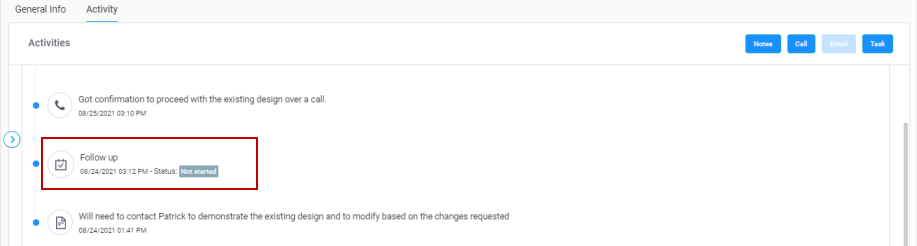
Click the task icon to see who created the task.