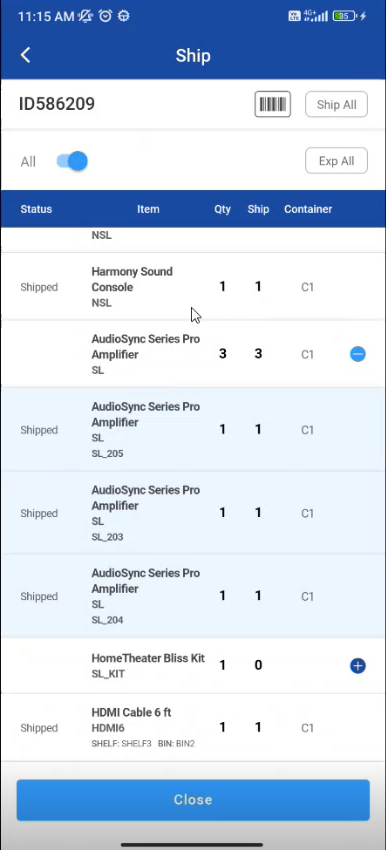
You can Ship the items that are prepped/filled for a Transfer Order.
Features of the Shipping transfer orders:
-
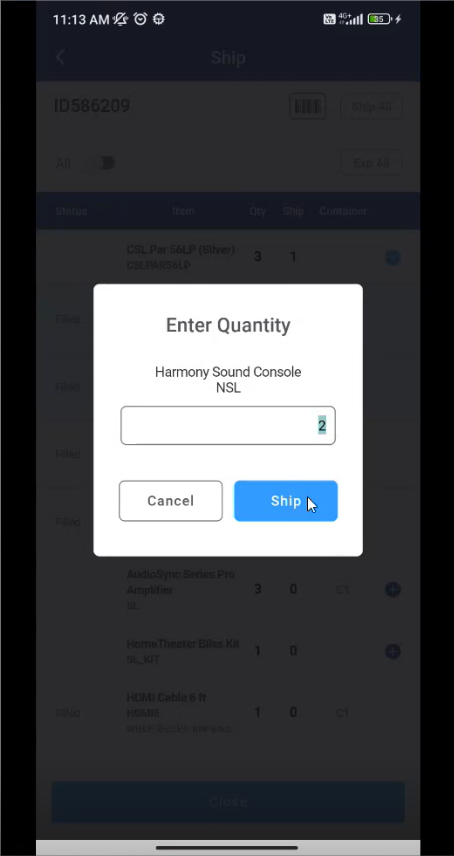
You can specify the quantity to be shipped in case of non-serial.
-
The following exceptions are prompted if there is any mistake in the entry.
-
If Asset/Item/Container does not exist.
-
If Asset/Item/Container is not in Filled status.
-
If Asset/Product/Container is invalid.
-
In case of non-serial item, if excess quantity is scanned then it shows an appropriate message
-
If Order is unlocked it fails to ship.
-
Ship Transfer Orders
-
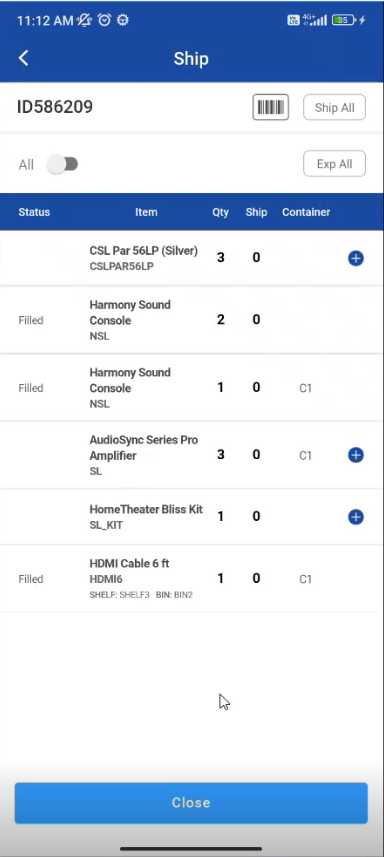
Go to Ship Operation and tap on any item in the order list
-
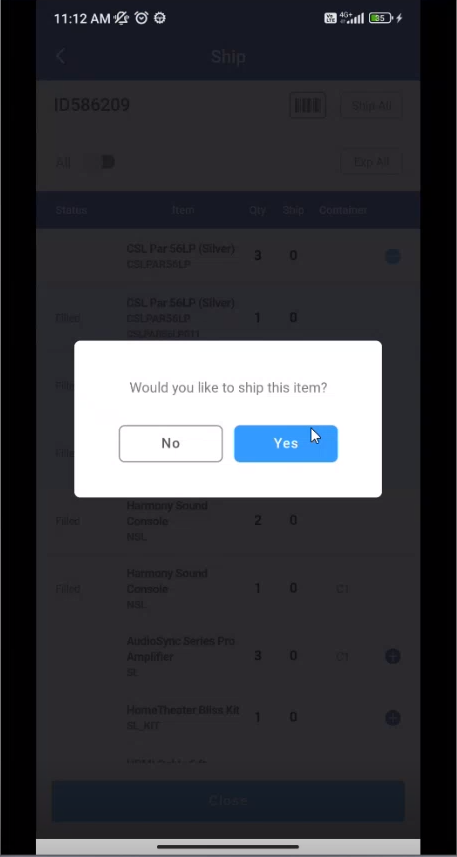
Select 'Yes” to ship items for serial items.
-
For non-serial items in Transfer orders enter the quantity and select ‘Ship’.
-
You can scan the items and ship
-
Items showing as Shipped