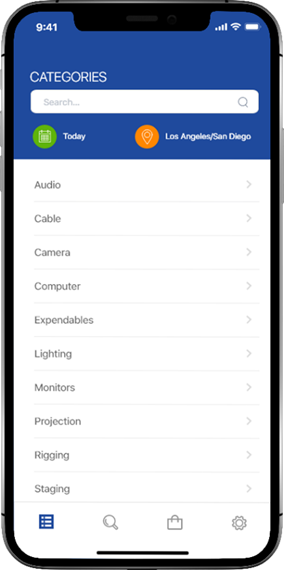
The R2 EquipFinder starts the equipment process by displaying the categories (as defined in your R2 database).
-
Click on a category to start your equipment request
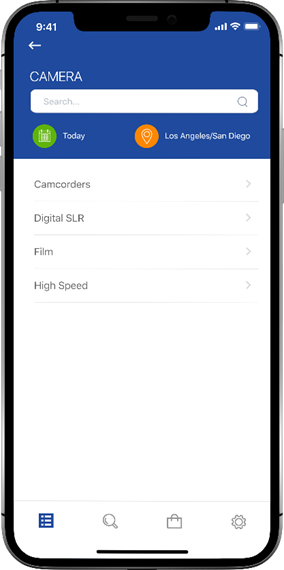
The Sub-Categories screen appears
-
Click on a sub-category
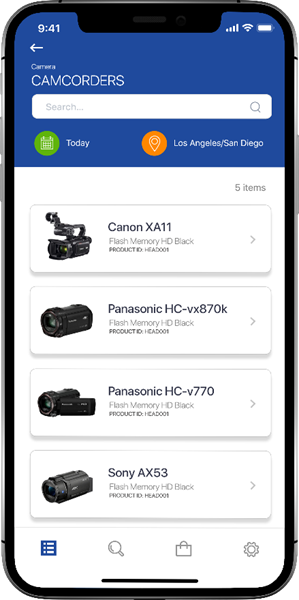
The items screen appears
-
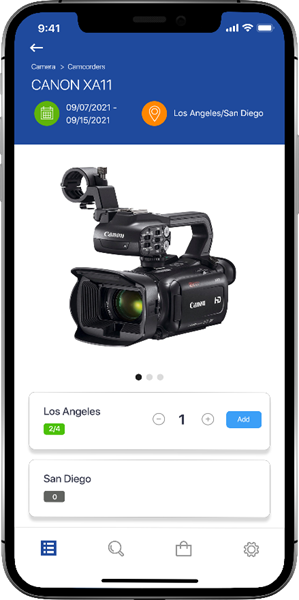
Scroll through the items and click to view item details
The items details/availability screen appears