Reference No: R2-10283 30503
Version No: 06.00.06-00
Details
On selecting the option mark as Inactive while switching the Payment gateway from Non-Axia to Axia from the configuration system should mark as default checkbox as false.
Sample Scenario
-
Select the Configurations module > Accounting tab > Payment Gateway [AXIA]. The system displays a prompt with the message, as shown in Figure 1.0.
Figure 1.0 AXIA Cards Configuration

-
Click the Mark As Inactive button to mark the selected Payment Gateway as Inactive.
-
Else, click Permanently Remove button to remove the selected card from the list without any confirmation.
-
Else, Click Do Nothing, to take no action on the selected card.
-
-
Save and Exit the Configuration module and relaunch the R2 application.
-
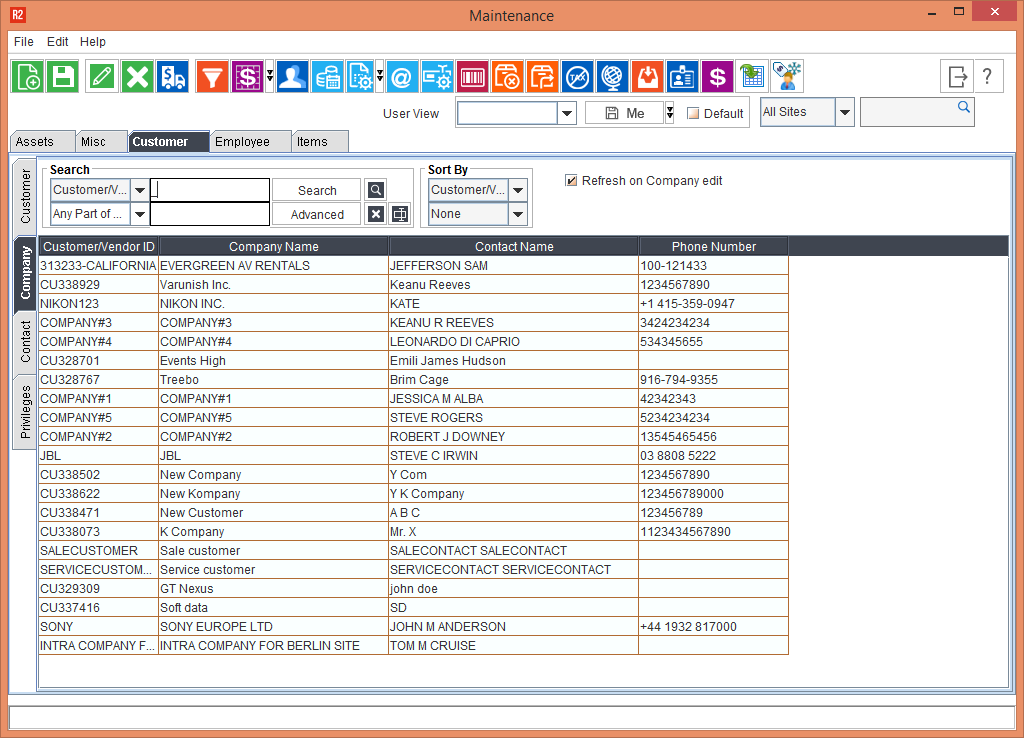
Now, Go to Maintenance > Customer > Company, and select a company from the list for which you wanted.
-
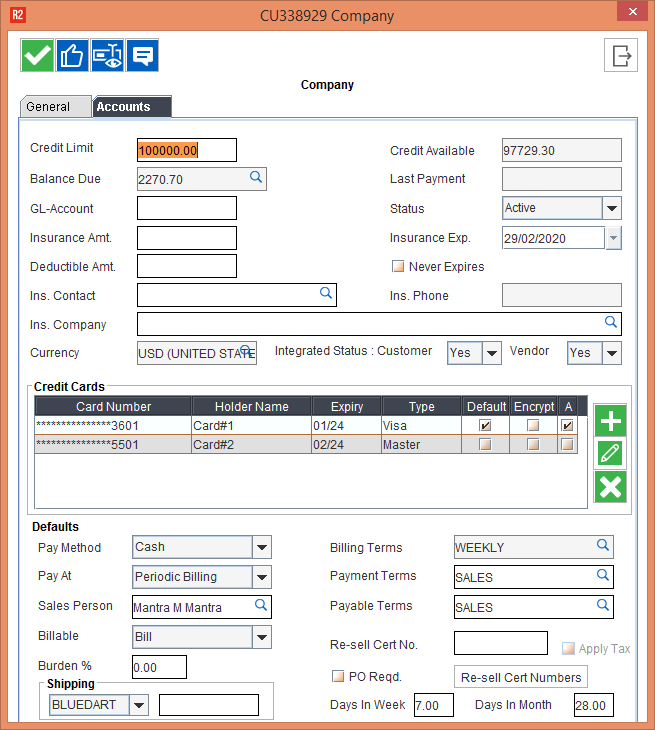
Edit and observe saved cards