
Table of Contents
Purchase orders will be closed when the vouching process is complete
Vouching
The vouching process is the step necessary prior to batching the vendor’s bills to Quickbooks.
In order to voucher, the items in the purchase order must be received and approved
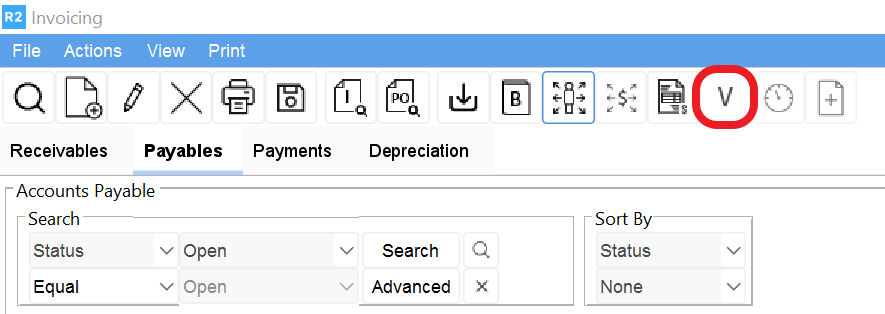
From the Invoicing module and with the Payables tab selected, click on the New Voucher icon 
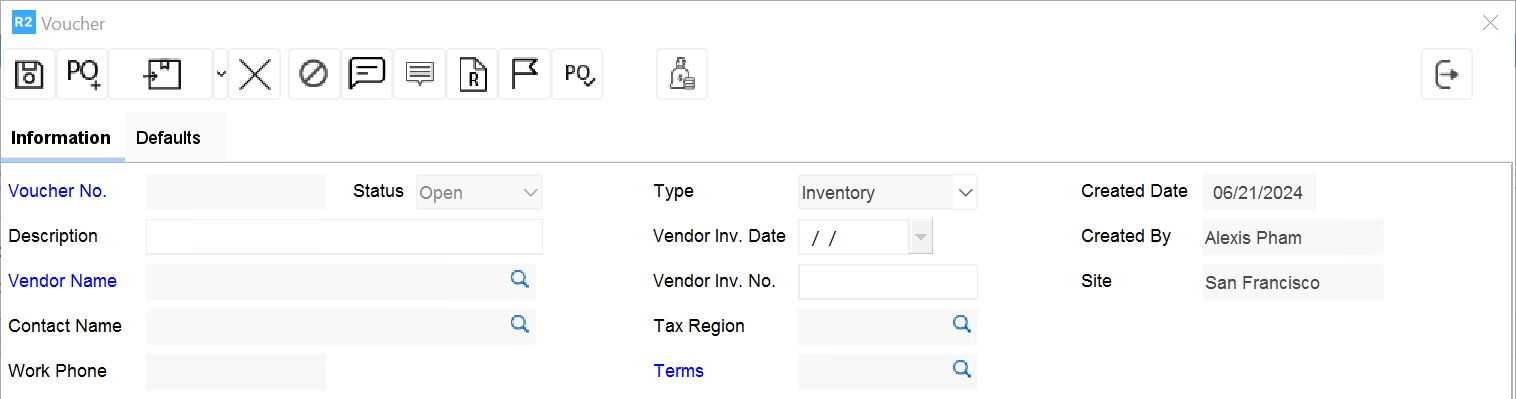
Enter information below on the Information tab
|
Field Name |
Description |
|
Description |
Identify the batch by entering INITIALS DD/MM/YY |
|
Vendor Inv. Date |
Enter the Invoice Date from the Vendor’s Invoice |
|
Vendor Inv. No. |
Enter the Invoice No from the Vendor’s Invoice |
|
Terms |
Enter the Terms applicable |
Click on the Defaults Tab
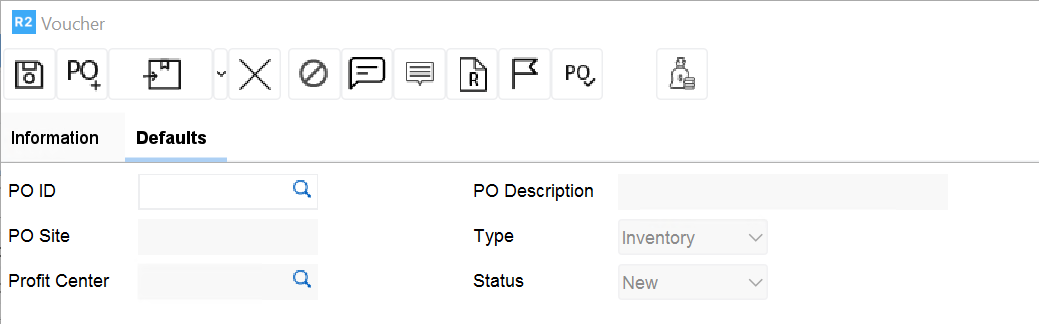
Click on the Import button 


Select the items to voucher from the list below using the Import button 

Note: only received and approved items will import
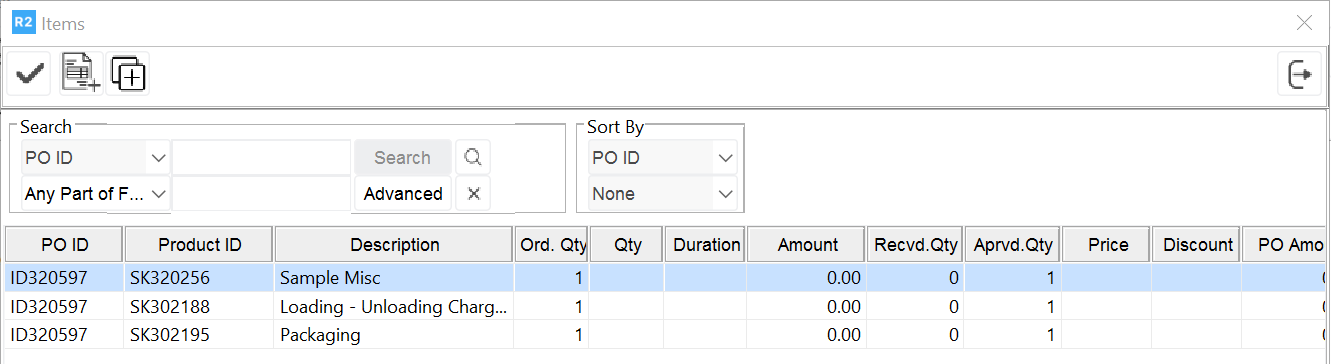
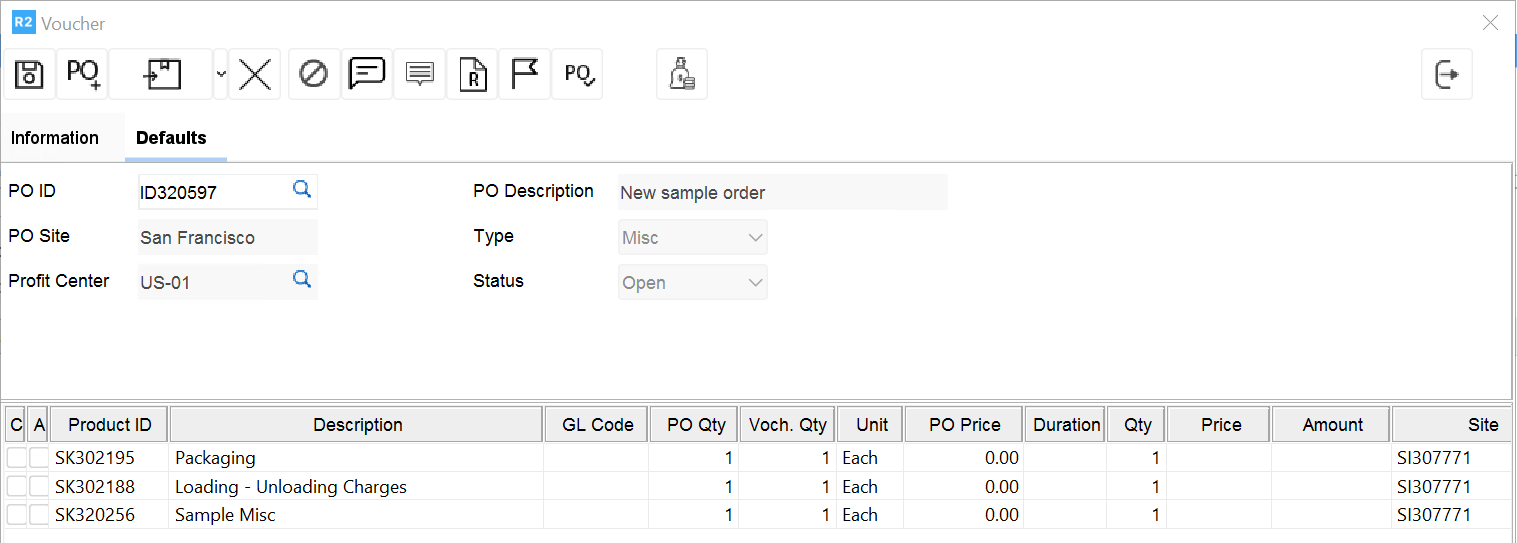
Click the Exit button 
Other buttons on the Voucher screen

To delete a product from a voucher, click on the Delete button 
To void a voucher, click on the Void button 
To enter a comment for the product, click on the Comments button 
To enter a comment for the Voucher, click on the Voucher Comments button 
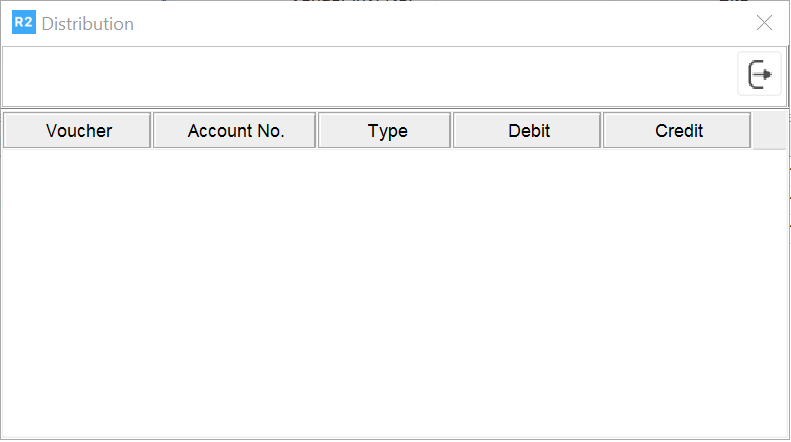
To review on the Voucher’s distribution, click no the Distribution button 
Based on policies, the Approved button must be selected.
Note: if no policies are set up, the voucher needs no approval.
Once all items of a purchase order are in a voucher, the status of the purchase will be closed