Content was last updated in 06.23.09-00
Revision History
Version No.
|
Reference No.
|
Changes
|
|
06.23.09-00 |
R2-20650 |
Base topic for the enhancement |
To print a Pick list / Ship report
-
Navigate to Warehouse > Ship Order > Search Ship Order window click the Search button to view all orders or perform a search for a specific order.
-
Click Ship List icon in the tool bar.
-
The Pick list / Ship List dialog will appear.
-
Adjust the Start and End Dates as necessary.
-
Choose the type of report you wish to print. You may print a Ship list report, a Pick list report. or both
-
Click Run. The report will be saved in the R2 folder.
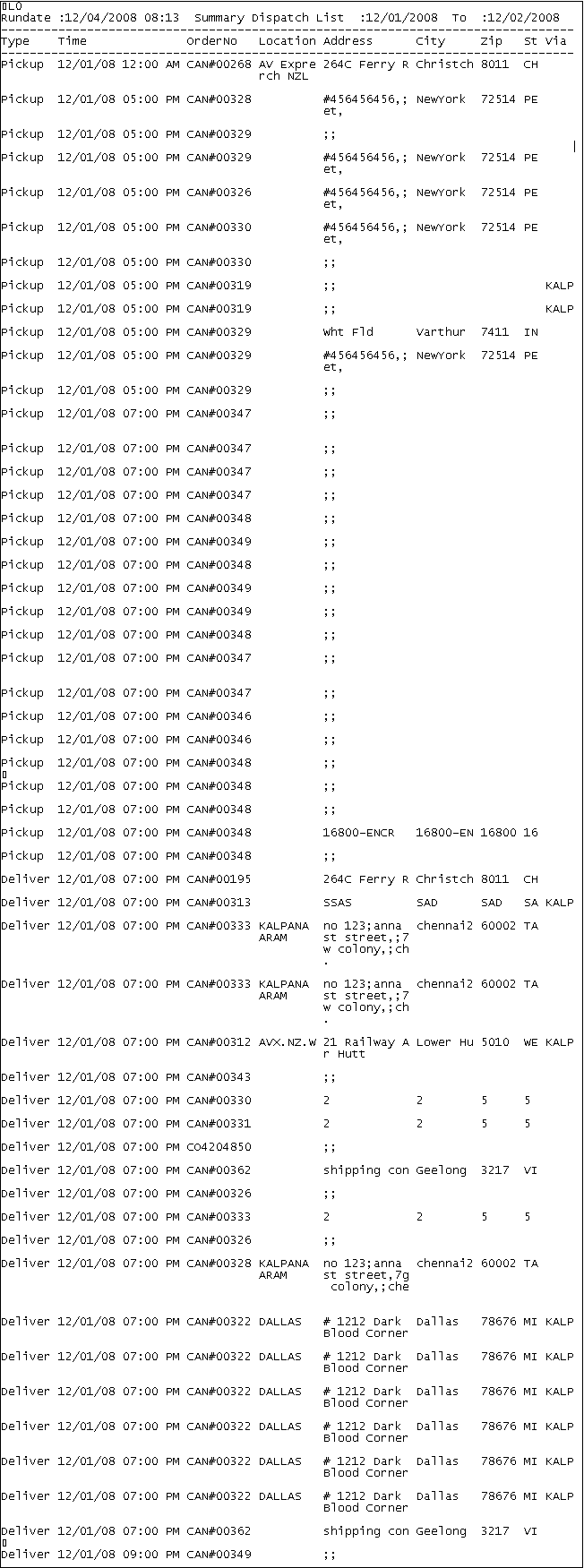
Sample Image for Picklist