
You can fill Serial and Non Serial Items by providing Asset ID/Container ID, quantity or by using barcode scanner
App shows error message when
-
Item/Asset not on Order
-
If Order is unlocked it should fail to Fill
Workflow
-
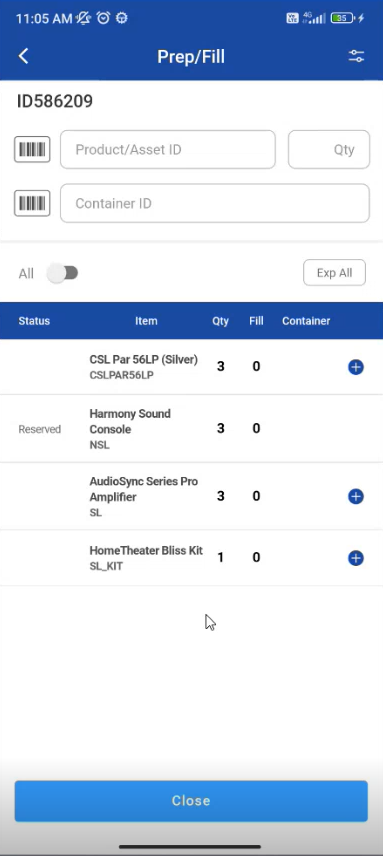
Pick an asset by tapping on any item
-
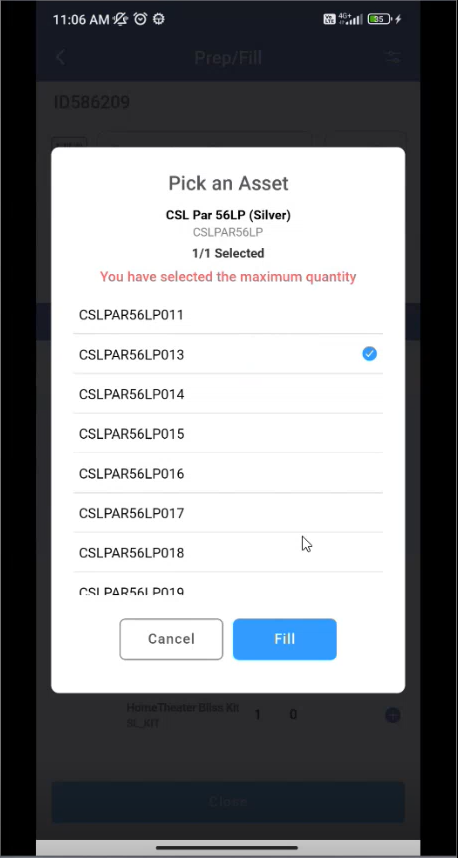
Pick an asset by tapping on an item and pick an asset/item.
-
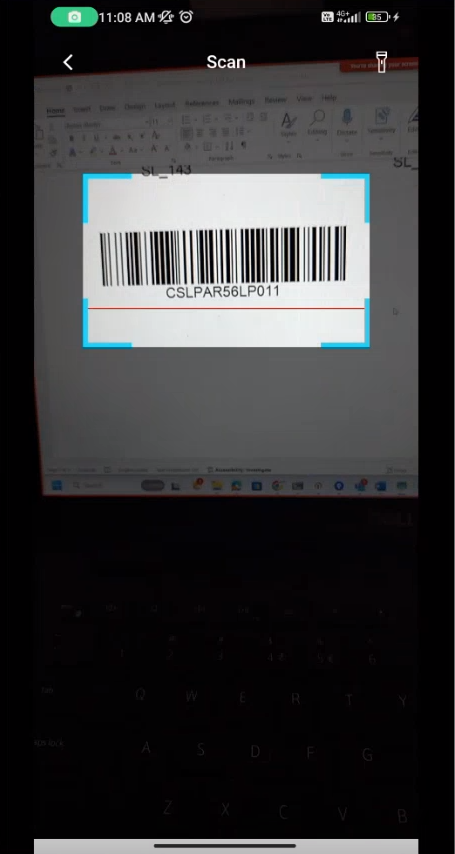
You can scan the item by using Scanner
-
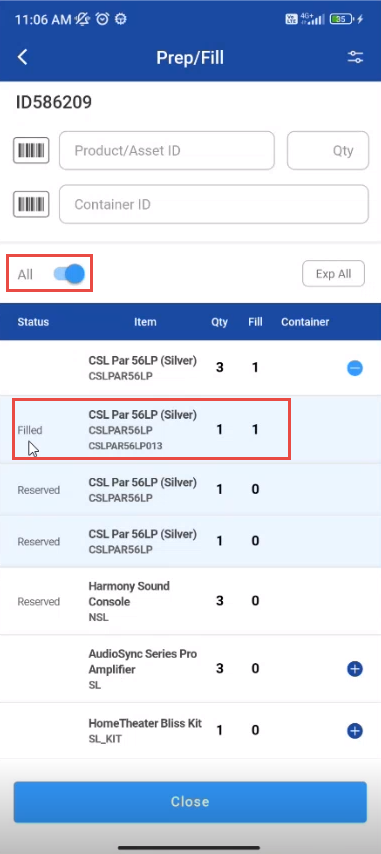
If select All is true then Filled items are displayed in the list
-
You can scan Serial/Non-serial item, Kit/Non-serial kit and by providing quantity.
-
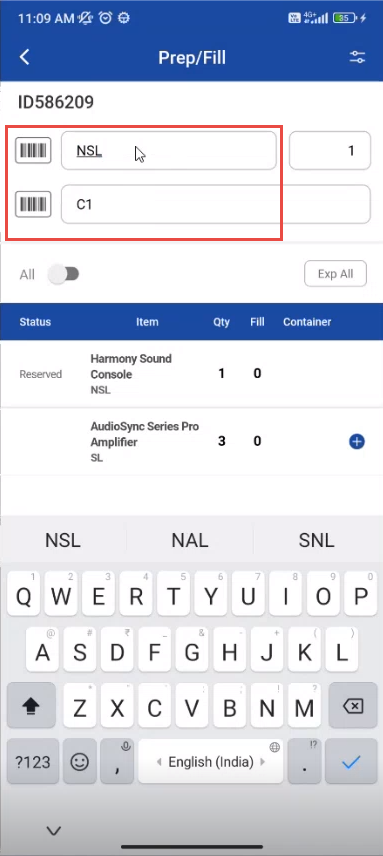
You can search Items by Container ID and Product/Asset name
-
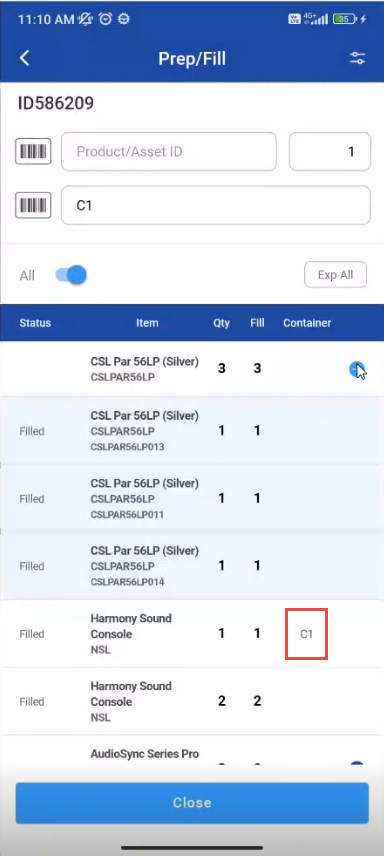
Select All toggle button and the list displays with items having container ID
-
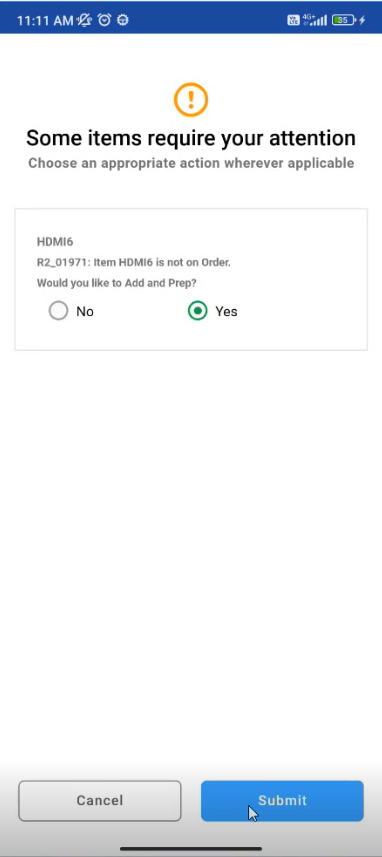
If you try to add a non existing item to the list the message is shown whether to add an item to the list
-
If you select yes and submit it, the item will be Filled.