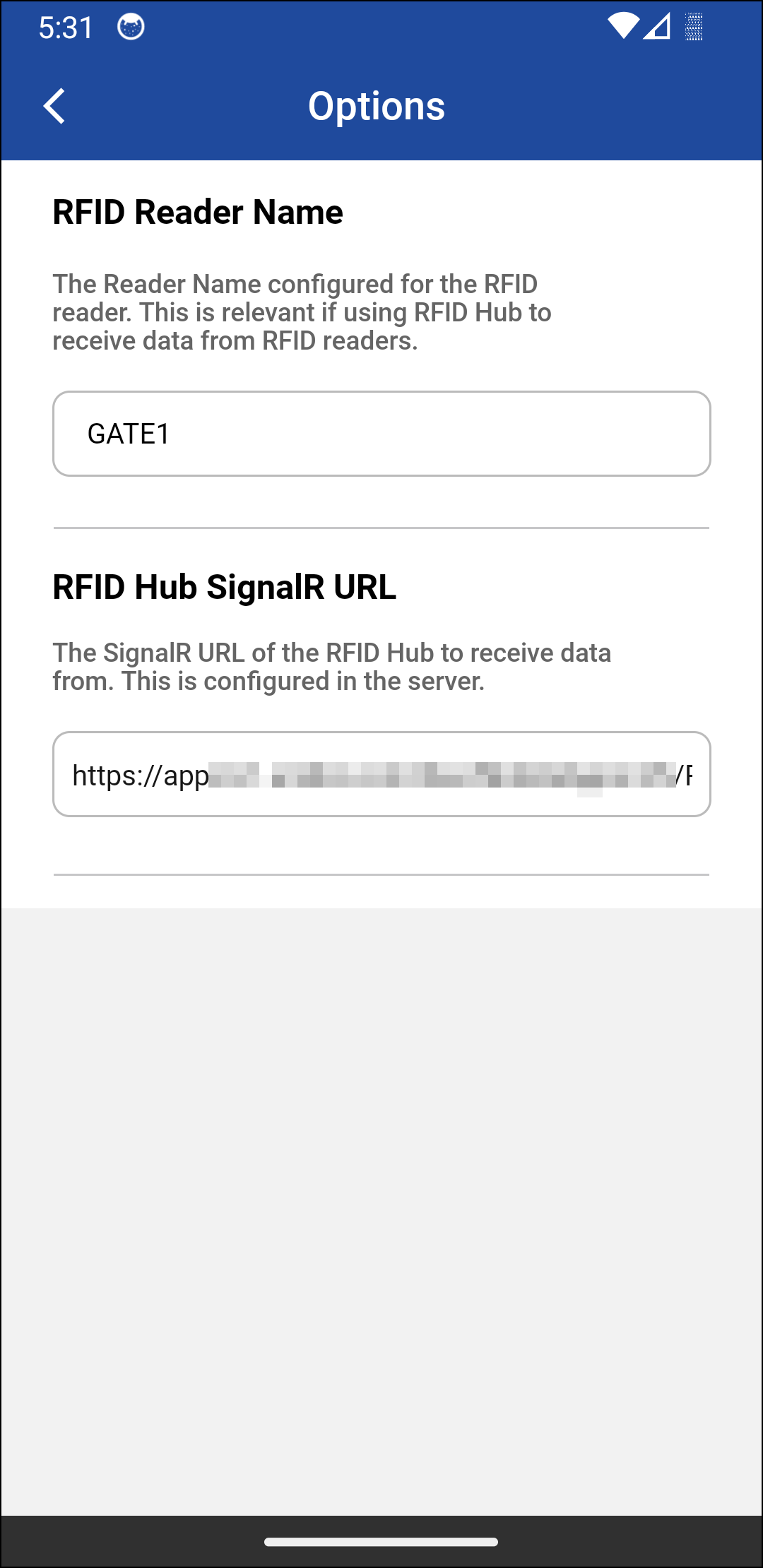
For a efficient management of warehouse operation RFID reader/hub integration with mobile app is essential. You can use RFID integrated hand-held scanners to input serial items. For bulk operations like Ship and Return where large number of items are moved at once, a RFID Hub integrated app is easier. PackNShip app supports both modes.
-
Configures the RFID Hub URL for bulk reading of RFIDs
-
Configures RFID Reader Name
-
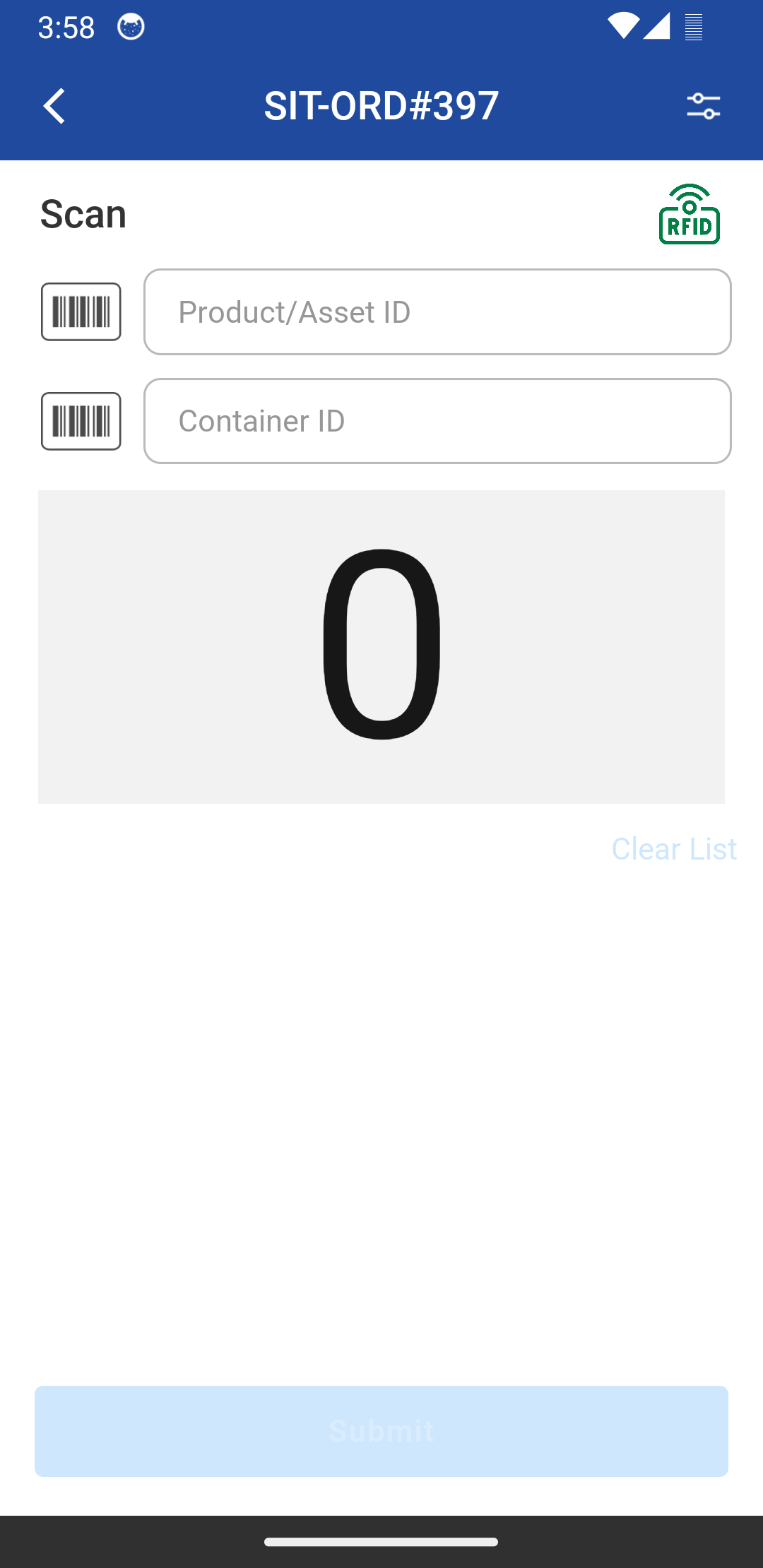
App shows the status of your connection to the hub, you will know if you are successfully connected to the hub.
The RFID criteria's:
-
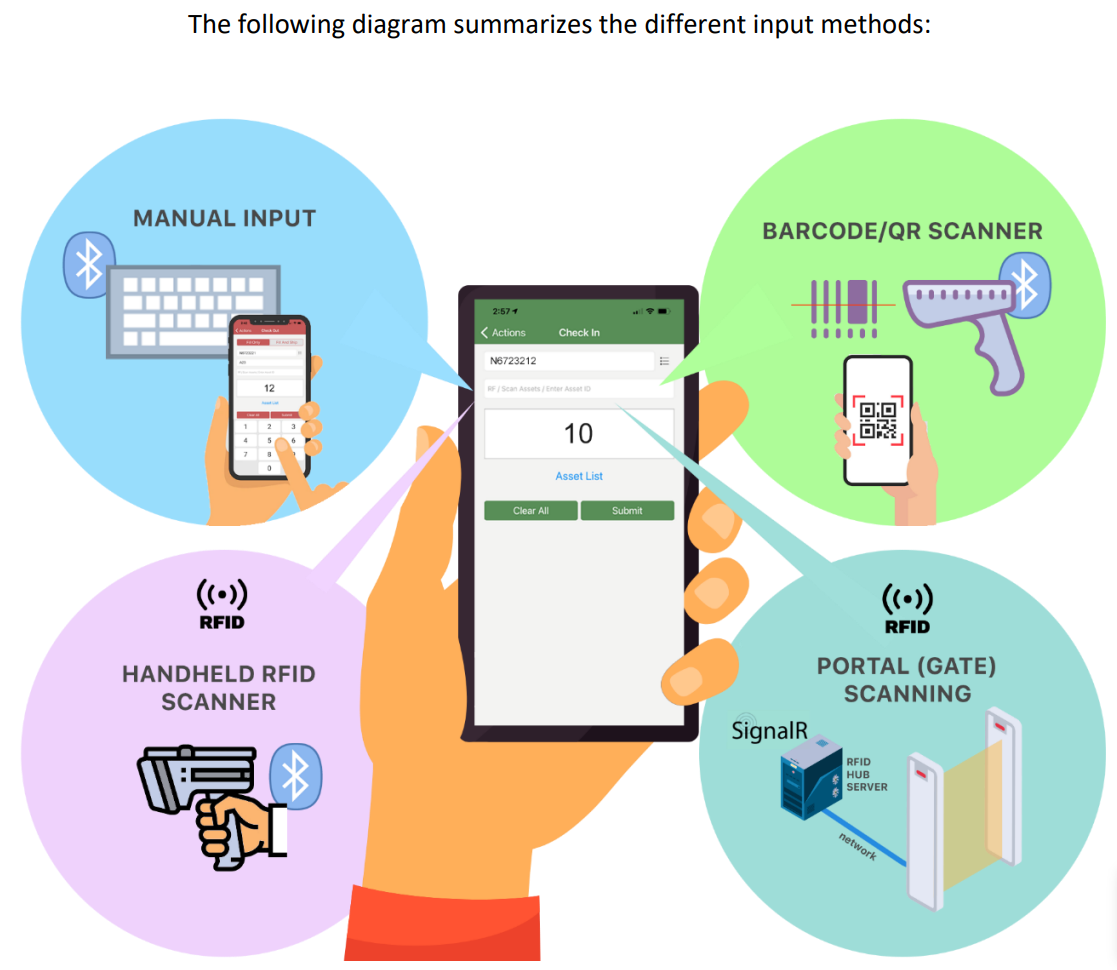
Ship and Return items either through hand held RFID scanners or RFID Gate in case of Orders or Transfer Orders.
-
The RFID used to scan Serial Item, Serial Kits and Serial Items within non-serial kits
-
In case of scanning the same RFID through Gate, duplicate IDs will be filtered. However, in case of RFID handheld scanners it would not be filtering the duplicate IDs since it is same as Barcode scanner or a keyboard input.
Currently RFID implementation for non-serial is not supported in the app.
RFID is a method to scan the device or any item in the warehouse:
When you scan an item, following are the scenarios :
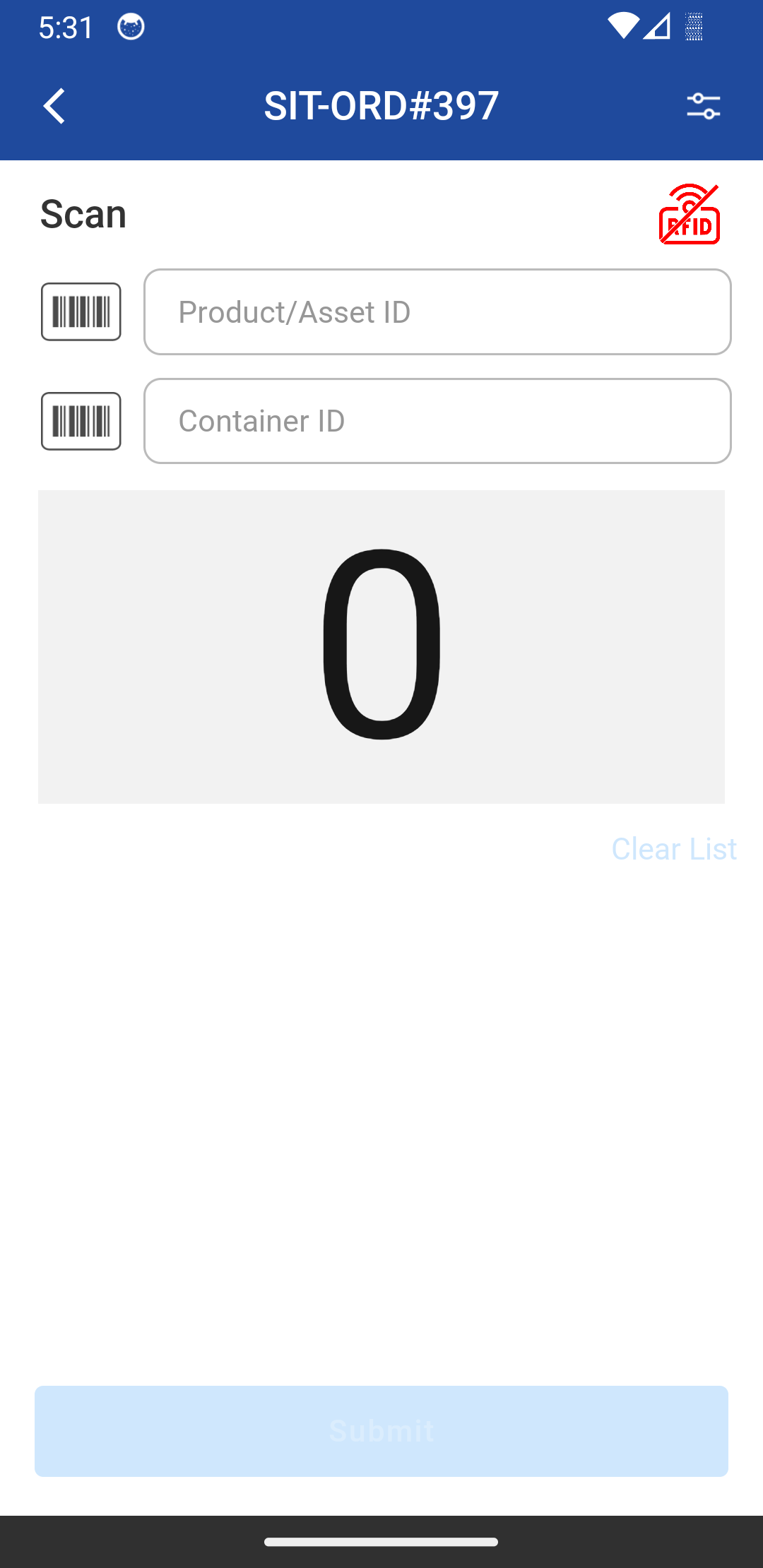
Scenario 1: When RFID not connected
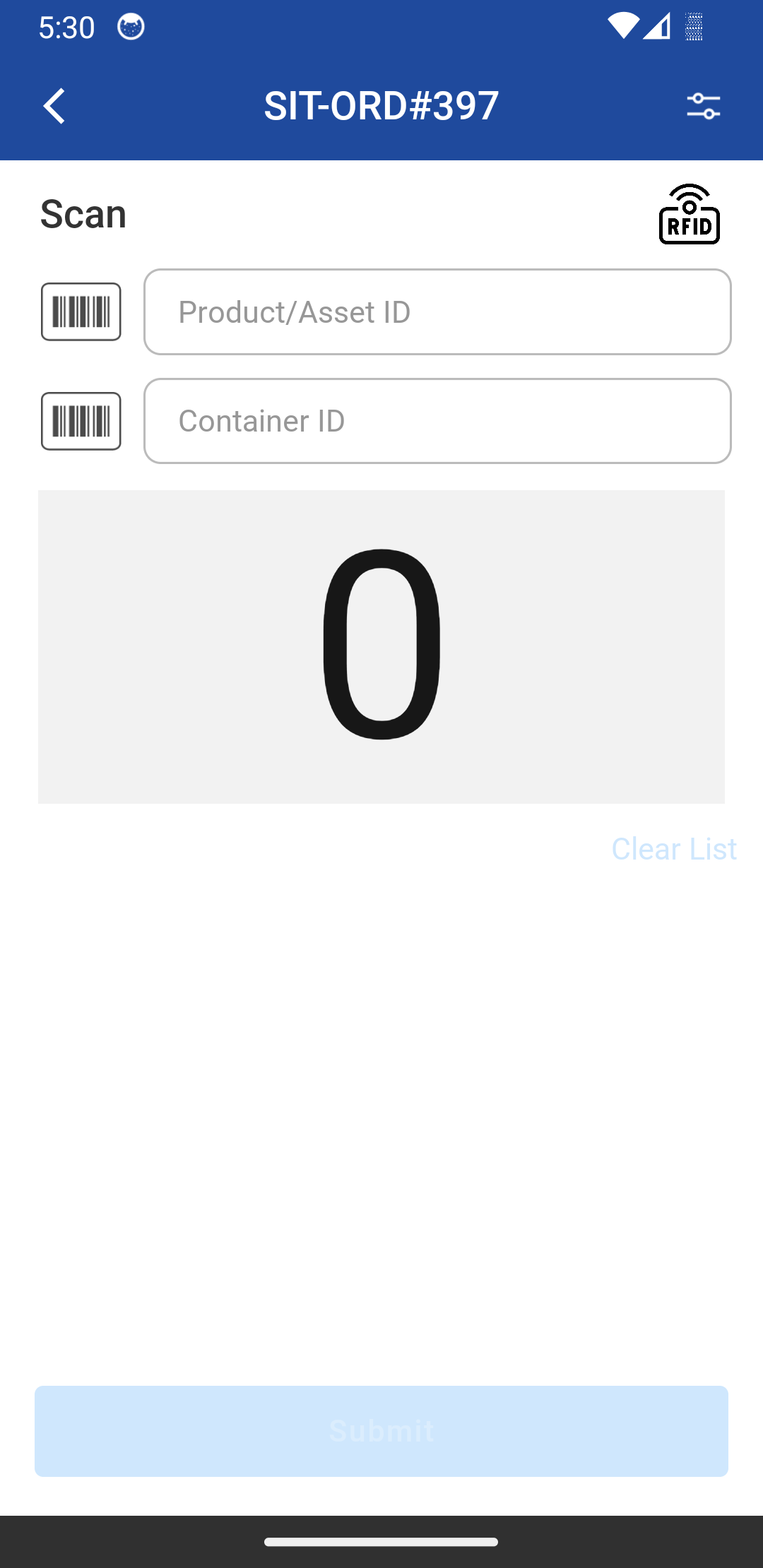
Scenario 2: RFID is not connecting with current configuration
Scenario 3: RFID trying to reconnect
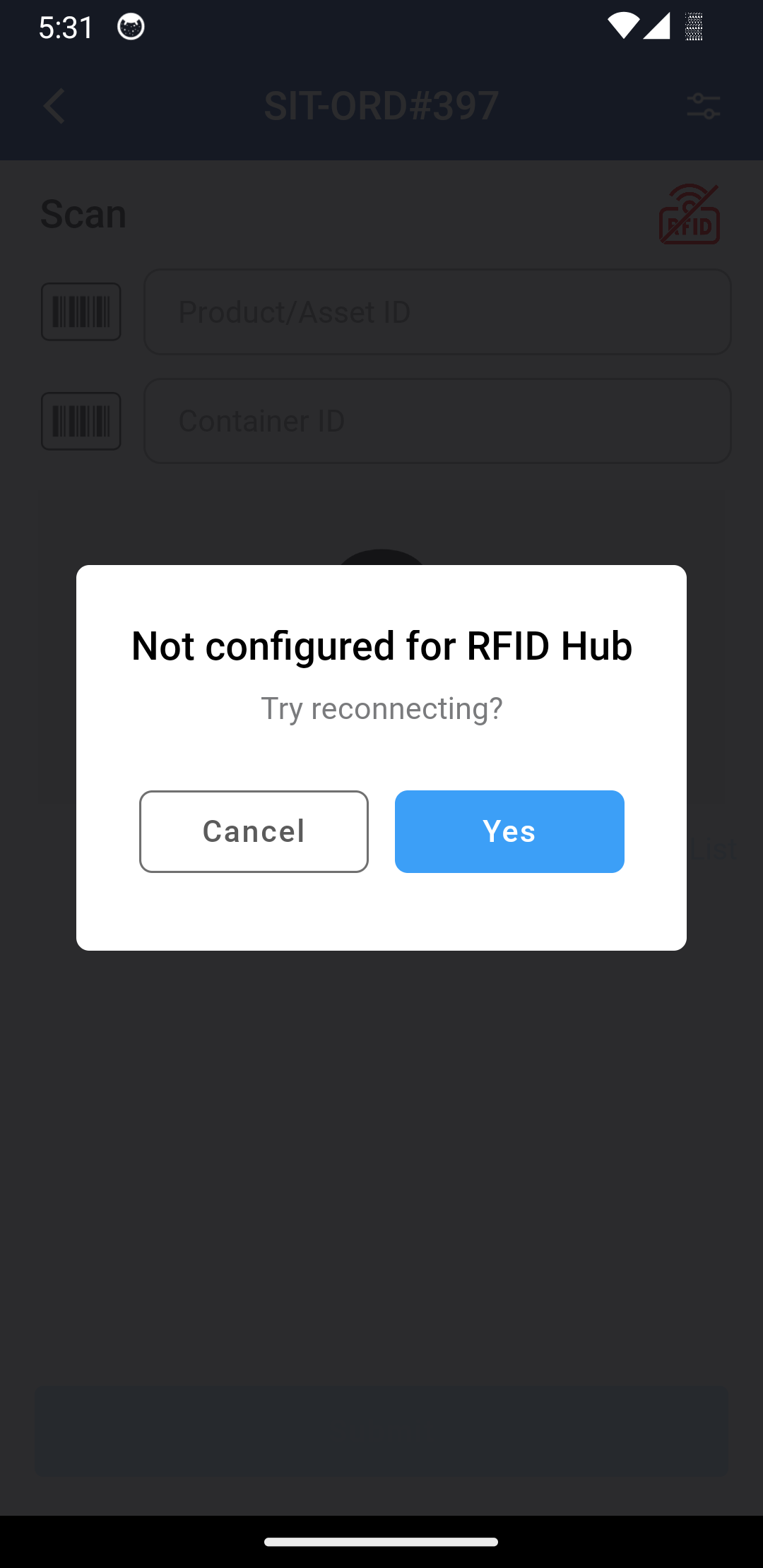
Scenario 4: RFID Connected
Scenario 5: RFID While doing Batch return
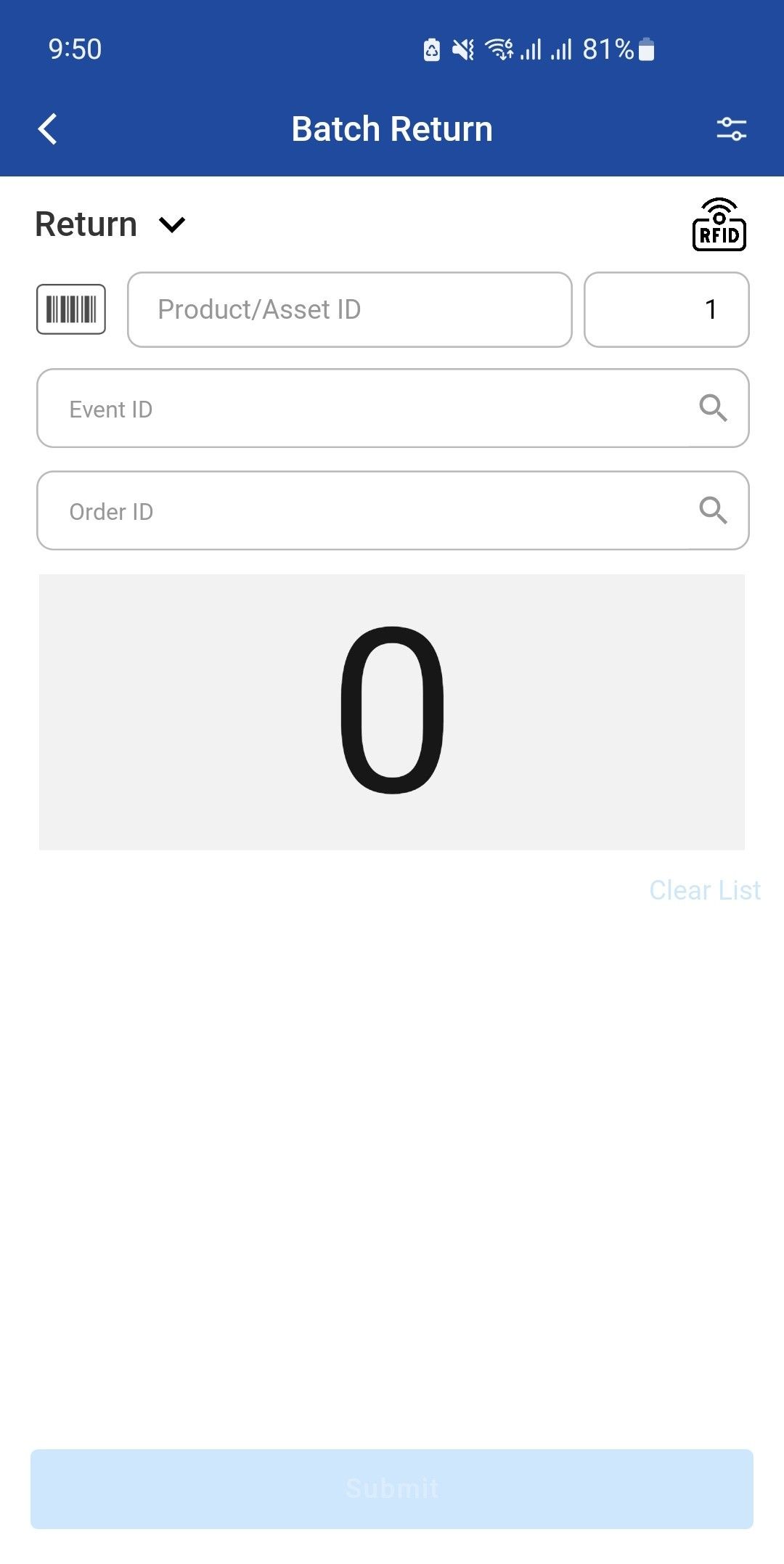
When an item is scanned using barcode or RFID (via gate or handheld scanner), the scanned list in the PackNShip app displays:
-
The scanned code (barcode or RFID), and
-
The corresponding item/asset description (e.g., product or asset name)
The description is displayed in the scanned list before the Submit action
If you want to do Configuration then setup go to options and set the RFID Reader Name and RFID SignalR URL in RFID Configuration Screen