Skip table of contents

Complete Service

When the service has been completed, you will mark the service ticket as done and print a copy (optional) for your records.

  1. Begin in the Service module.

  2. Search for your service ticket and double-click on it to open it.

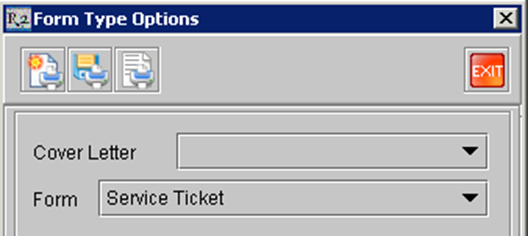
  3. Click on the Print icon image-20240529-031353.png to print a copy of the service ticket.

image-20240529-031357.png
  1. When the print dialog appears, click on the Print icon image-20240529-031414.png again.

JavaScript errors detected

Please note, these errors can depend on your browser setup.

If this problem persists, please contact our support.