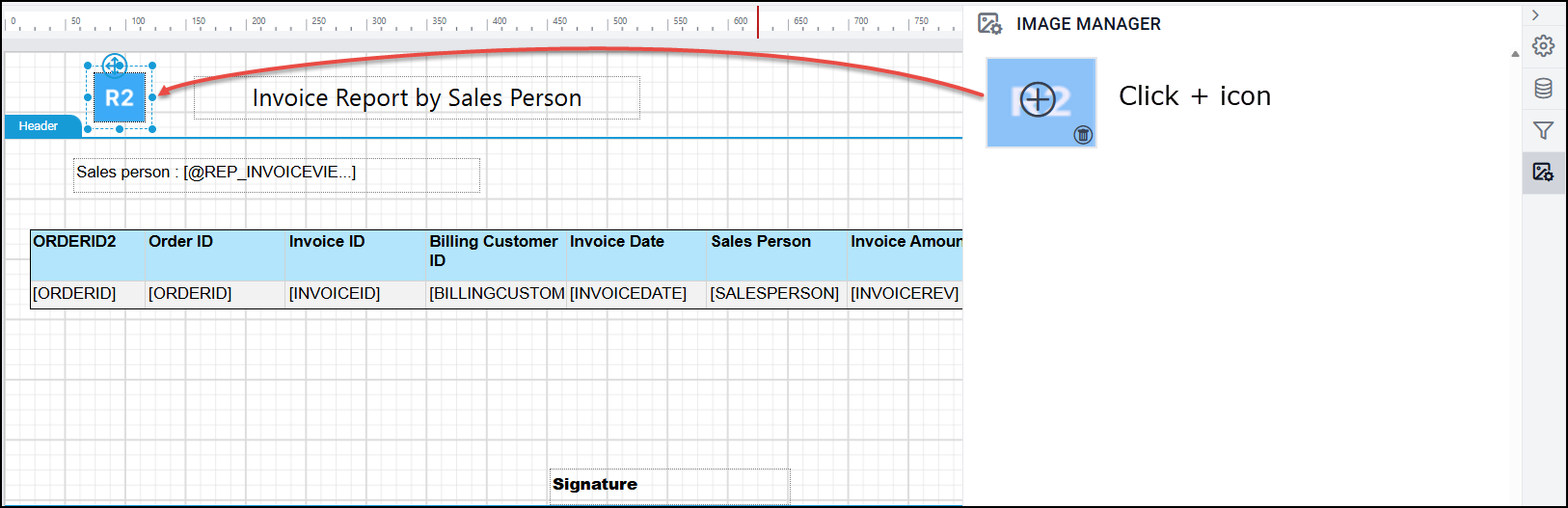
You can embed image/logo to your reports using image manager.
-
Click on the Image Manager icon in the configuration panel.
-
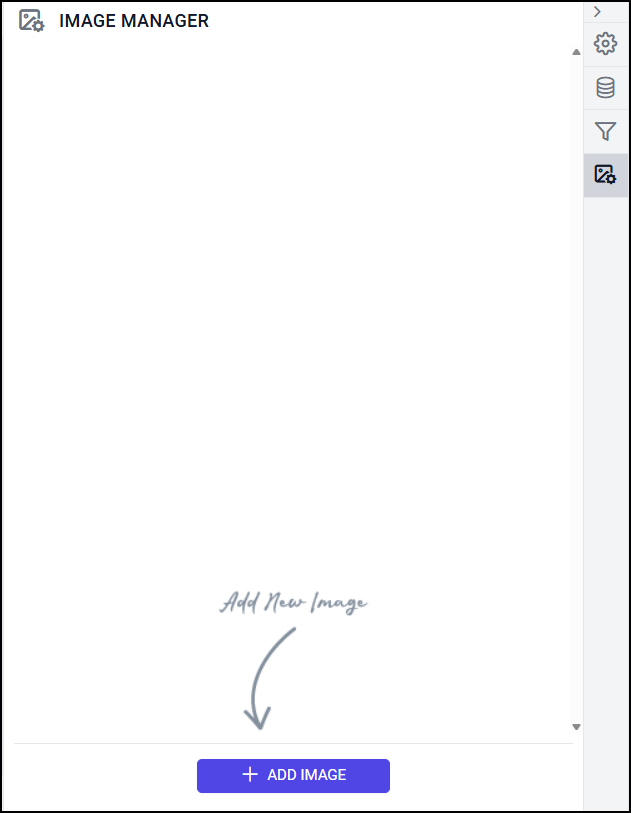
Click on Add Image button in the IMAGE MANAGER panel.
-
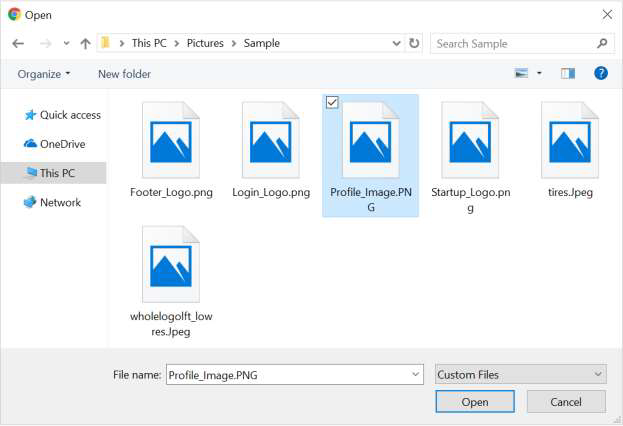
Select an image and click on Open button.
-
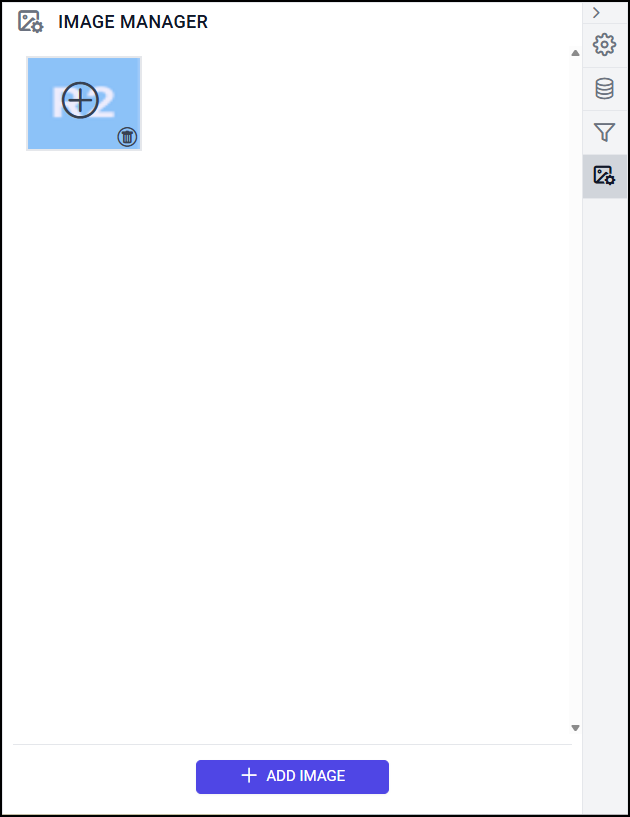
Now, the image will be embedded to the report and listed under the IMAGE MANAGER panel.
-
Click on the plus icon on the image, now the image item will be added to the design area.