
Assets
-
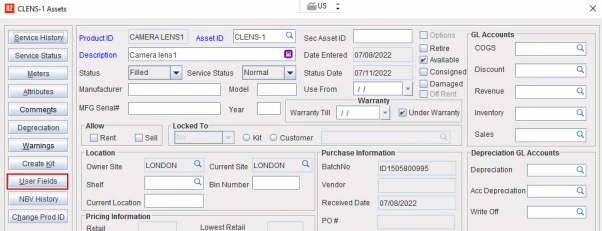
Accessible through 'Asset edit' window by clicking the User Fields button.
Asset edit window
-
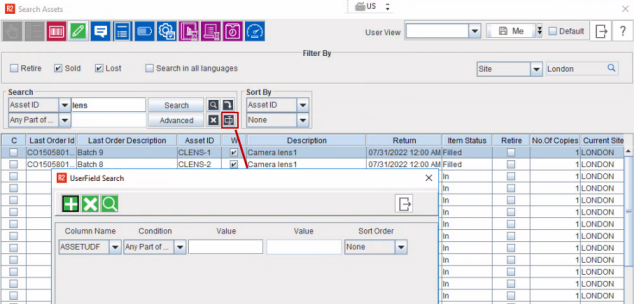
Asset search can be performed using the user field value in the 'Search Asset' window.
Search Asset window
Contact
-
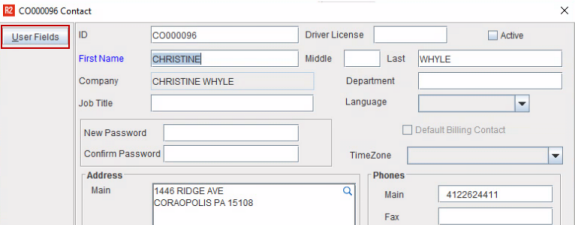
Accessible through 'Contact edit' window by clicking the User Fields button.
Contact edit window
-
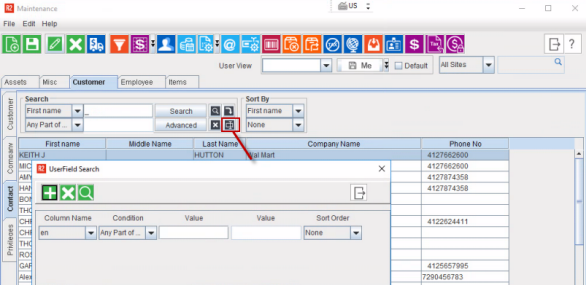
Contact search can be performed using the user field value in the 'Search Contact ' window.
Search Contact window
Customer/Company
-
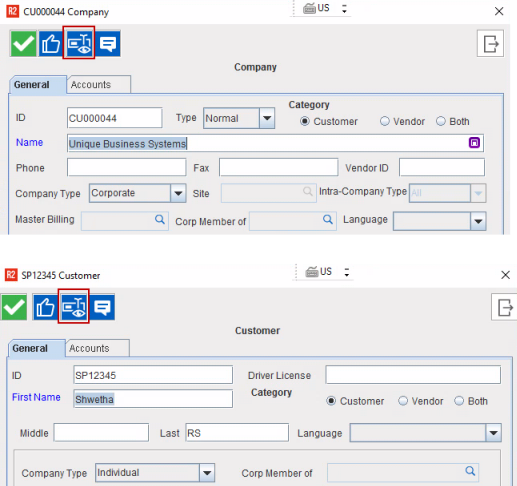
The User fields created for Customer/ Company entity is displayed in both 'Customer edit' window and 'Company edit' window by clicking the User Fields button.
Company and Customer edit window
-
Search can be performed using the user field value in the 'Search Customer/ Company' windows
Event
-
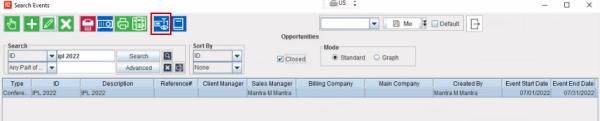
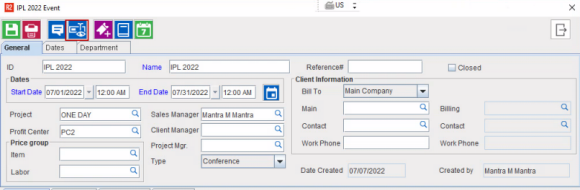
User Fields button for Event entity is available 'Event' window and also in 'Search Event' window.
Search Events window
Events window
-
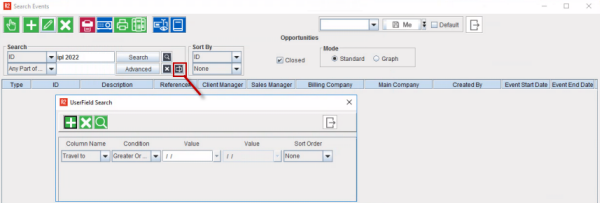
Event search can be performed using the user field value in the 'Search Event' window.
Search Events window
-
Additionally, you can default Event UDF values to its Event Orders. Want to Know more?
Inventory Attribute
-
User fields defined for Inventory in Maintenance User fields is listed in the Attribute list dialog of an item. If user makes any changes to the Attribute list the same will be reflected in the User Fields dialog of Maintenance module.
Invoices
-
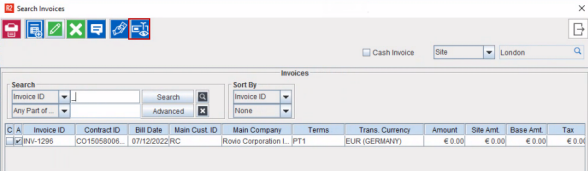
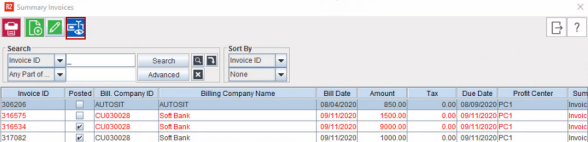
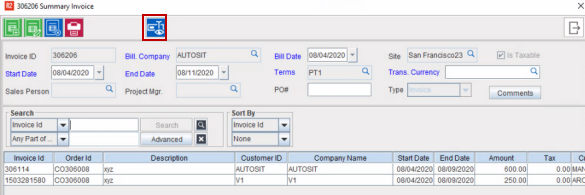
Supported in following windows:
-
Search Invoices
-
Search Summary Invoices
-
Summary Invoice edit window
Labor
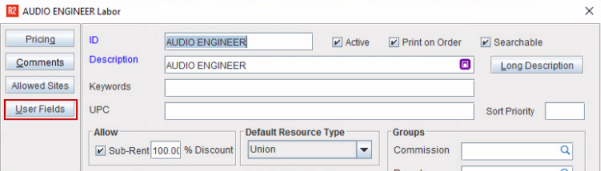
User Fields button is available in 'Labor edit' window.
Labor edit window
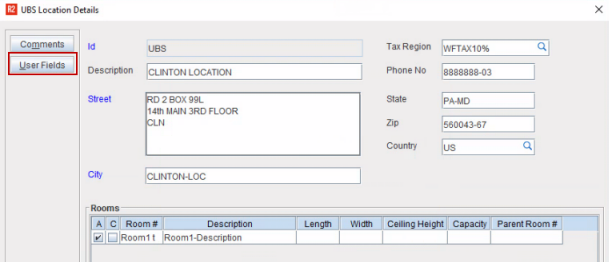
Location
Supported in 'Location Details' window.
Location details window
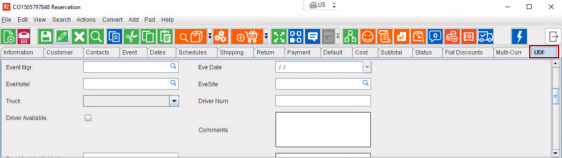
Order
UDF fields are available in the User Defined Fields tab in the 'Order' window.
Project
-
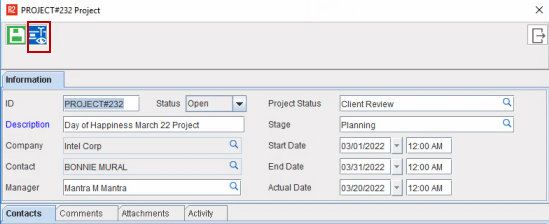
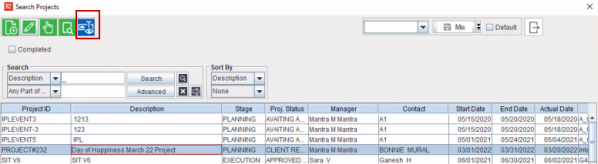
You can see the 'User Fields' button in the following places.
Projects window
-
Search Projects window
-
Projects can be search based on the UDF value in 'Search Projects' window.
Purchase Order
-
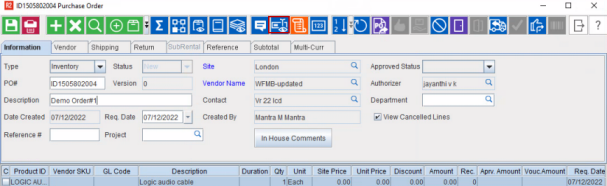
Accessible through 'Purchase Order' window by clicking the User Fields icon.
Service Work Order
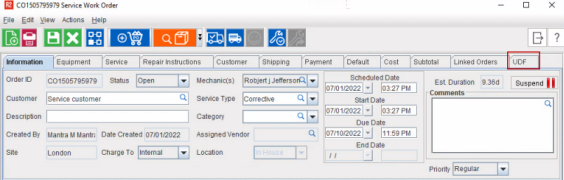
Supported in 'Service work Order' window.
Site
-
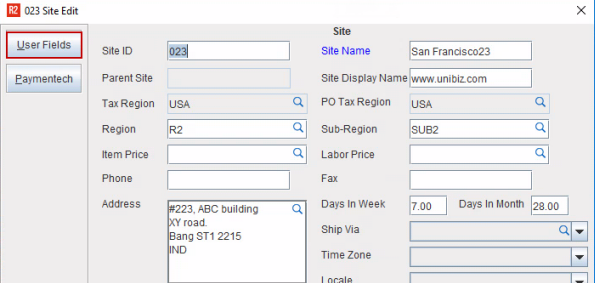
Accessible through 'Site edit' window by clicking the User Fields icon.
-
Site can be search based on the UDF value in Search Site window.
Trailer
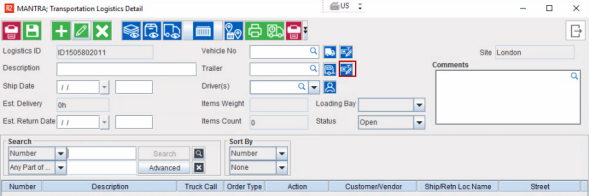
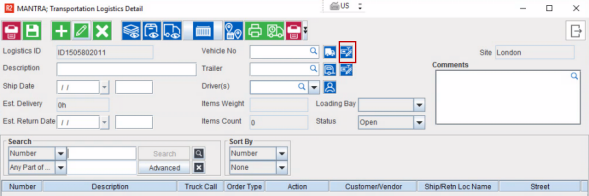
Supported in Transportation Logistics window.
Vehicle
-
Supported in Transportation Logistics window.
Item/Kit/Misc
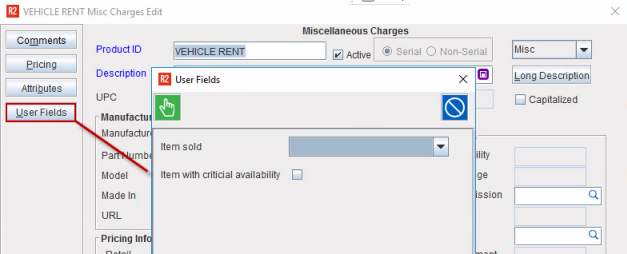
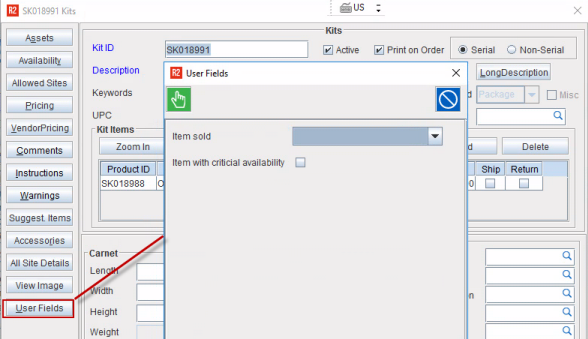
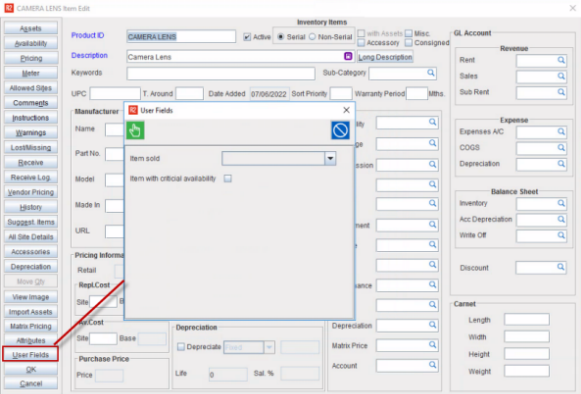
User Fields is accessible through Item, Kit, and Misc edit window. How to create User Fields?
You can bulk update User Defined Fields (UDFs) for multiple Items using the User Fields data conversion functionality in R2. This applies to entities such as Items, Kits, and Miscellaneous Charges.
Misc Edit Window
Kit edit window
You can bulk update User Defined Fields (UDFs) for multiple Items using the User Fields data conversion functionality in R2. This applies to entities such as Items, Kits, and Miscellaneous Charges.
Item Edit window
-
Item/ Kit/ Misc can be searched based on the UDF value in their respective search windows. UDF search is also supported in 'Search Inventory' window. How to search?