
How to add non-serial kits/packages.
From the R2 Launch Pad, select Account
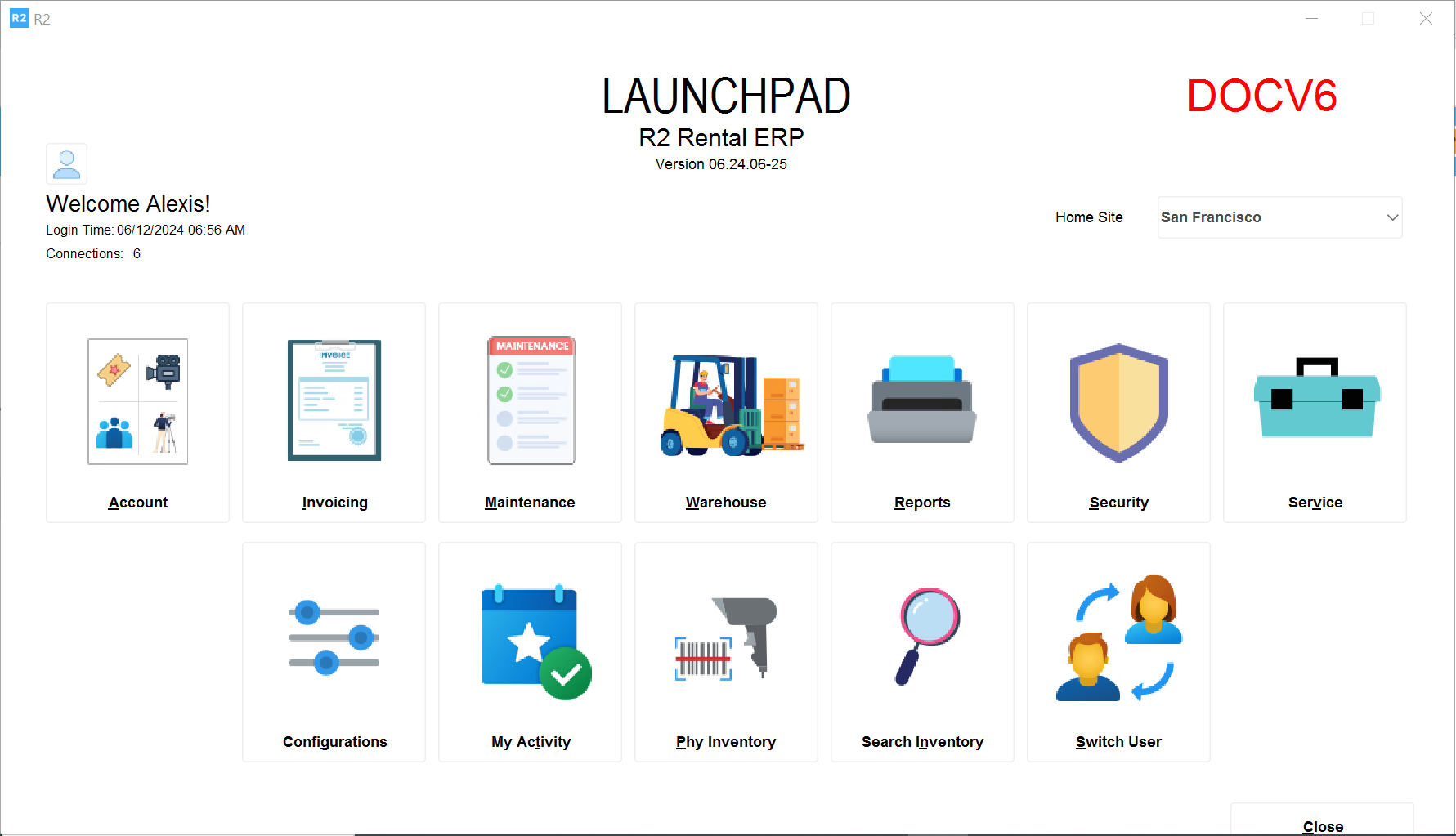
Click on the Account button and select Search → Kits
The Items screen will be displayed
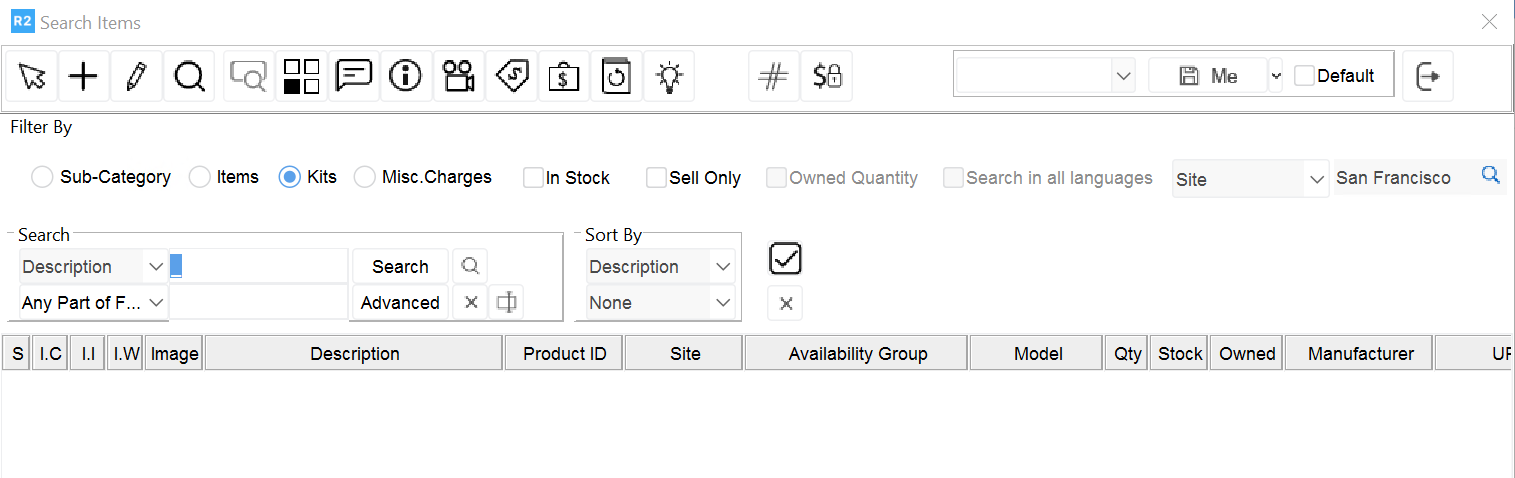
To add a new kit, click on the Add button 
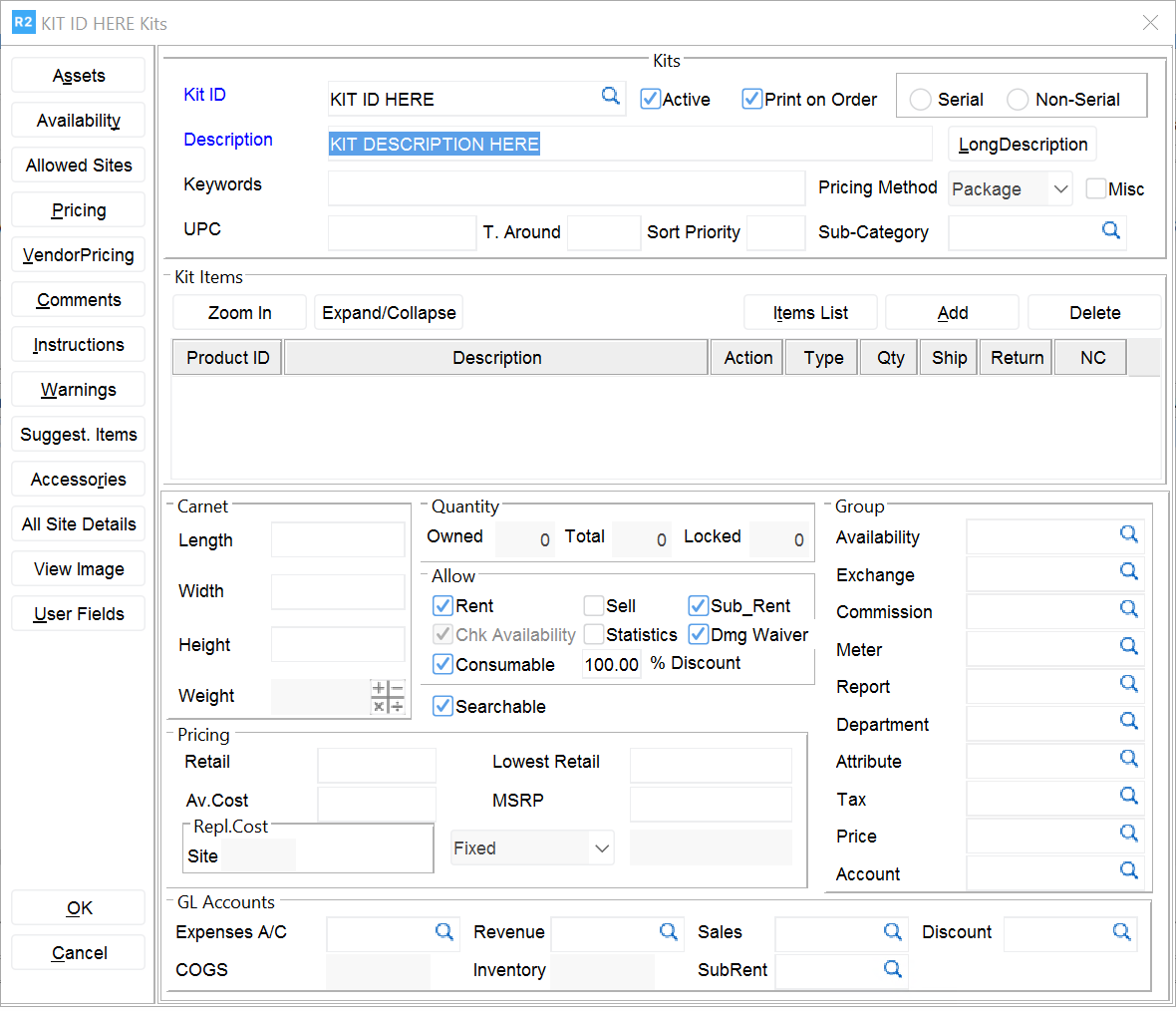
Enter a Product ID
Enter a Description
There are two types of kits: Serial and Non serial
Note: both kits can have serial and non serial equipment.
A serial kit cannot have any quoted or reserved item cancelled
A serial kit is identified by one barcode to represent the entire group of items Enter the type of pricing: Package or Detail
Package pricing means that there is a single price for entire package
Detail pricing means that each item’s price will be added
Enter a Sub-Category
Add items to the kit by clicking on Items List
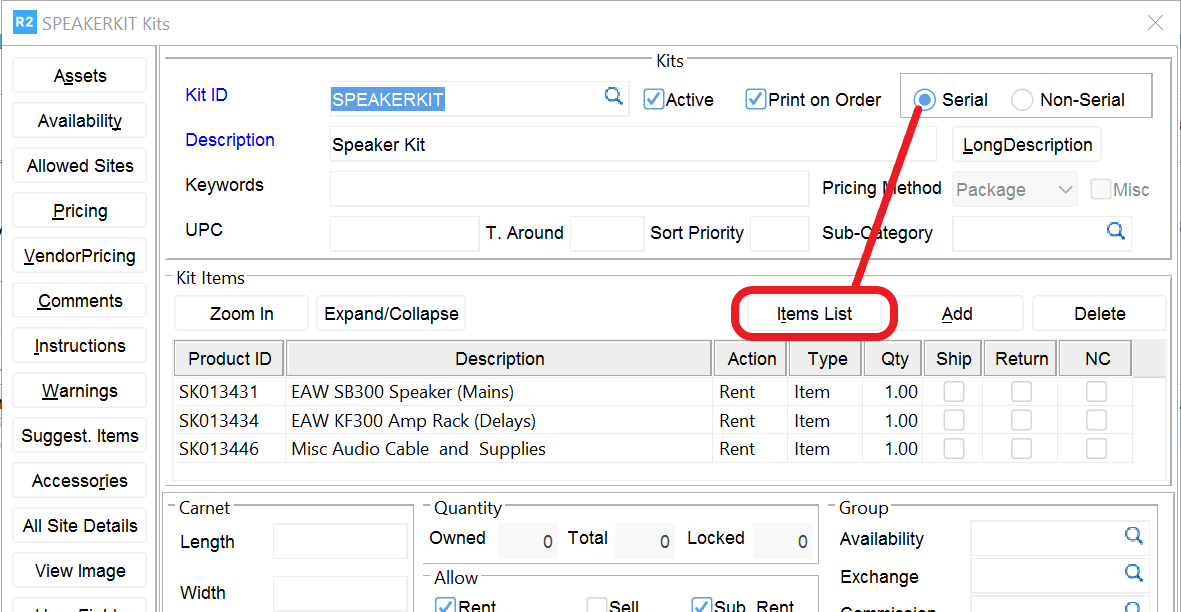
If the kit is NON SERIAL, click OK to finish.