
Parameters are used to send specific data to the server, filter content, manage pagination, sort data, and more. The parameters which you set here are used while generating reports.
-
Click on Parameter.
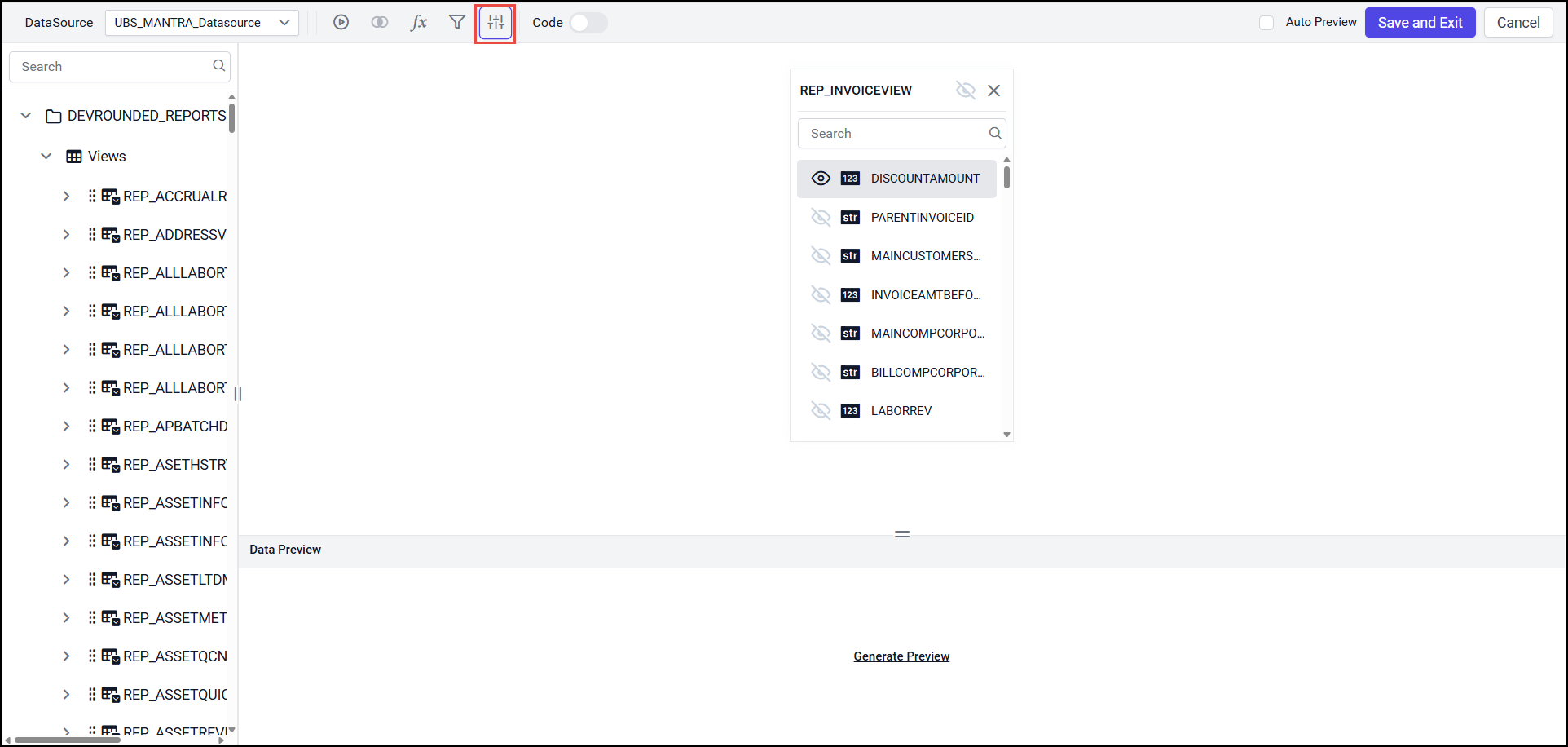
-
Click Add.
-
Enter Parameter name, Value(dropdown), Type(dropdown).
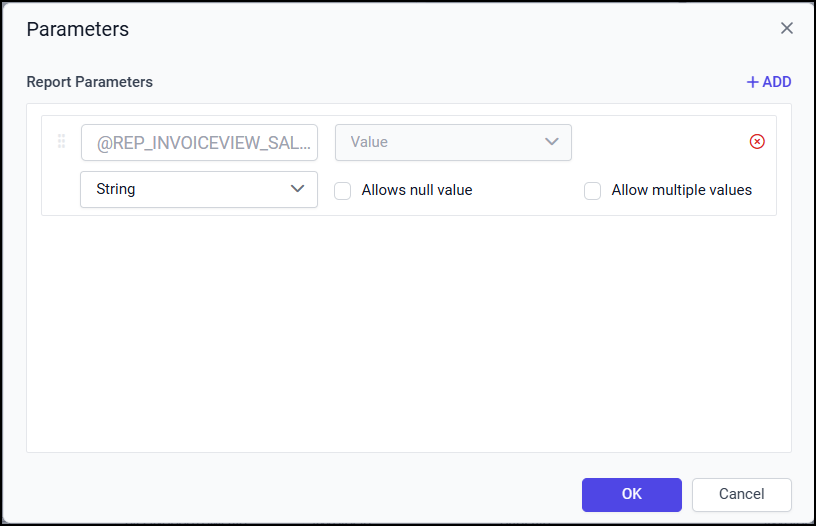
-
Click on Add, to add more parameters.
-
These parameters are used to view report by giving inputs to parameters.
-
Select the checkbox Allow Null Value, Allow Multiple Values. This means you can give more than one input or you can leave the input value as blank.
-
Click on the OK button.
-
Click Save and Exit after Creating Dataset Parameters.
-
To edit Parameters, click on Parameters while creating reports, click here to see how to edit parameters?