Table of Contents
Logistics Detail
Logistic details reports can be provided to drivers for each order or a date-range of orders.
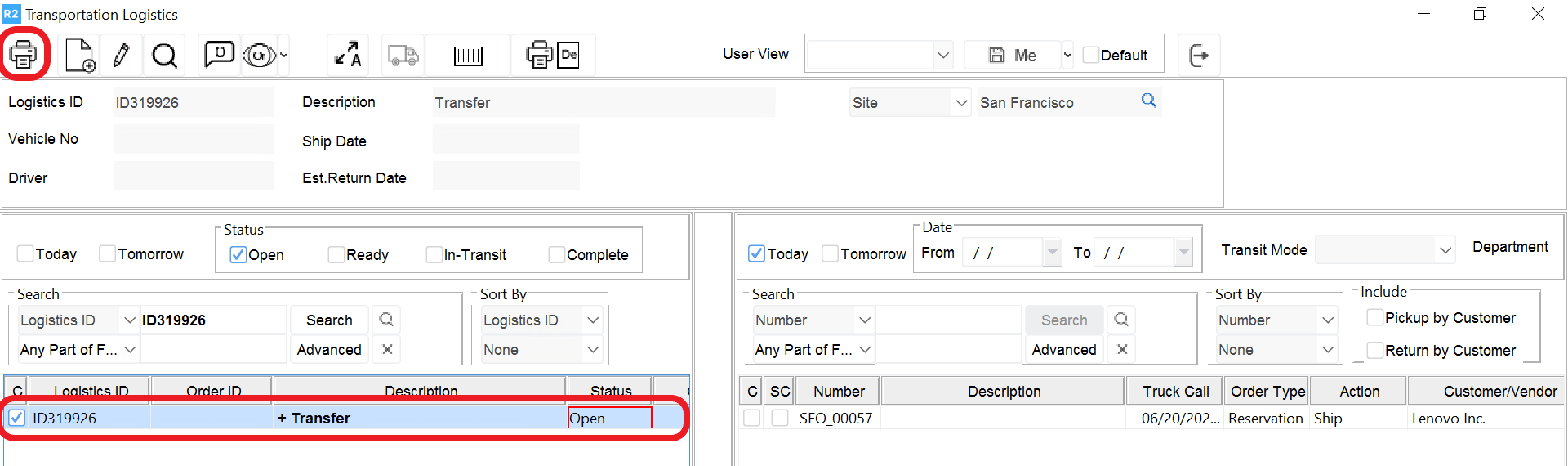
To execute the report:
-
Begin in the Transportation module.
-
Use the search criteria to locate your orders.
-
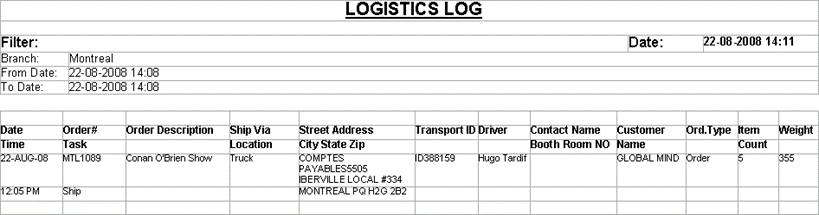
Click on the Print Logistics Detail icon. A sample print is below:
Logistics Log can be generated for multiple orders by entering the main transportation screen and clicking on the print icon:
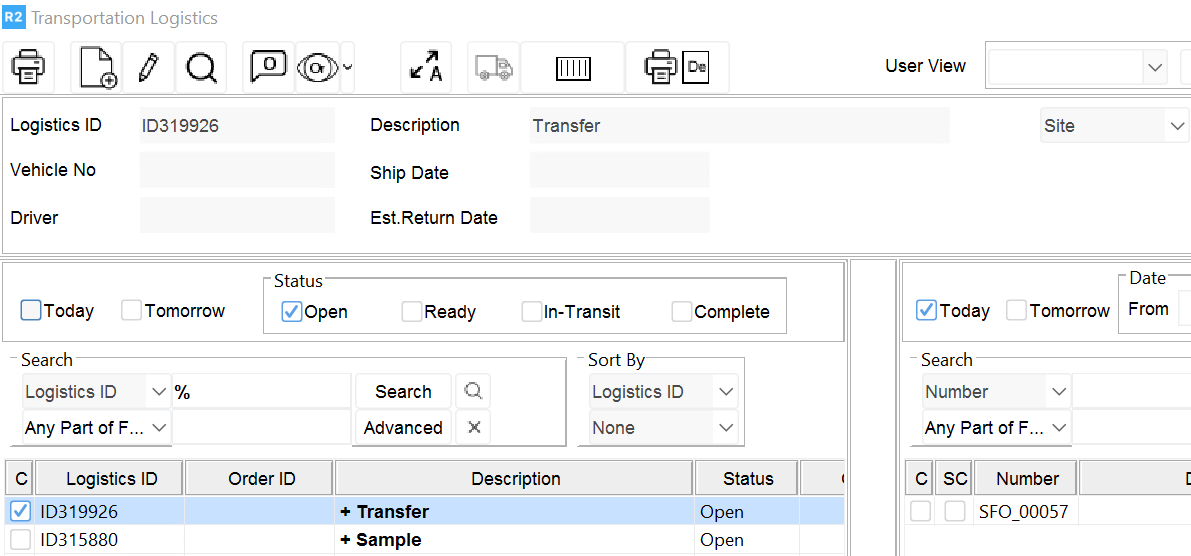
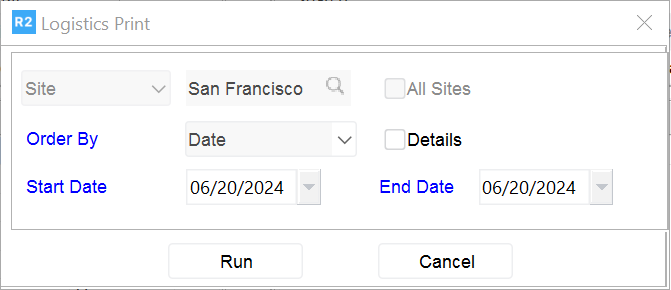
The user will then be prompted to enter a date range of order ship dates to be printed:
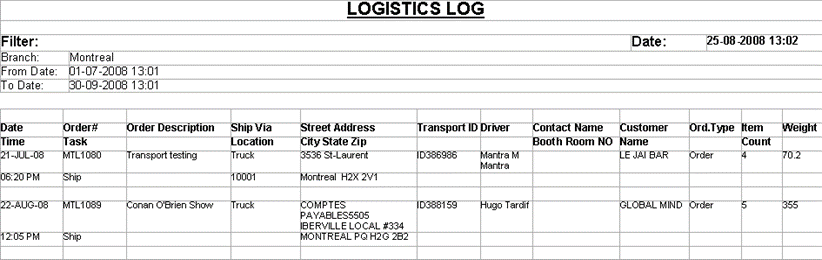
Below is an example of how multiple transportation detail logistics will print.