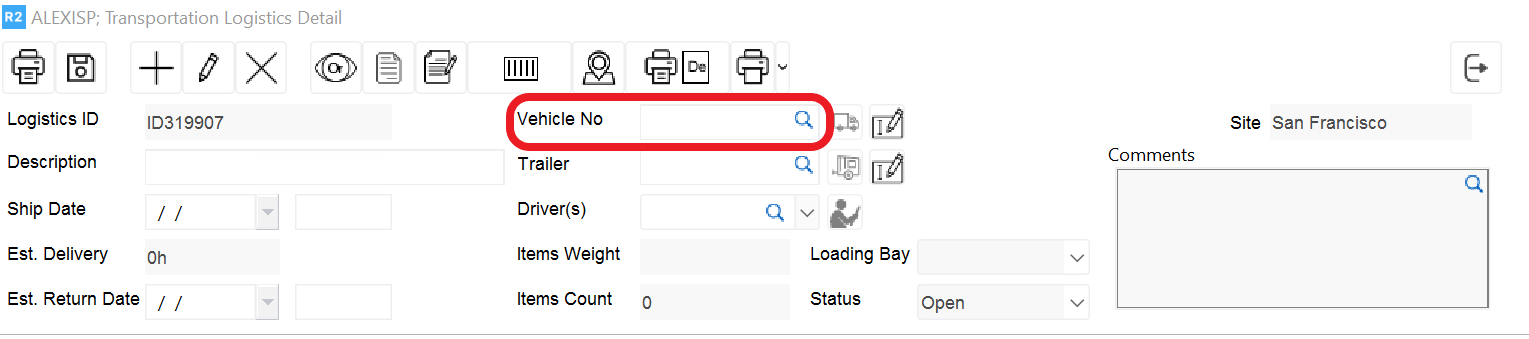
Truck Numbers can easily be added by clicking on the magnifying glass to the right of the description from within the Transportation Details:
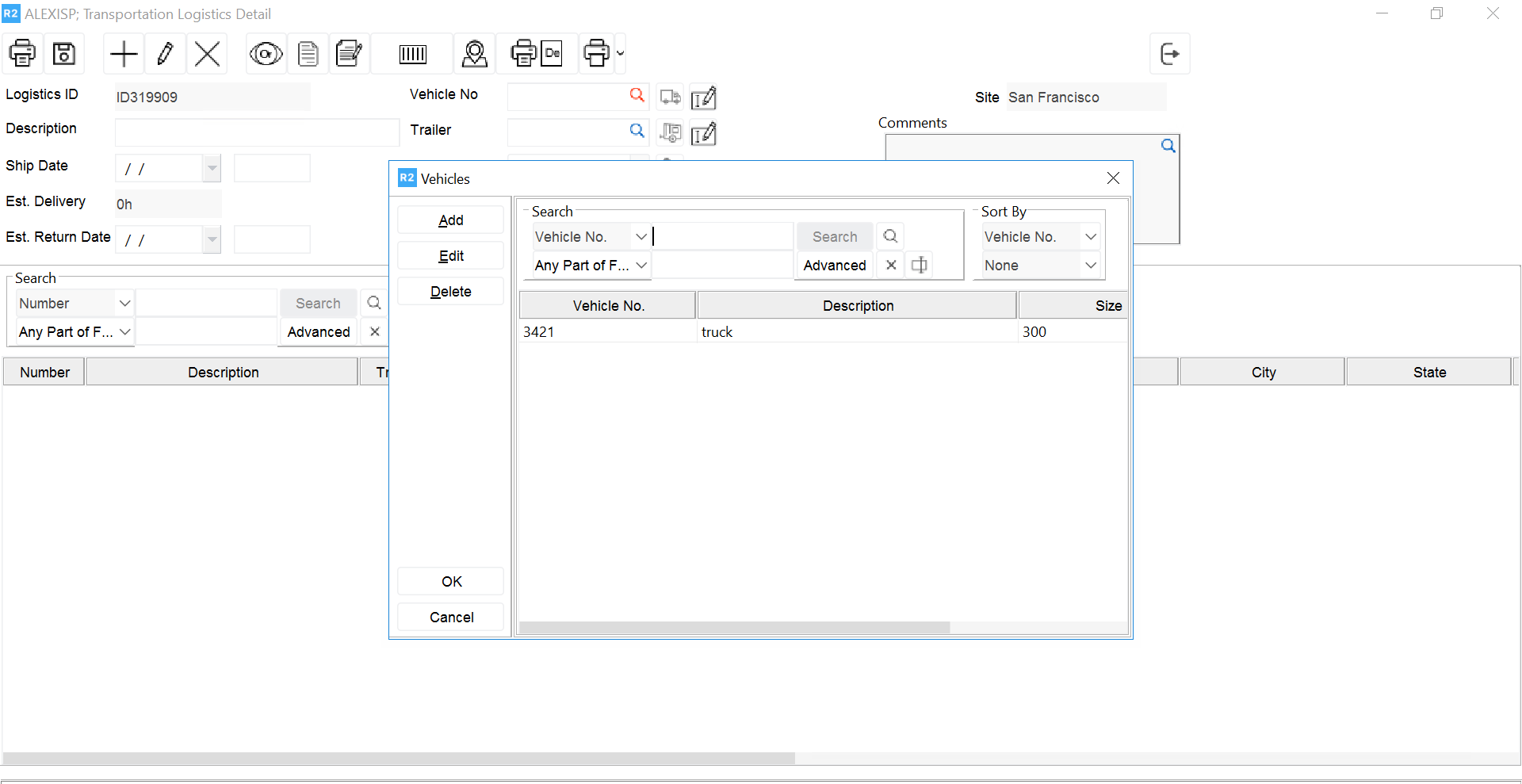
The user can then click on the Add button and enter Truck Number, Description, and the Size of the Truck
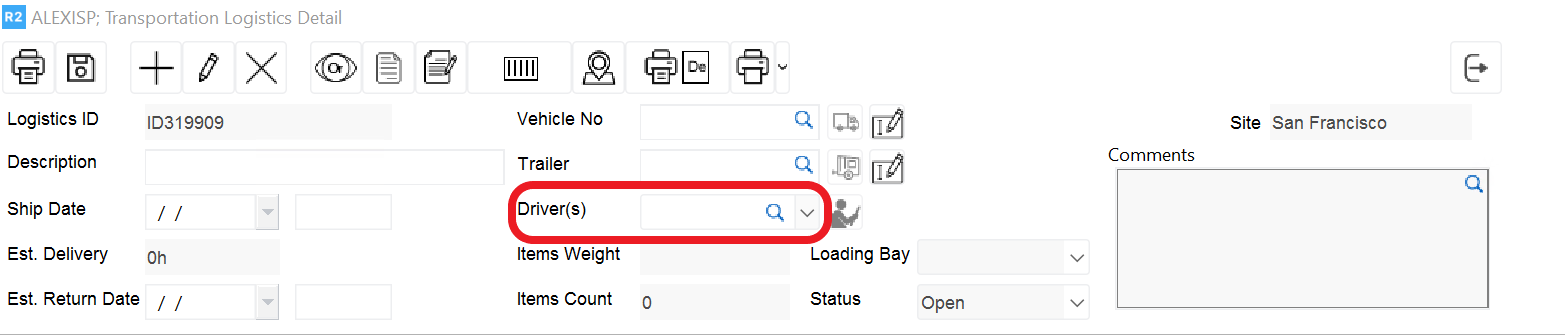
Driver Name can be easily defined by clicking on the magnifying glass to the right of the Driver description:
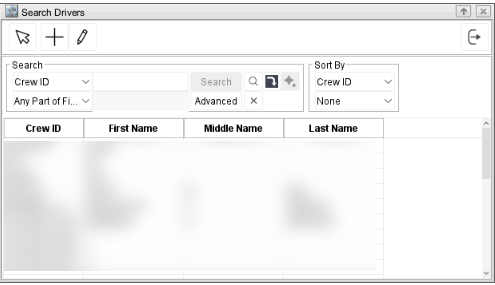
The following dialog box will appear where the user can select the Driver Name from a pre- defined list of employees: