
Table of Contents
Creating the work order
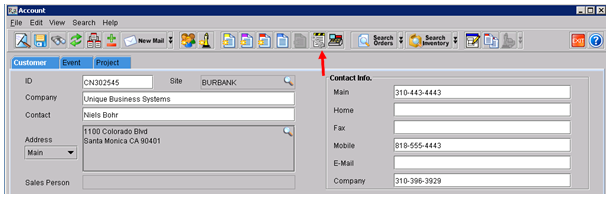
From the Account screen, search for the company and click on the Work-Order button
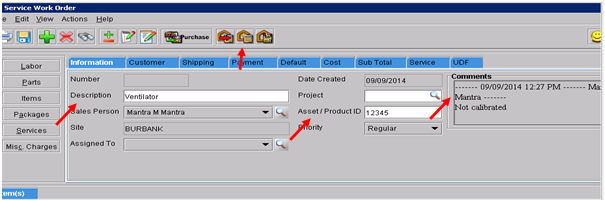
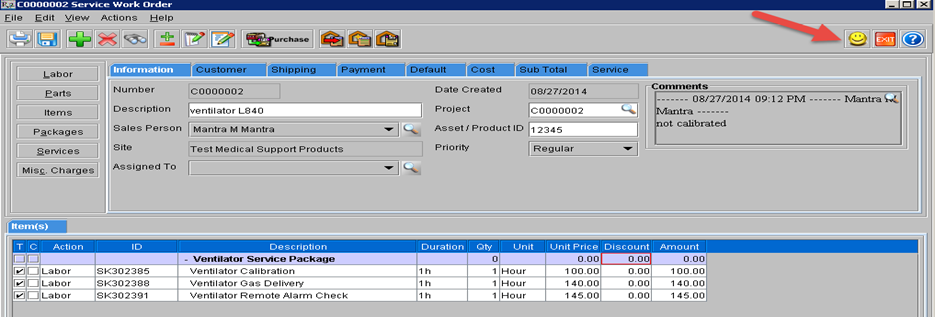
From the Service Work-Order screen enter:
-
The description have a prefix of SERVICE followed by the item description
-
The serial number of the equipment
-
A comment describing the problem
-
Click on Generate Service Ticket
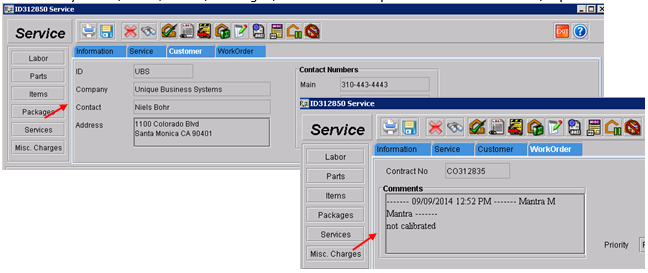
From the Service & Repair Module, open the service ticket.
-
Two tabs will be auto-populated as a result of the work order (Customer and Work- Order).
-
Add any Labor, Parts, Items, Packages, or Service Groups needed for the service/repair.
Open the workorder and click on the Update Workorder icon
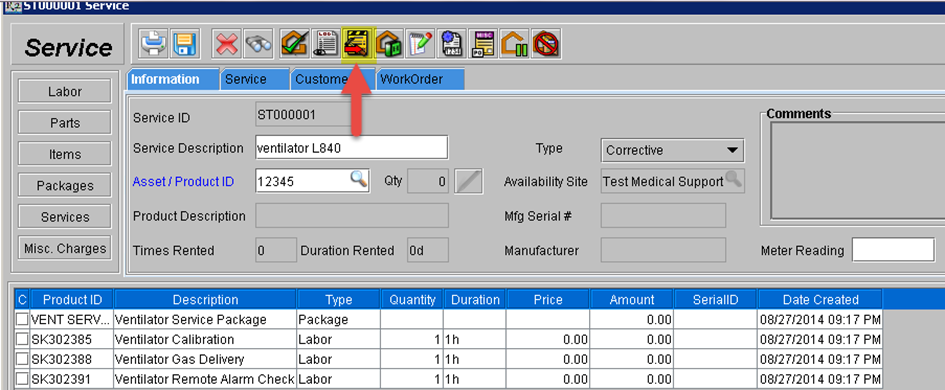
Modify as needed (like prices or delivery charges) and click on the Invoice button
Post the invoice as needed