-
Selecting a Maintenance Group for an item -
Selecting a Meter Group for an item -
Creating a Maintenance Group -
Service based on periodic intervals -
Service based on meters -
Service based on times rented -
Service based on duration rented -
Setting up a meter reading -
Manually Setting up Meters -
How to generate a Quick Service ticket -
Generate a corrective service ticket for damaged items & show L&R Invoicing -
How to generate a service work order for an asset that needs repair -
How to generate a service work order that will be repaired at Vendor's location -
How to generate a preventative service ticket -
How to add Parts -
Setup Service Work Order specific User Defined Fields
Maintenance Groups are intended to assign pre-defined criteria to specific items in order to schedule needed maintenance at pre-defined intervals. The criteria can be based on elapsed time, meter reading, days rented or times rented.
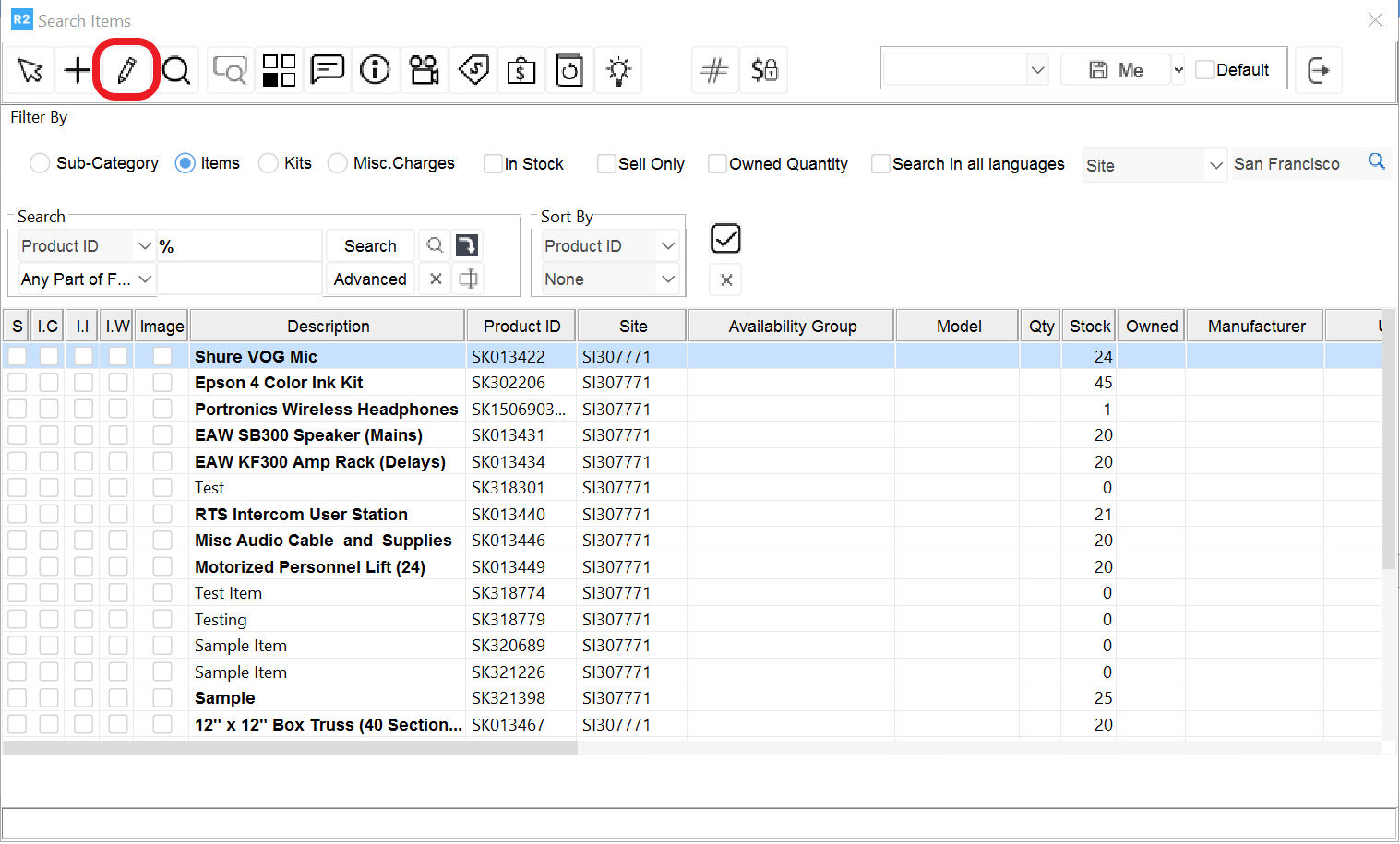
To assign a maintenance group to an item go to Account > Search > Items
.png?cb=2e293bcda93e2fce76d8b157aa605239)
Then search and select the item. Click on the Edit button