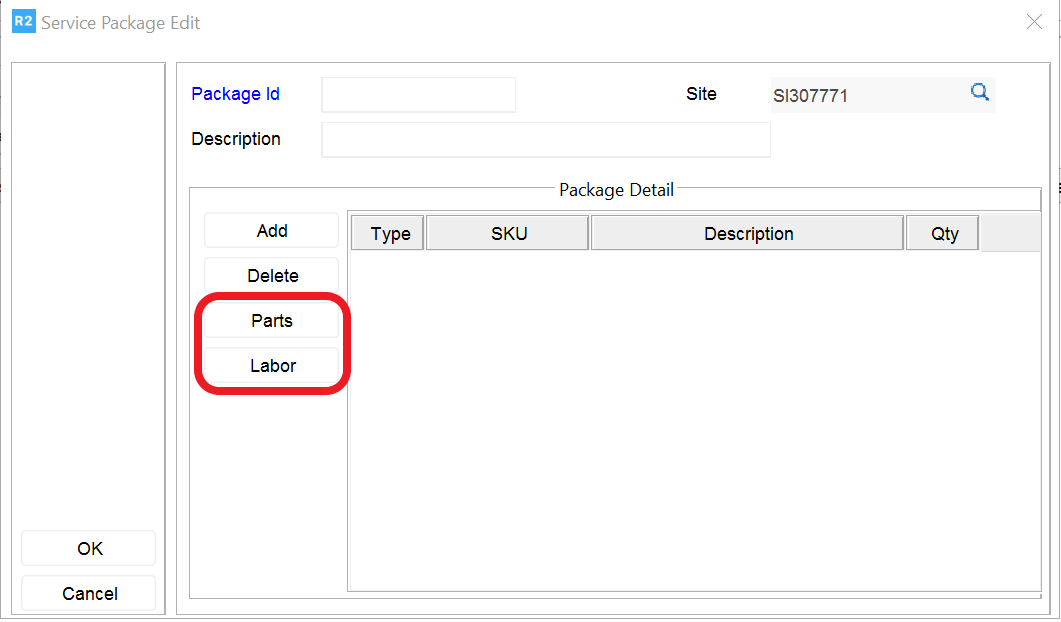
A Service Package may be composed of several Parts and Labor, which will be linked to a Service Group and attached to a Item or Asset. To Create a Service Package:
Click on the Service Group Icon.

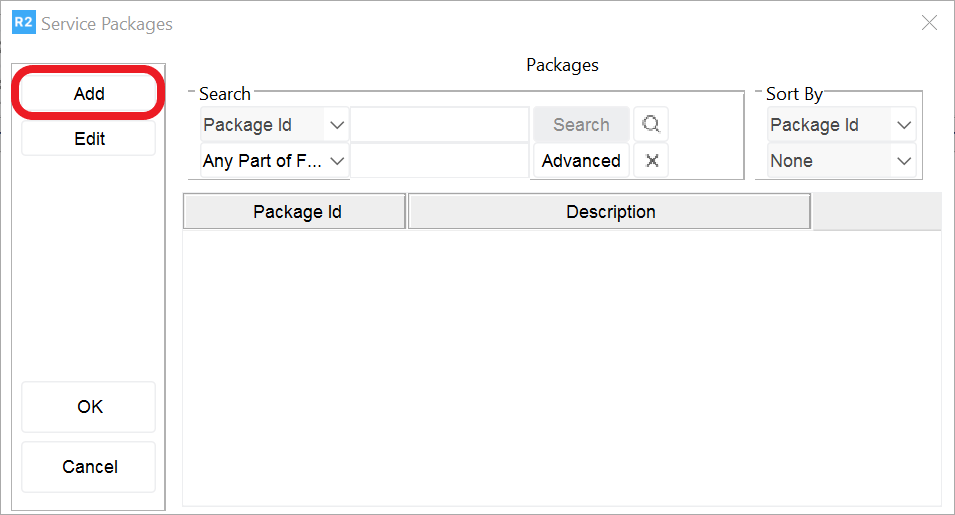
From the Service Package Screen, Click on Add button. From the Service Package Edit Screen, enter the Package Id and Description.
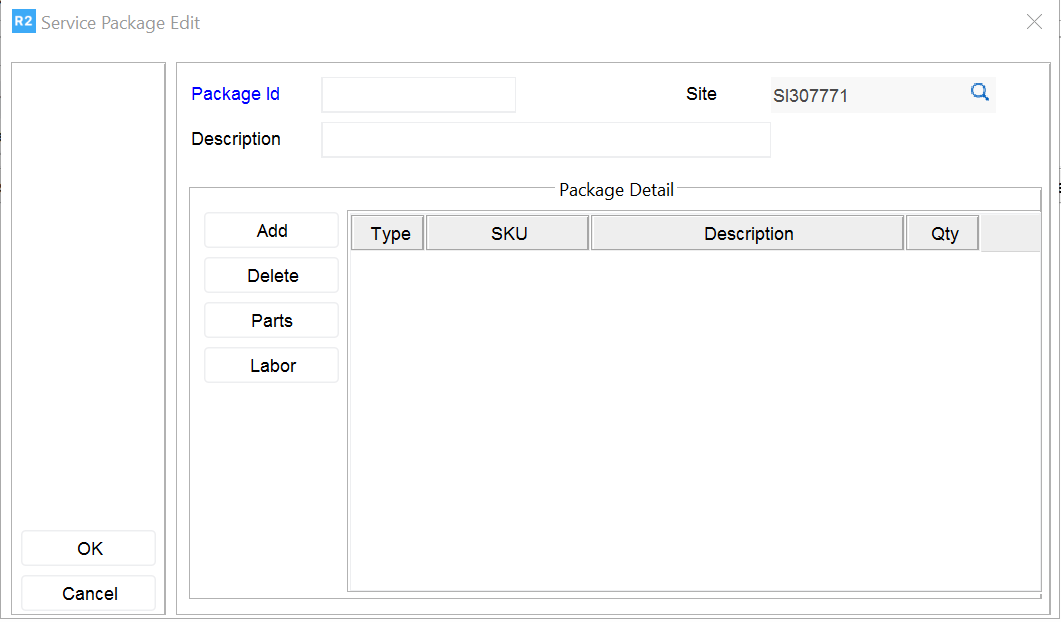
If you need to add parts or labor click on the appropriate buttons and add as needed: