-
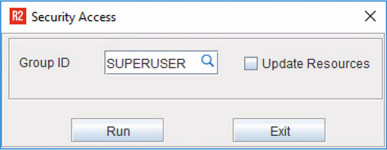
Go to Reports Module > Security Menu > Security Access.
-
Using the search button, select a Group ID.
-
Select the Update Resources checkbox.
-
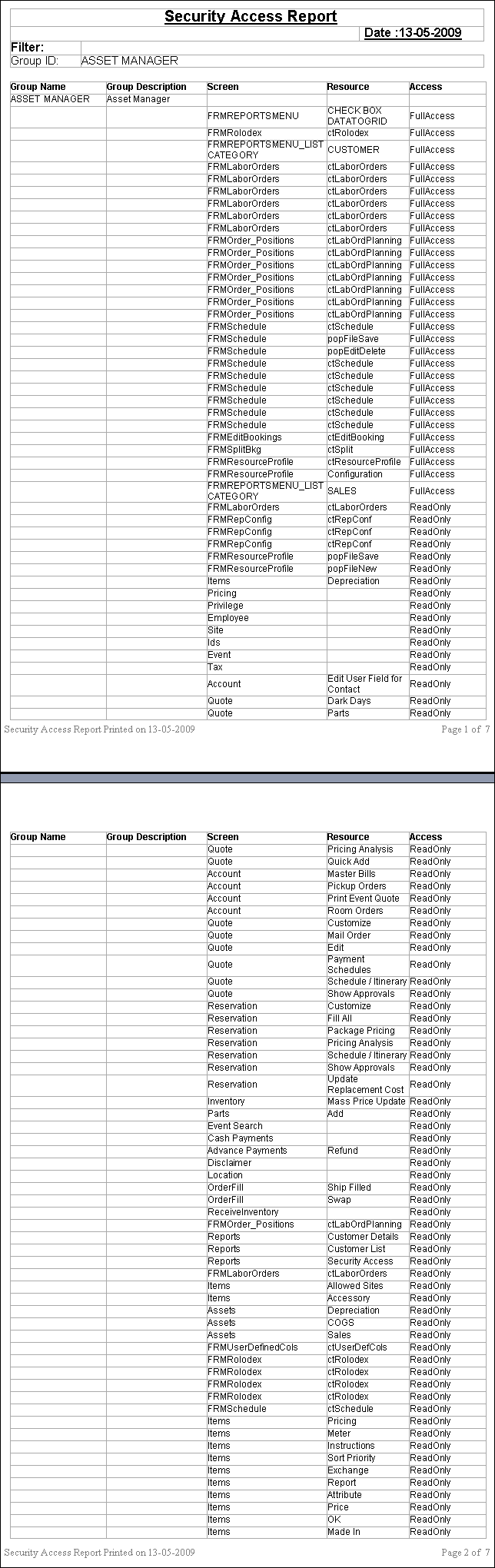
If Update Resources is selected, the screen name will be displayed correctly with the respective Window (Screen) name, when Security is applied to a Window (Screen) or if Security applied to a Window (Screen) is changed.
Click here to see the image.
-
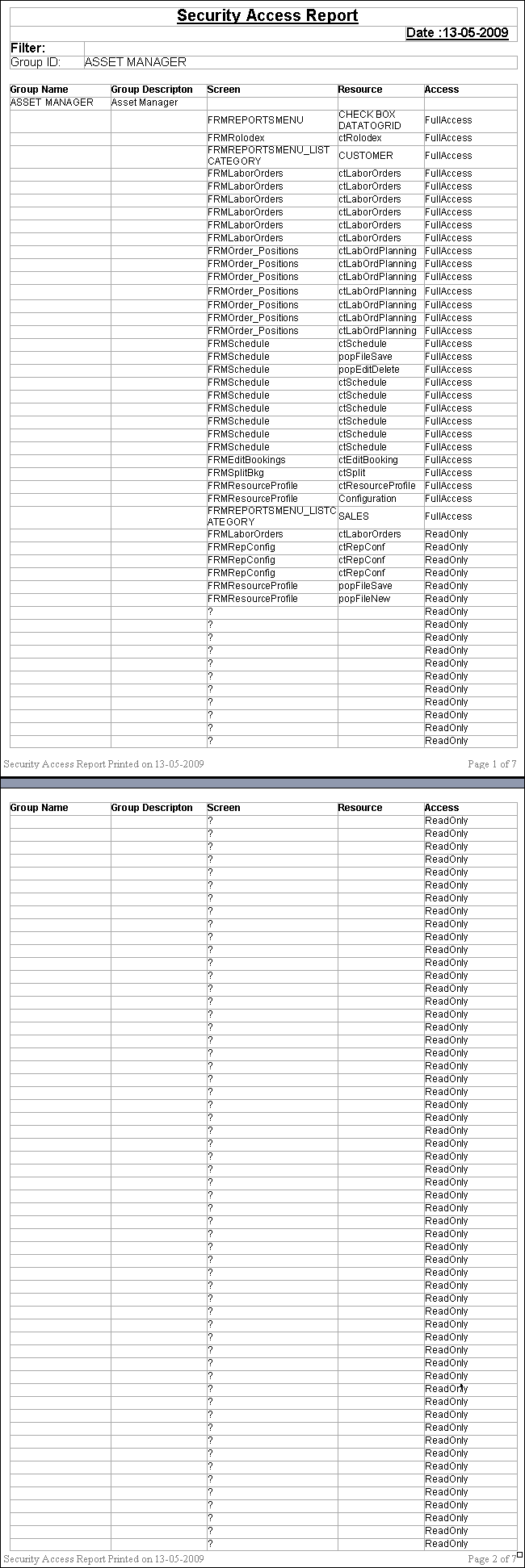
If Update Resources is not selected, the screen name will be displayed as '?', when Security is applied to a Window (Screen) or if Security applied to a Window (Screen) is changed.
Click here to see the image.