
Content was last updated in 06.22.08-00
Revision History
Version No.
|
Reference No.
|
Changes
|
|
06.22.08-00 |
Not Applicable |
Content for entire Security Module was refurbished. |
The following levels of security can be set in the Security module:
-
Window level
If window level security is set then the employee will be able to view the window according to the Access Levels set for that employee for that particular window . That is, if No Access is set as the security level then on trying to open the window an error message will be displayed and the employee will be unable to view the window.
-
Element level
If a window level security has not been set, then the employee can view the window. But with each subsequent click, security for each element in the window, that is, importable buttons Text Field, Text Area, and Edit able Combo-box can be set.
Setting Security Levels
In Security module the process followed to set security levels is the same for all modules.
Let's say, you want to define the 'Security Levels for the 'Part Edit window'.
-
Go to Maintenance > Items > Part > Press F6 Key
-
At this point, whichever window is active, gets frozen and the Security Mode for it gets enabled. The same is displayed in Window's title bar.
-
-
The Security Prompt message will be displayed.
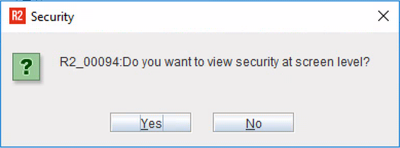
-
To proceed, click Yes to display the following:
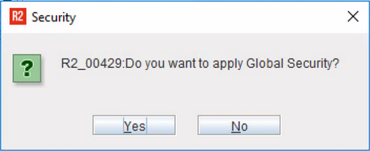
-
Security dialog listing the different Security Groups and their access levels.
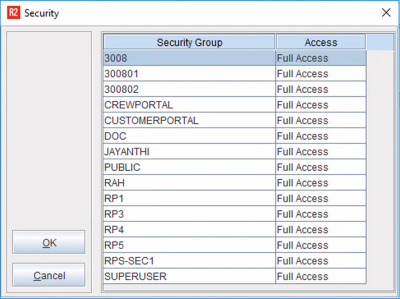
-
Select the access level and click OK, to display the Part Edit window.
-
Click No to Skip Step-4 and directly go to the Parts Edit window.
-
Click on any element in Parts Edit window to display the Security dialog. Here, you can set access level for all the elements present in the window.
The above procedure can be followed for setting security levels for ANY Windows listed in the Security sub-menus. The access level selected should be for that Security Group, which is selected for the employee.